
ronb44514943
Participating Frequently
December 2, 2018
Question

Links in PS are not active

  • December 2, 2018
  • 1 reply
  • 458 views

I open a photo in Photoshop and want to duplicate a Layer, so I click on the Layers panel, and none of the links are live for me to select, everything is Gray. Same problem with trying to save a photo, none of the links are active for me to choose. I deleted the program from CC and reinstalled it thinking this may help, but it's still doing the same thing.
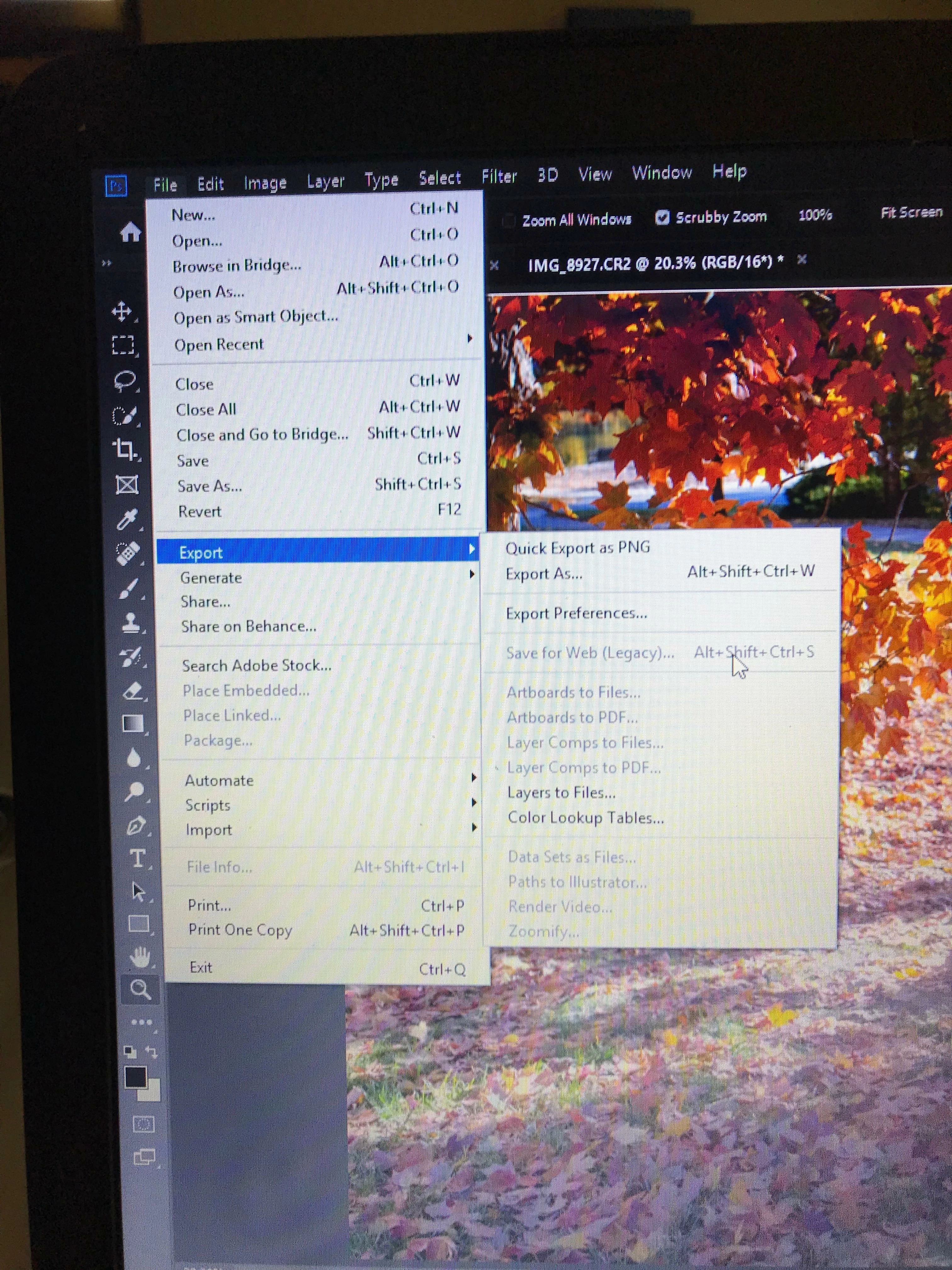
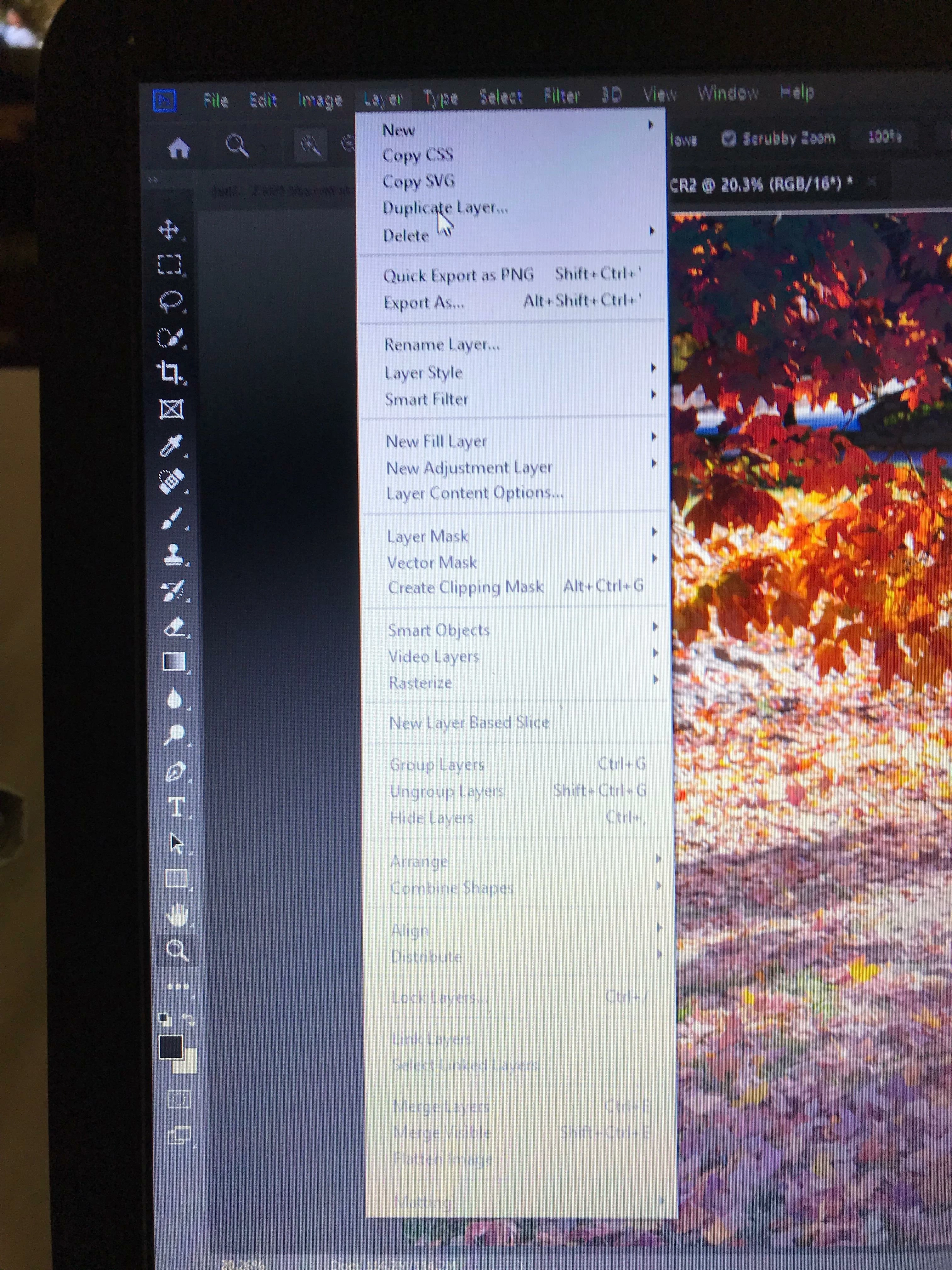
    This topic has been closed for replies.

    1 reply

    December 2, 2018

    Hi

    Did you by any chance import the images from Lightroom, if so it's a known bug, you need to have Photoshop opened first

    ronb44514943
    Participating Frequently
    December 2, 2018

    So if I want to edit it in PS from Lightroom, I have to have PS already opened?

    jane-e
    Community Expert
    Community Expert
    December 2, 2018

    ronb44514943  wrote

    So if I want to edit it in PS from Lightroom, I have to have PS already opened?

    Yes, first open Photoshop, then open Lightroom and export to Photoshop. It’s a known bug.