Answered
Liquify Brush is not working. Why?
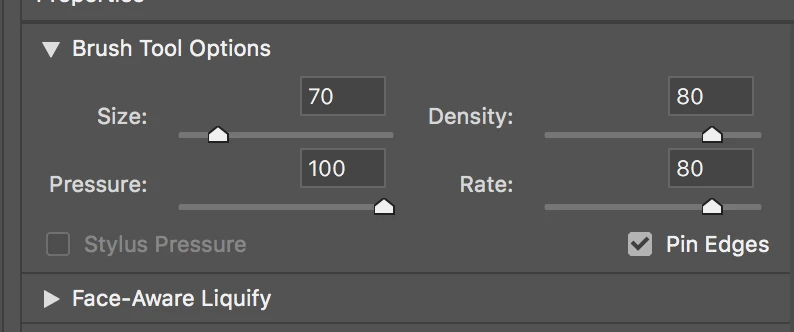
Since a recent upgrade to Adobe Photoshop CC 2018, the brush tool in the Liquify filter no longer works. The face-aware slider do work, however. Are the brush and face-aware tools mutually exclusive?
Since a recent upgrade to Adobe Photoshop CC 2018, the brush tool in the Liquify filter no longer works. The face-aware slider do work, however. Are the brush and face-aware tools mutually exclusive?
Here are screen shots:
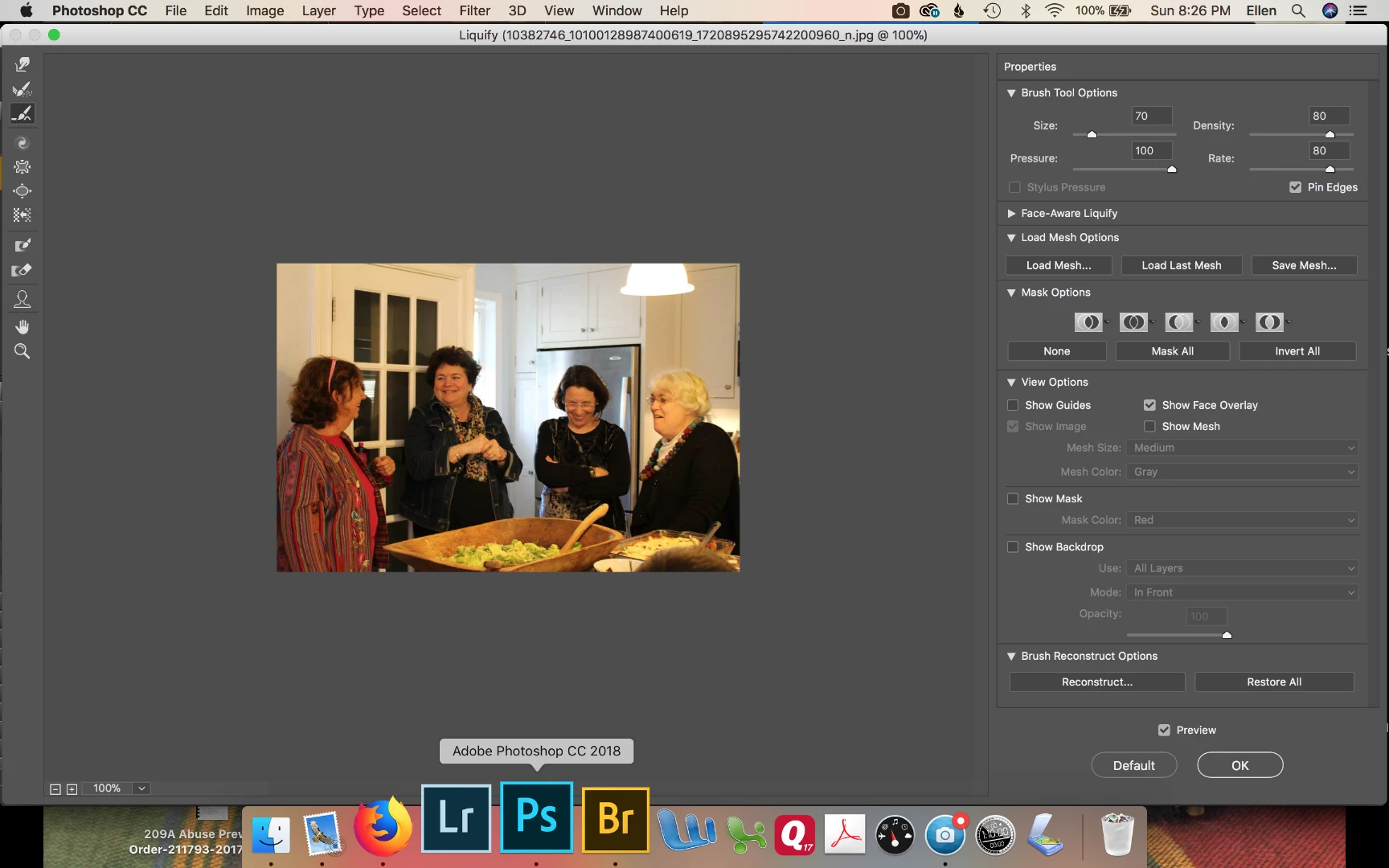
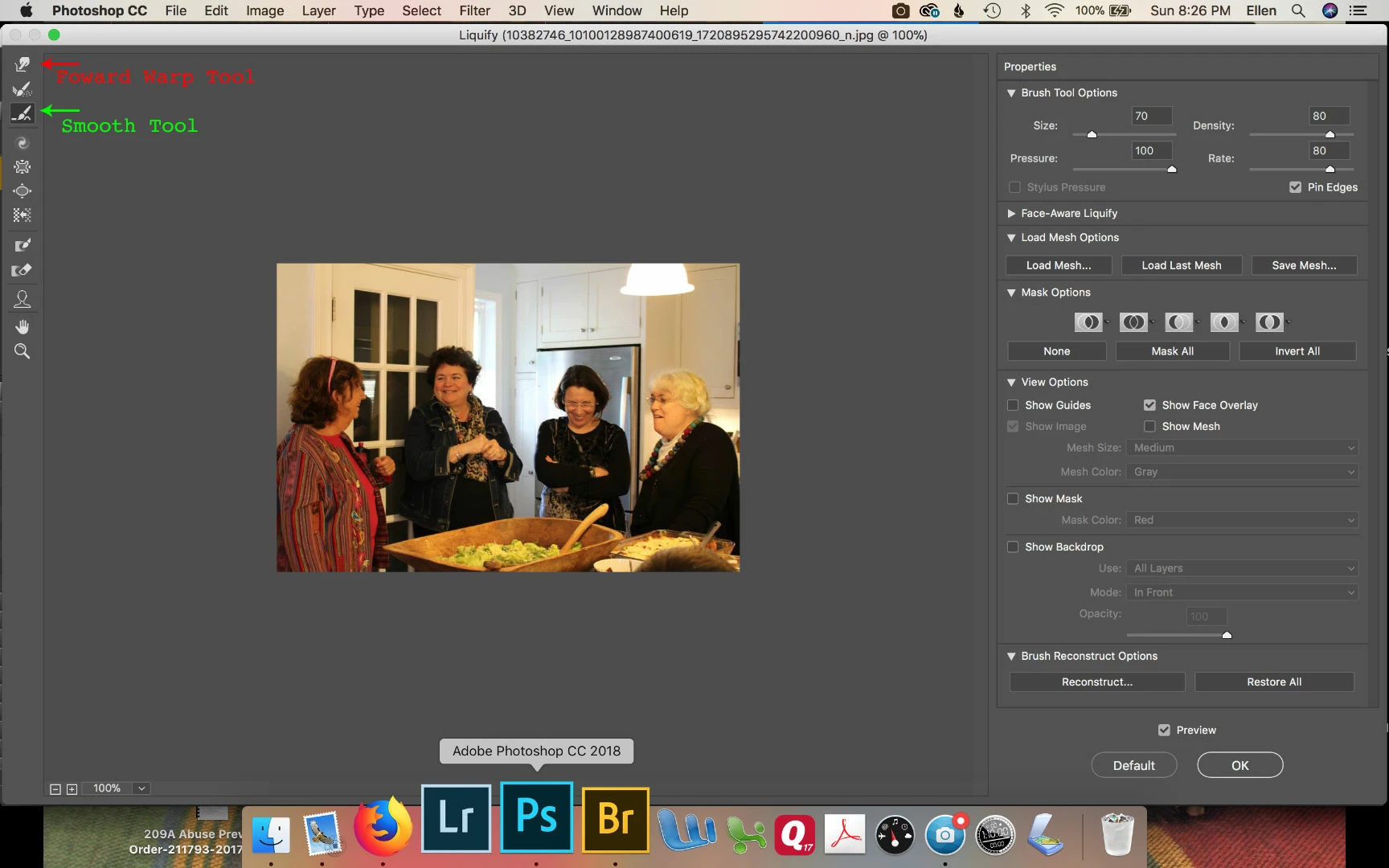
Looks like in your screenshot you have the Smooth Tool selected.
Try the Forward Warp Tool.
https://helpx.adobe.com/photoshop/using/liquify-filter.html
Already have an account? Login
Enter your E-mail address. We'll send you an e-mail with instructions to reset your password.
 AdChoices