
Answered
Liquify changes disappear when leaving liquify window
Hi all, I have recently aquired Photoshop 2021 after previously working with CC 2019 version.
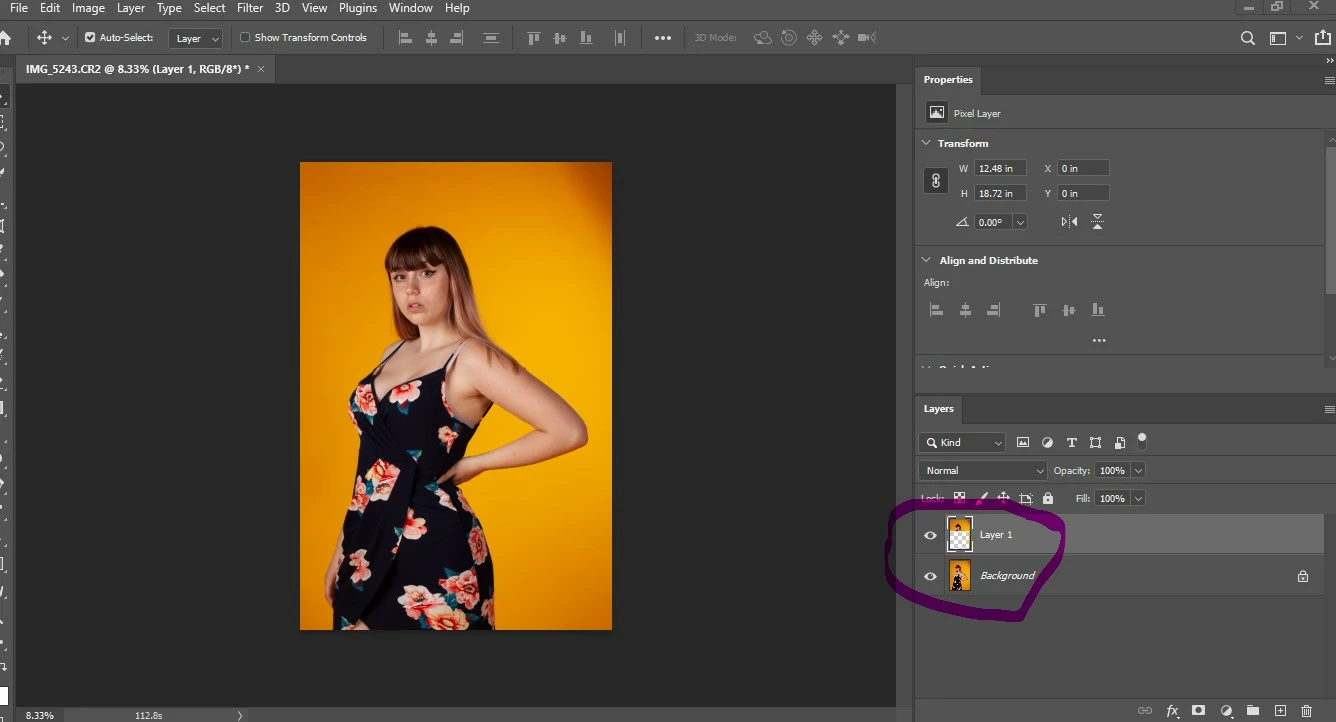
I am using on a HP Notebook and had no problems doing liquify on the old version, however now when I complete the liquify tasks they show changes until I leave the liquify screen and return to the image where they do not show at all.
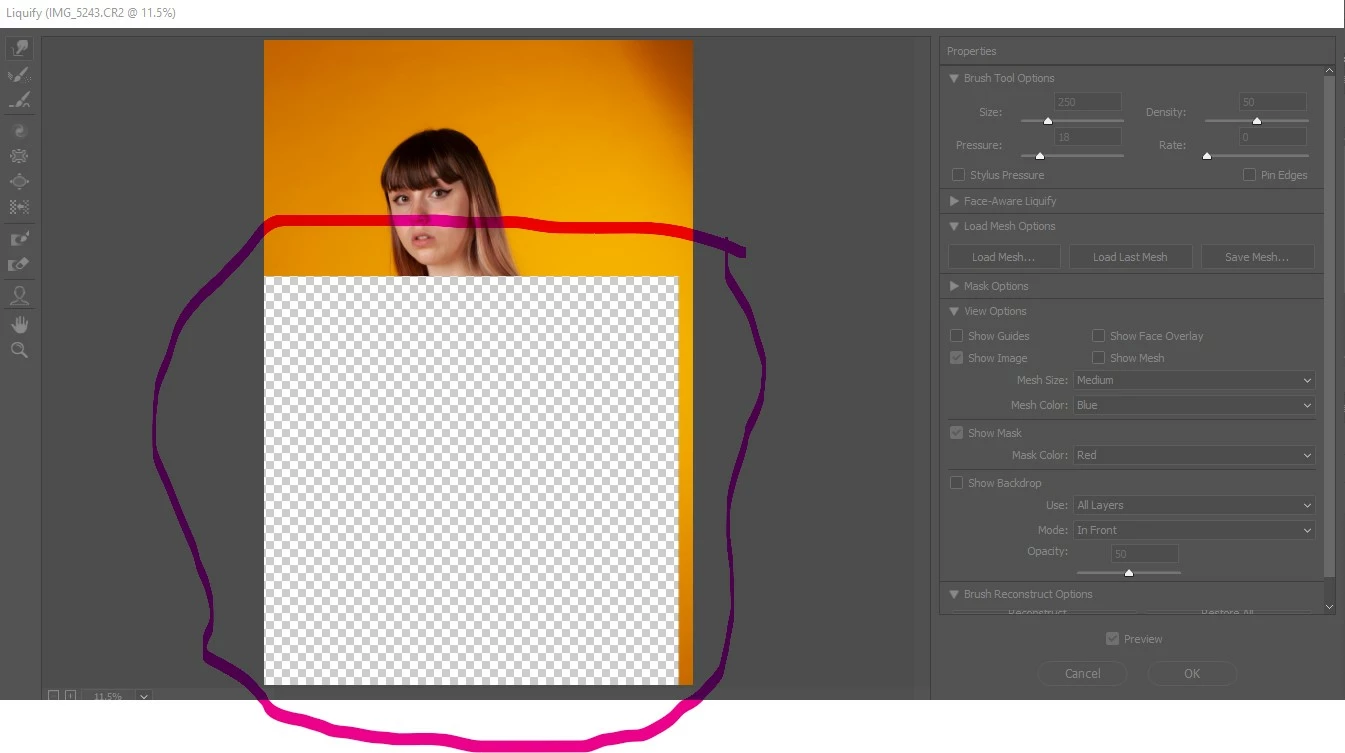
If I open the liquify window again where I previously completed the liquify changes it has been replaced by a chequerboard area (as indicating clear layer) ?
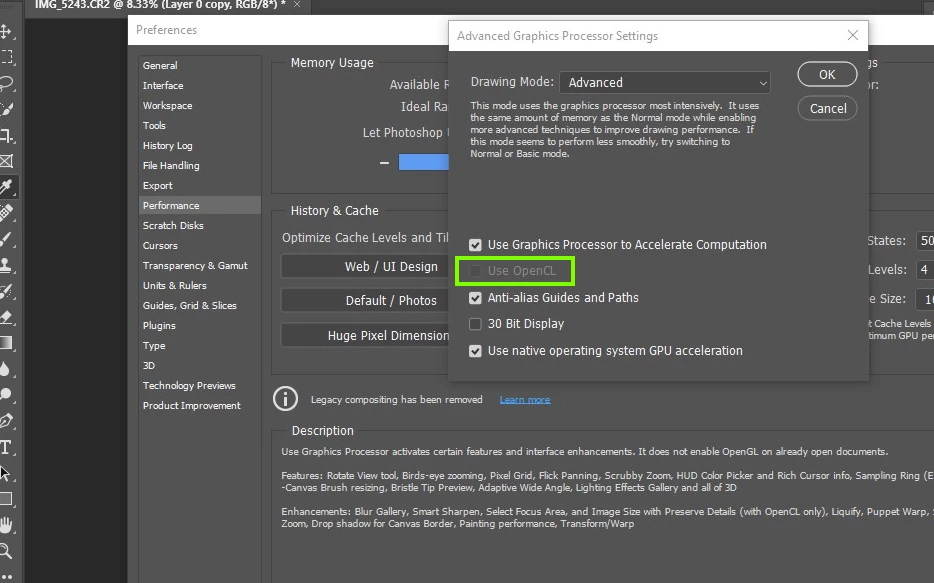
Can anyone suggest what I might be doing wrong or if I have a check box set incorrectly please?
I have attached a couple of screenshots to try and illustrate.
 AdChoices