Answered
Liquify Effect to Smart Layer Won't drag/copy to new file
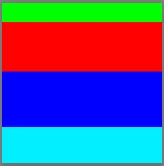
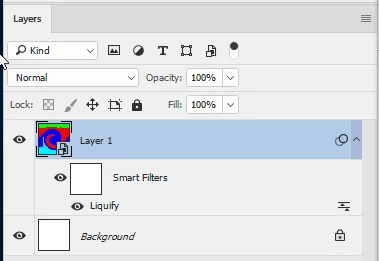
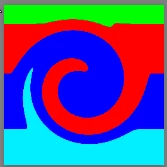
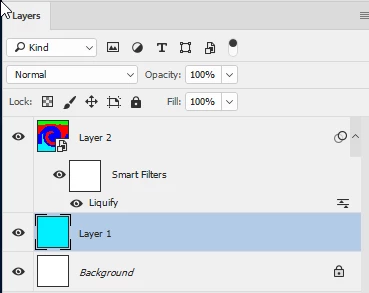
I have a Smart Layer with a Liquify effect, & they reside in a Layer Set. When I drag the layer set to a new file, the liquify effect icon is present in the Layers Palette, but the effect is not visible on the Smart Layer. This is true immediately after drag copy, before any move or scale modification. I know I can create a new Smart Layer from a copy of the Layer Set before drag copy, but I prefer to have the filter live, which is the whole point of Smart Layers.
User error, bug, or limit of application?
Thanks
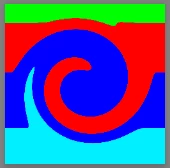
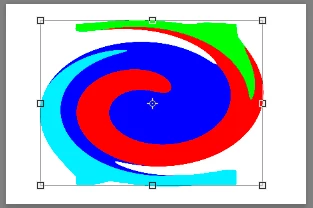
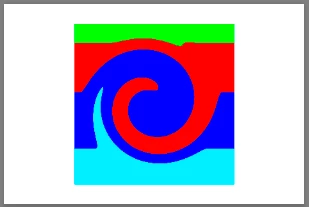
 AdChoices