TheDoc46
Inspiring
August 13, 2017
Question

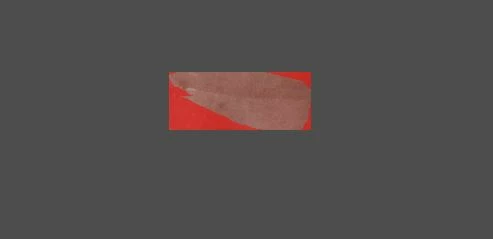
Liquify launches and looks like this ?

  • August 13, 2017
  • 2 replies
  • 234 views

Admittedly new to PS, so i could be doing something silly, but sending in a CR2 raw file from LL (on the CC so whatever the latest ver is of both LL & PS) i get the following, instead of the tool. I get all the tool menus, but instead of the image i'm trying to work on, i get something similar to what you're seeing below. Doesn't always happen. It does successfully fire up now and then, just frustrating when it doesn't. Is it a known bug, or am i doing something wrong?   
    This topic has been closed for replies.

    2 replies

    @mj
    Community Expert
    Community Expert
    August 14, 2017

    Hi,

    Seems like you might have a selection with masking options on.

    Please check the following:

    1. Do you have a selection? If yes deselect.
    2. Ensure you don't have a mask option on. You will find this on the right hand side of the dialog.

    This usually happens though if you have an active selection, so step 1 should sort you out

    HTH

    .mj

    Mylenium
    Legend
    August 14, 2017

    Nobody can tell you much without exact system info or other technical details. Liquify uses GPU acceleration, so quite likely your graphics hardware is not sufficient or inadequately configured. Start by updating your drivers.

    Mylenium