Known Participant
December 26, 2016
Question

Liquify not working

  • December 26, 2016
  • 2 replies
  • 288 views

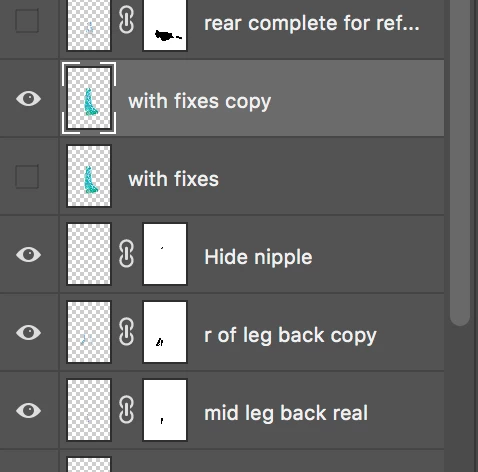
I select a layer to try to liquify

go to the filter menu and choose Liquify...

It is as if I am trying to liquify a blank layer. With view background checked at partial opacity the image is translucent. If I uncehcek the box I get a completely white rectangle.
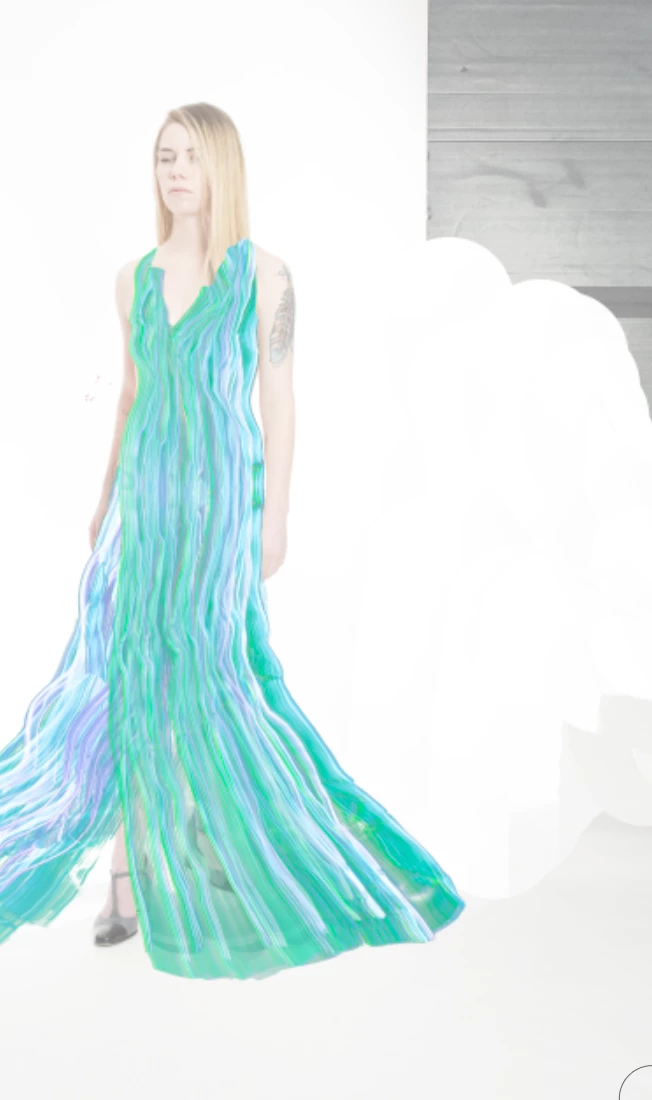
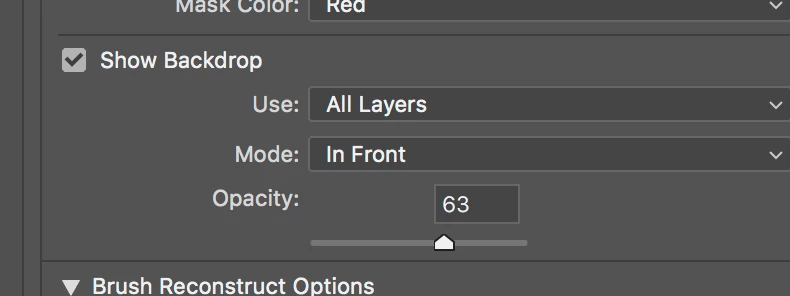
I have tried holding down option when I select Liquify to force the tool into 8 bit mode, Cmd-D to make sure I don't have an active selection, and slecting a smaller area to work on.

This topic has been closed for replies.

2 replies

Akash Sharma
Legend
December 26, 2016

Hi davida,

How much zoomed-in are you into the image? Try Cmd-0 and zoom out to "Fit-to-screen" and see if that helps.

Regards,

Akash

Known Participant
December 26, 2016

No, I was zoomed way out. Tried Cmd-0 and it made the image bigger. Liquify still didn't work

Known Participant
December 26, 2016

I am on a mac OS X 10.11.6

Updated to Photoshop CC 2017.0.1 which does not help