
Liquify 'Pin Edges' not working
Hi all,
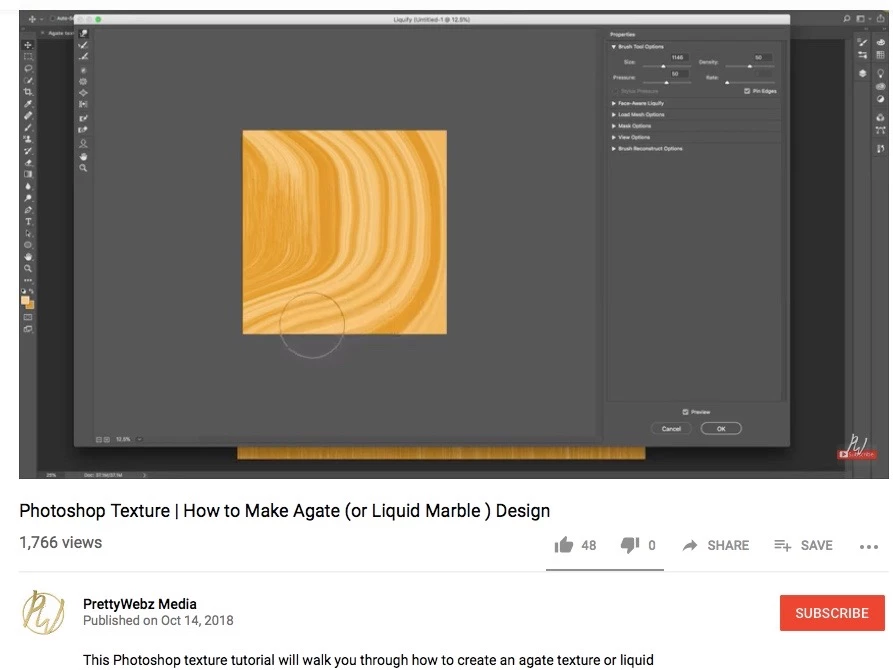
I'm trying to create my own marble pattern by following the below YouTube tutorial.
Photoshop Texture | How to Make Agate (or Liquid Marble ) Design - YouTube
I created a new page mesuring 52 cm width and 72 cm height.
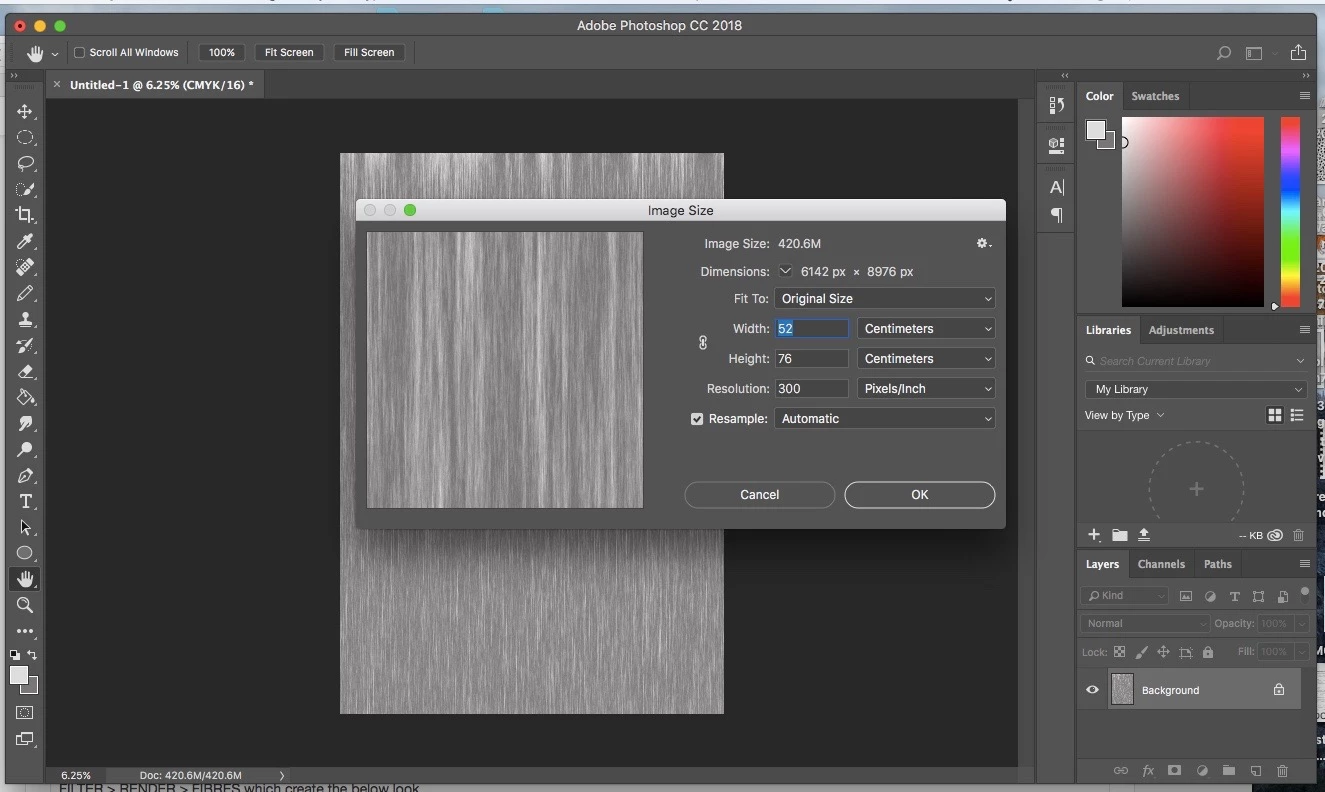
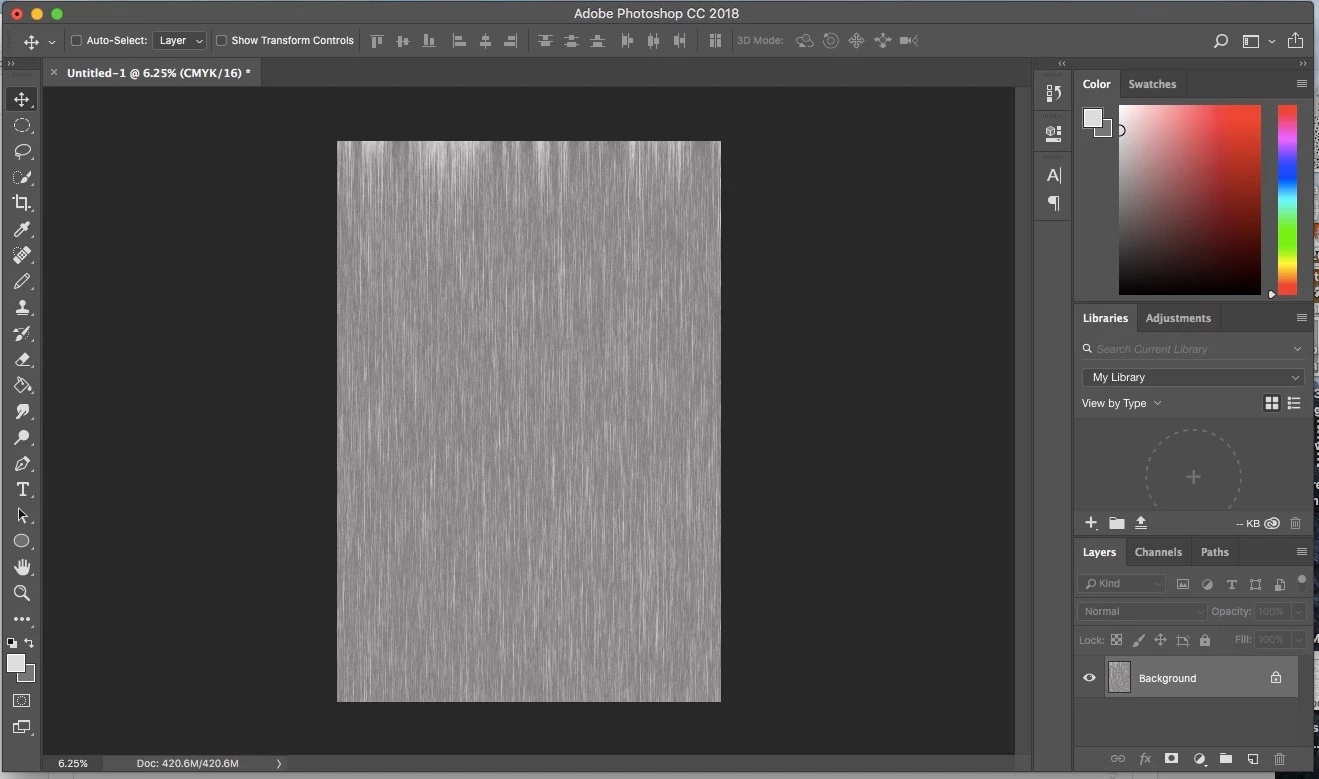
I chose my two grey tone colours and had a white backdrop colour then went to
FILTER > RENDER > FIBRES which create the below look
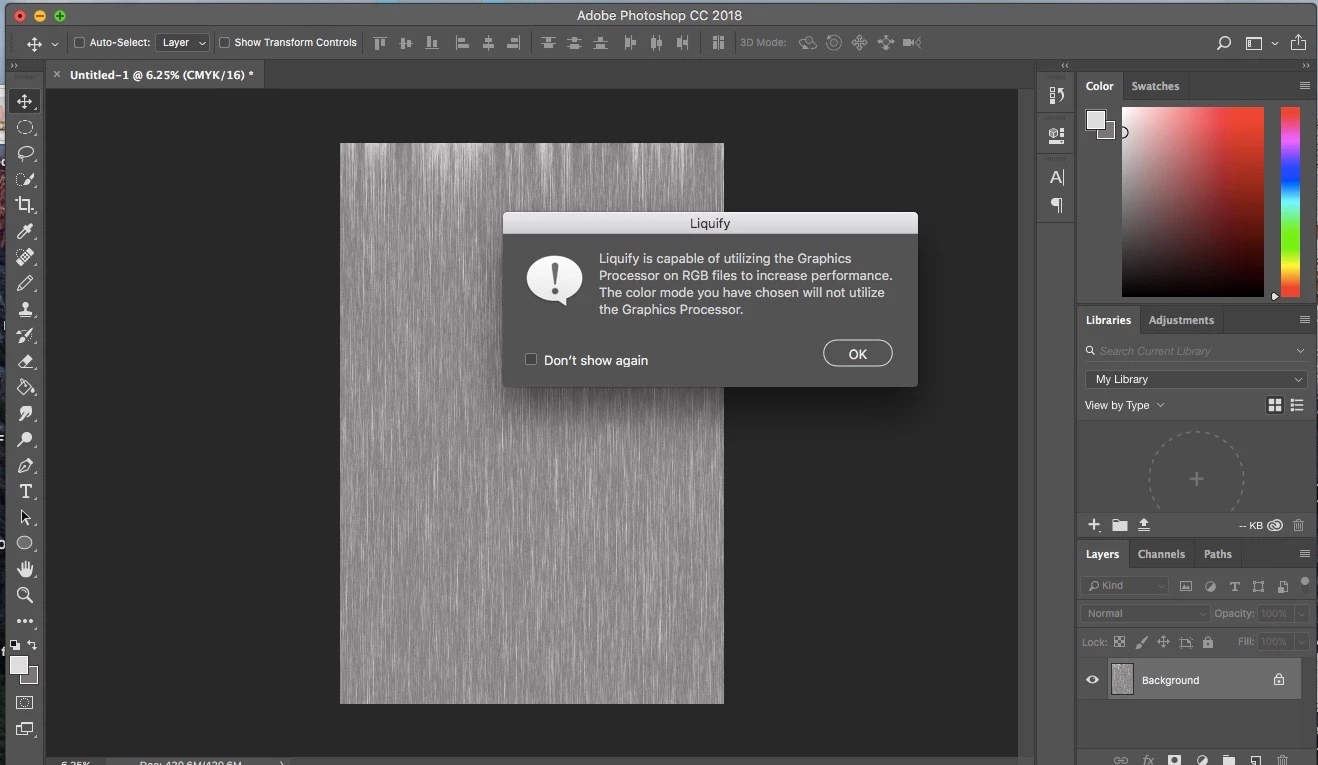
I then went to FILTER > LIQUIFY and this message popped up on the screen ....
When the liquify page popped up I noticed the 'pin edges' was'nt highlighted giving me the option to tick it.
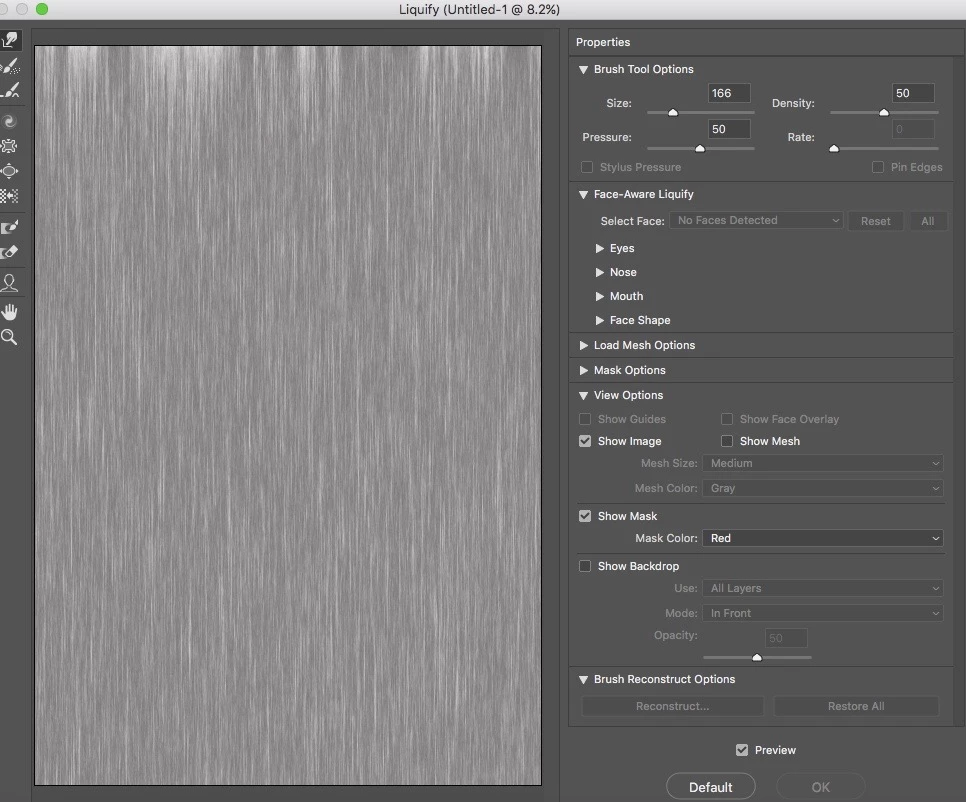
I then tried to create the marble effect by following the advice of the tutorial I posted above but my laptop was being extremely slow and when I tried to drag the large circle liquify tool over the image the image wouldn't change and it dragged the image down revealing the background as I couldn't get the pin edges to work.
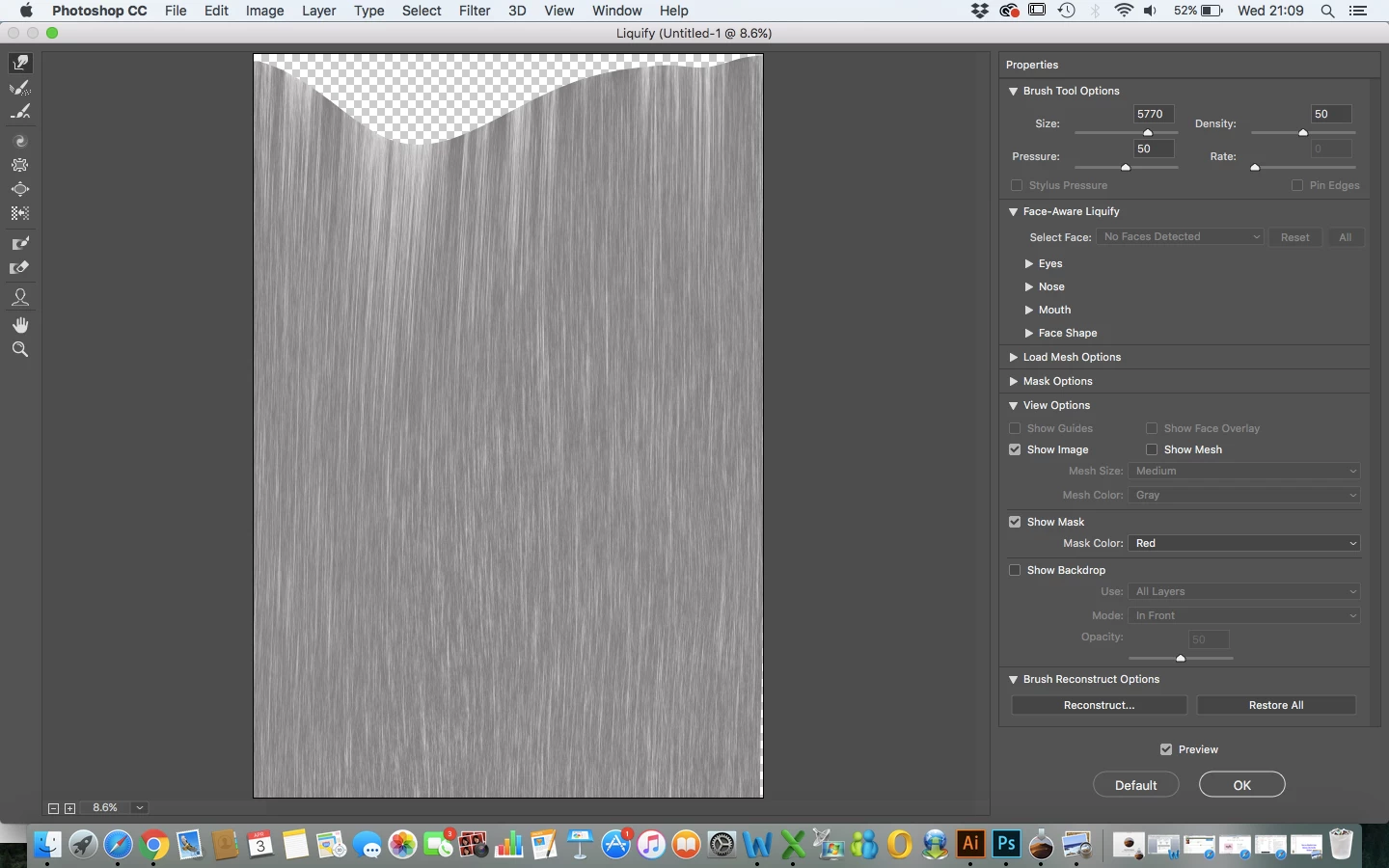
Can anyone help me with this? Is it simply because my image is too big? Those are the dimensions of the repeat wallpaper pattern I'm trying to create so I thought I would just create it to the exact size. As it's 300dpi could/should I just make the image smaller for the pin edges to appear or is it another issue and nothing to do with image size?
Thank you so much!
 AdChoices