Question
Liquify Tool panel is blacked out?
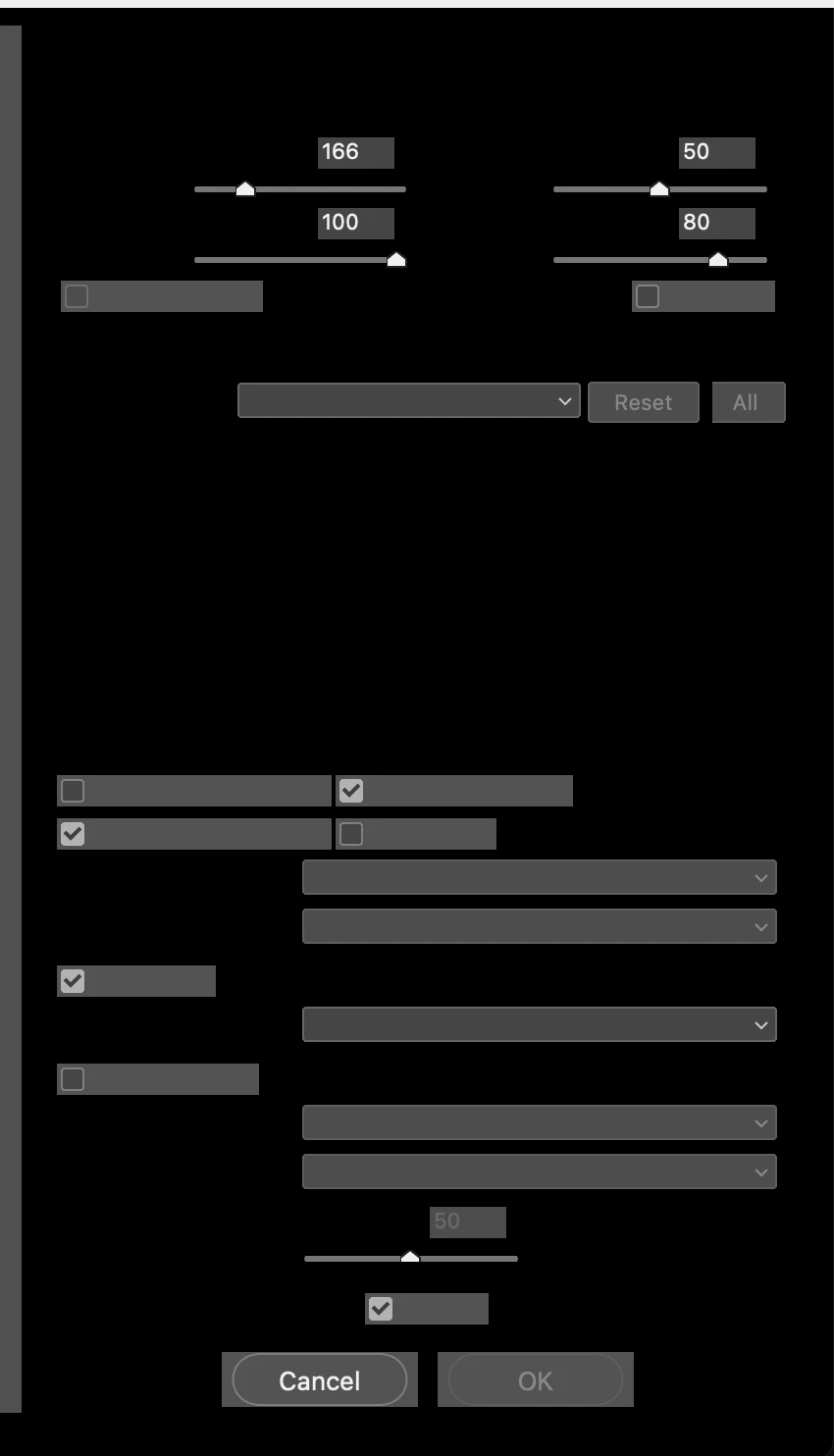
Hi guys! For some reason the whole right side of my liquify tool has been blacked out. The arrows still work but its super laggy and the picture is still showing up. Anyone know how to fix this issue?
Hi guys! For some reason the whole right side of my liquify tool has been blacked out. The arrows still work but its super laggy and the picture is still showing up. Anyone know how to fix this issue?
Already have an account? Login
Enter your E-mail address. We'll send you an e-mail with instructions to reset your password.
 AdChoices