Answered
Liquify Working In the Opposite Direction
Really odd malfunction happening in Photoshop (even after installing the update). My Liquify tool seems to be working in the opposite direction than I am trying to direct my cursor. Or, if this makes more sense, the tool seems to be bulging anything I scroll over into almost a fish eye effect.
I've tried restarting photoshop, didn't see a way to restart the Liquify tool specifically, and I thought the update would fix the issue but it did not sadly. I also tried holding down ALT while using the tool to have it work in the direction that I wanted and still didn't work.
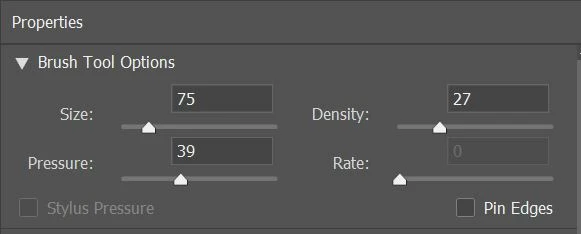
Any help here would be very much appreciated and below you can see the tool's current settings.

 AdChoices