Participant
May 1, 2017
Answered

Live shape tool properties in px instead of mm even though its the default unit

  • May 1, 2017
  • 2 replies
  • 11869 views

Hi,

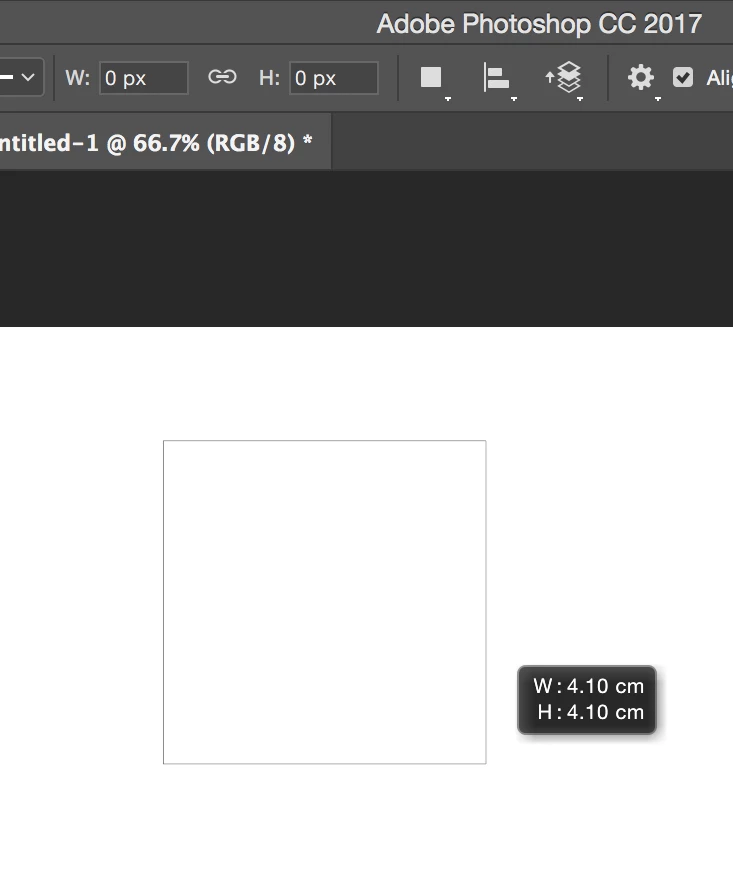
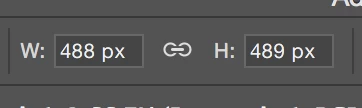
Although my default unit is set to mm, when I create a shape it shows up but then the width and height at the top are shown in pixels. How can I make it show in mm?
This topic has been closed for replies.
Correct answer davescm

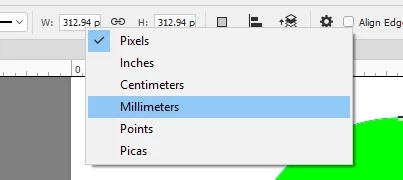
Right click on the Width or Height box and change the unit

Dave

2 replies

Edit.TC
Participant
June 23, 2020

Thanks!  This works in the Properties Window also.


davescm
Community Expert
davescmCommunity ExpertCorrect answer
Community Expert
May 1, 2017

Right click on the Width or Height box and change the unit

Dave

Participant
September 22, 2021

Dave, every single object that is created is presented with px dimensions - so right clicking on every dimension on every object to change to mm is kind of tedious and a little extremely old fashioned.

Is there a proper solution?

Thanks