Answered
Live Shapes Issues
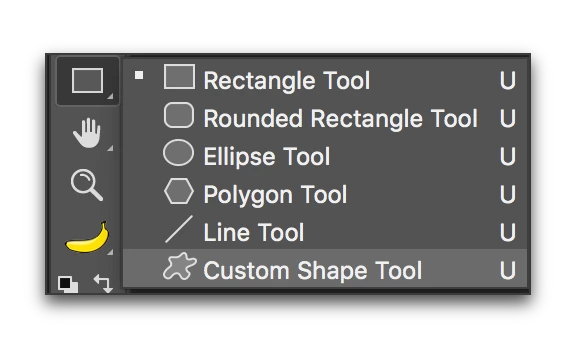
 I cant use live shapes properties only on custom shapes tool, it works fine on rectangle tool, ellipse tool, etc. I have looked but, I cannot find a way to fix this.

I cant use live shapes properties only on custom shapes tool, it works fine on rectangle tool, ellipse tool, etc. I have looked but, I cannot find a way to fix this.
Live shape properties work with rectangles, rounded rectangles and ellipses. Polygons, lines and custom shapes are not live shapes.
Already have an account? Login
Enter your E-mail address. We'll send you an e-mail with instructions to reset your password.
 AdChoices