
Participant
October 25, 2021
Question

Load Files into Stack NOT WORKING

  • October 25, 2021
  • 4 replies
  • 2106 views

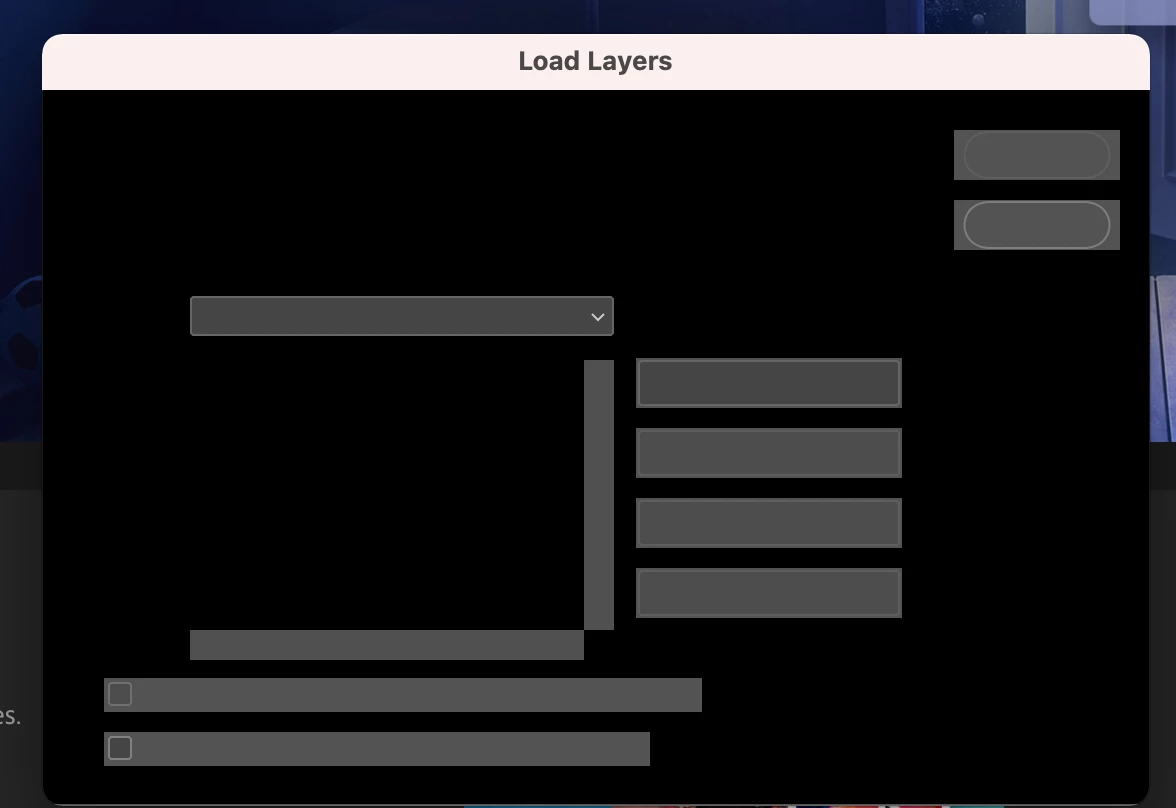
I've reset my preferences and the "load files into stack" is still not working, I've also updated to the newest version.  I' have the 20.0.6 release.  Here is a screen shot of what's happening.  When I try to load scripts, I get this (screen shot below) and the application freezes.  I'm working on a mac.  Please help!  Im not very tech savvy.
This topic has been closed for replies.

4 replies

JJMack
Community Expert
Community Expert
October 27, 2021

It looks like you may have a Mac issue. On Windows the current version of Photoshop 2019 is 20.0.1 my Windows 10 System is up to Date.  Windows 11 does not support my PC xeons processors.  Photoshop version 20.0.1 Loads File into a stack works well on my workstation.

JJMack
Stephen Marsh
Community Expert
Community Expert
October 25, 2021

You're likely to have the same issue, however a similar script here:


https://morris-photographics.com/photoshop/scripts/import-folder.html


Stephen Marsh
Community Expert
Community Expert
October 25, 2021

This looks like the result of a script being run in a version of Photoshop that is not 100% compatible with your operating system.


For example, when I updated to macOS Big Sur, I tried to use the previos version of Photoshop. I had the same result. Updating Photoshop fixed the issue. The script was fine and didn't need fixing, I just needed an appropriate version of Photoshop for the operating system.


Good luck.

Participant
October 25, 2021

So I'm horrible with updating my PS bc whenever I do, I encounter new issues.  Anyways, I updated through adobe cloud, but when I select the "about photoshop" to check the version, it shows 20.0.6 instead of the newest version.  Do I need to uninstall PS then reinstall?

Kukurykus
Legend
October 25, 2021

Use Creative Cloud Desktop to update your Adobe applications.

Kukurykus
Legend
October 25, 2021

Most recent is 22.5.1.

Participant
October 25, 2021

Do you think updating to that will fix the issue?

Kukurykus
Legend
October 25, 2021

I remember there were some posts with similar graphics as yours before some update.