
Answered
Lock issue
In the tutorial file when lock is on, image is selected but in my file when lock is on, I am unable to select the image. I use latest version. I wish to know whether it is a veresion issue or not.
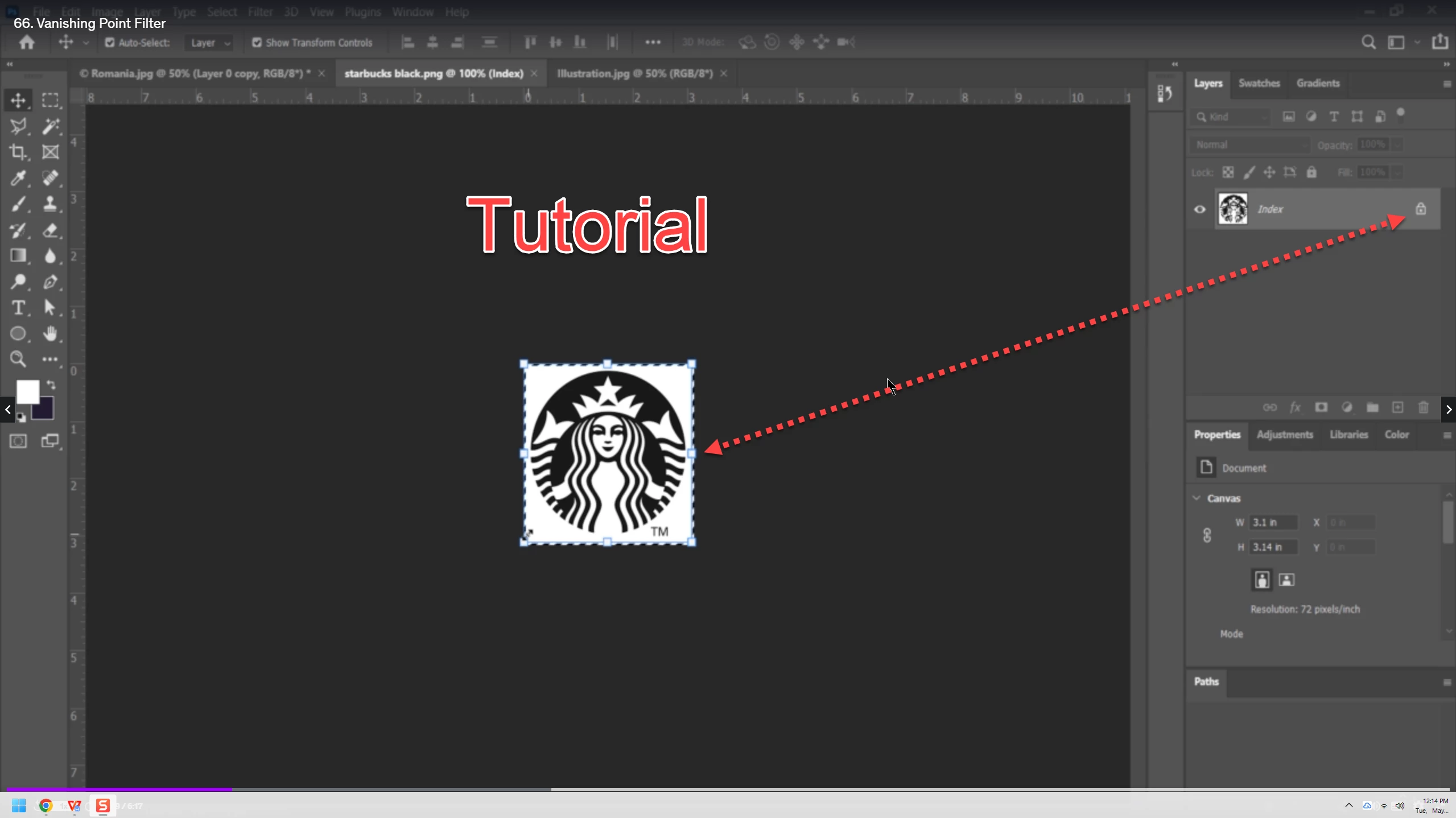
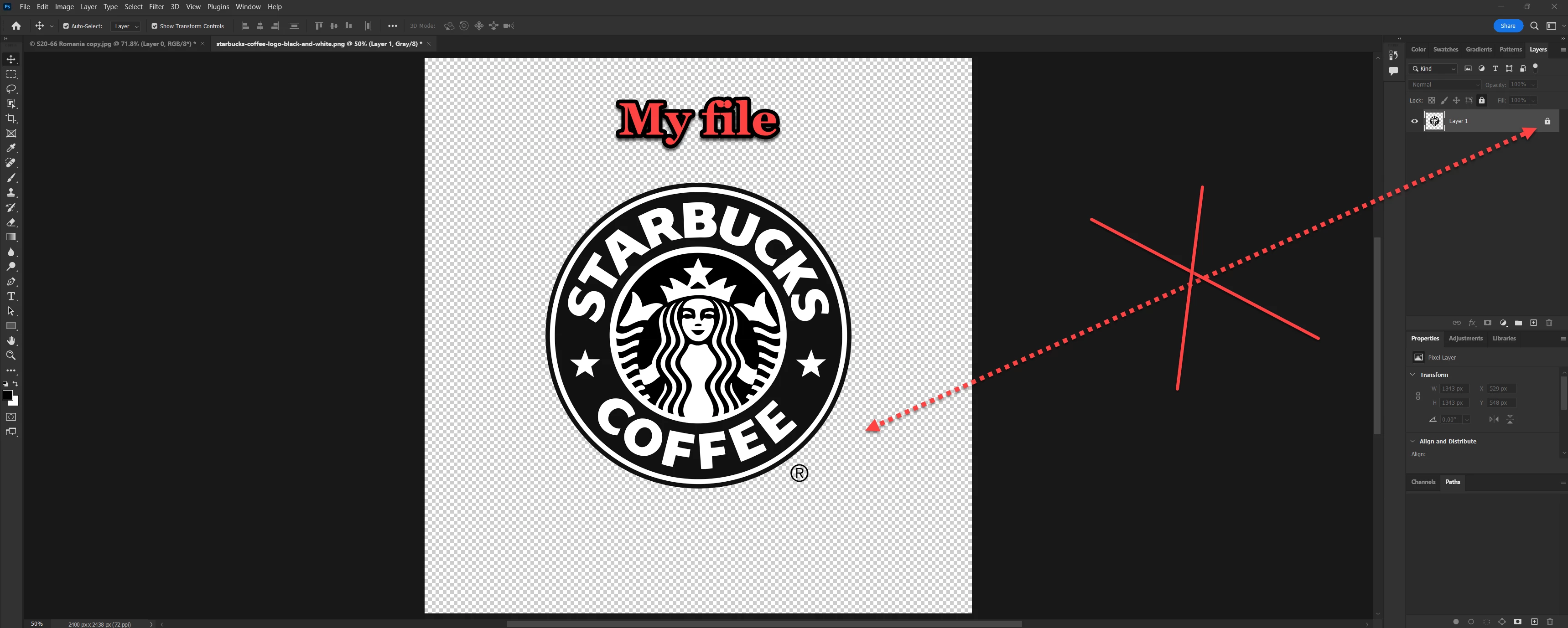
In the tutorial file when lock is on, image is selected but in my file when lock is on, I am unable to select the image. I use latest version. I wish to know whether it is a veresion issue or not.
Hi @MahaB82A it sounds like you need some basic Photoshop tutorials to get you started.
These may be more helpful than the current one you are using:
https://helpx.adobe.com/photoshop/tutorials.html
Already have an account? Login
Enter your E-mail address. We'll send you an e-mail with instructions to reset your password.
 AdChoices