LR Classic 11.1 and/ or PS 23.1.1 creating spot patterns on image or window background.
Set up: iMac 27" 2017 with OS Big Sur and now Monterey. 32GB ram, Intel i5 chip.
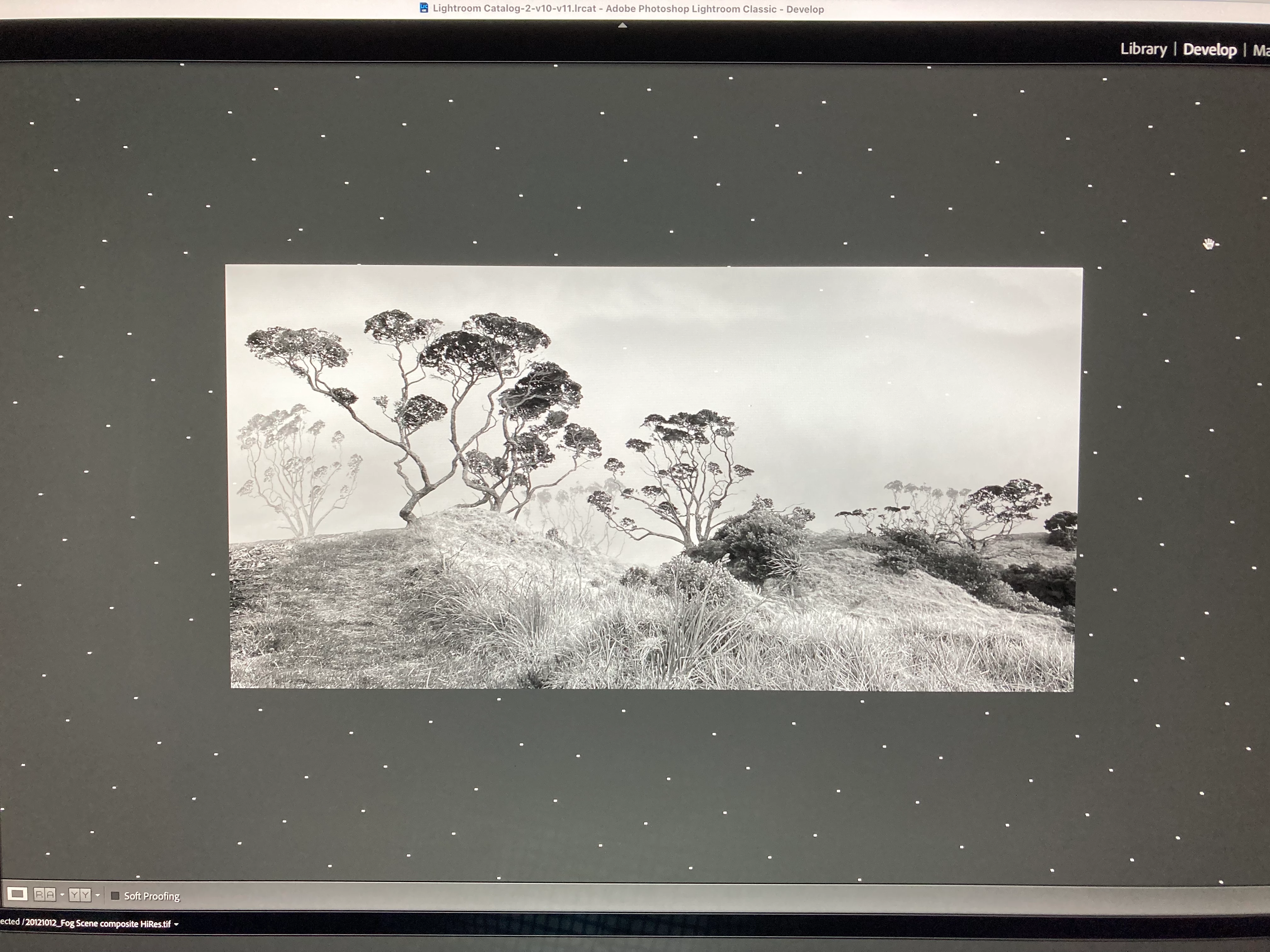
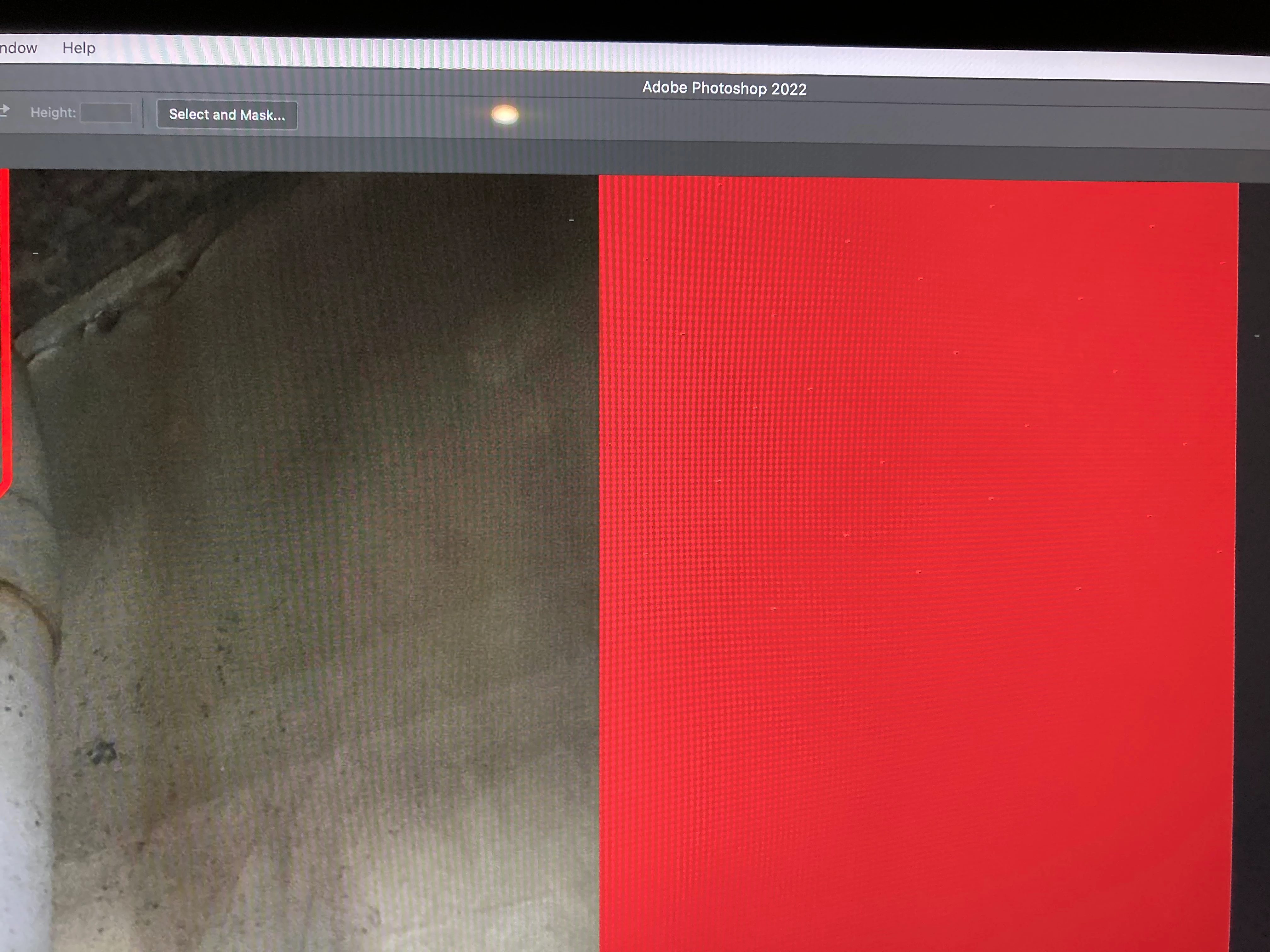
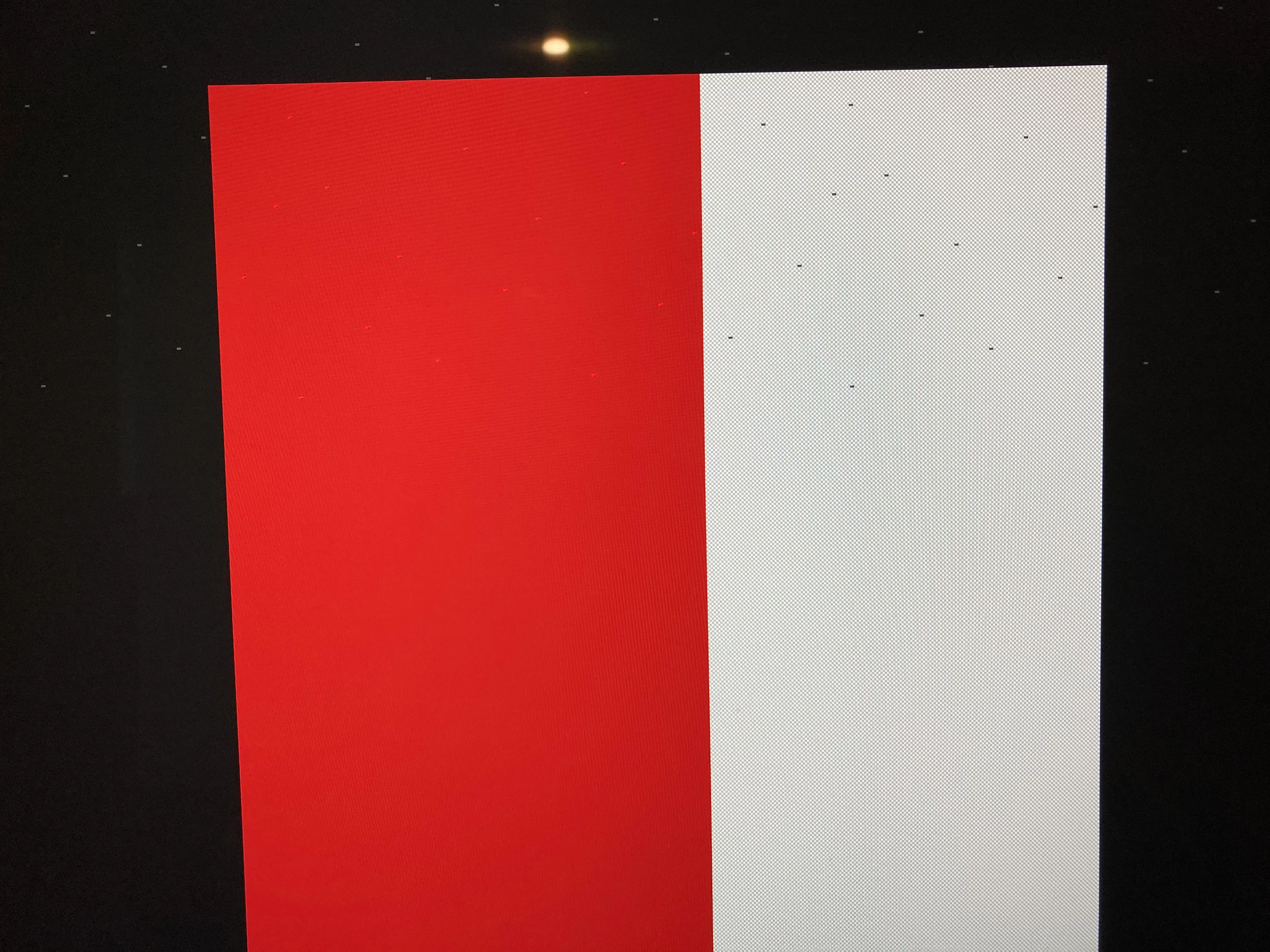
For a couple of weeks now I have been getting bands of rectangular spots either all over the viewing window background, in a pattern or in a band with not-obvious pattern along the top of the window. Moving the image around it runs over the spots such that they sparkle through the image. But sometimes the spots appear in the image in PS after loading direct from file or opening from LR, in which case they move around with the image on a plain background.
I have tried resetting the SMC and Pram on the iMac; I have run Apple hardware diagnostics with an all-clear result; I have tried removing all connected cables from the Mac with just keyboard and mouse operating and bringing them one at a time; I have tried alternative Bluetooth keyboard and mouse. I have tried only Wifi or Ethernet internet connection. Nothing stops the the spots from turning up, not always immediately but eventually. Changing from LR Library to Develop mode can create a full background pattern, as above.
The issue started in Big Sur. Upgrading to Monterey has possibly made things worse. Zooming up to 600 or 800% in PS shows the spots to be transparent with the transparency pattern behind, but sometimes they have RGB colours.
The problem does not occur in Photos or Word, but has occurred in images within Safari searches.
Saved images after LR and PS PP are no affected, only while on screen.
Any advice please?
 AdChoices