
Question
mac custom brush .abr but can't load in windows pc
I received a set of custom landscape brushes from a mac user of photoshop cc but when I import it into my windows photoshop cc I can see the folder but not open it. First image is my download folder 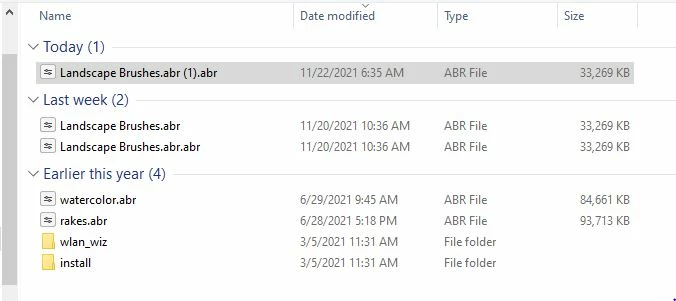
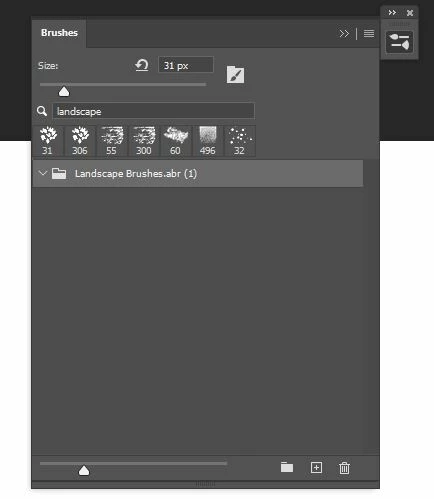 In my download folder on pc I see .abr .abr twice in the file that was sent to me. I thought all photoshop .abr files would work either in mac or pc? is it a file extension problem? I tried renaming the file to reflect just landscape brushes.abr but still cannot open the folder inside photoshop cc on my windows desktop. Can you tell me how to resolve the problem with the mac user? The user doesn't use windows at all.
Thanks for any assistance
R
 AdChoices