Answered
This topic has been closed for replies.
Pete Green's reply on this issue and a workaround:
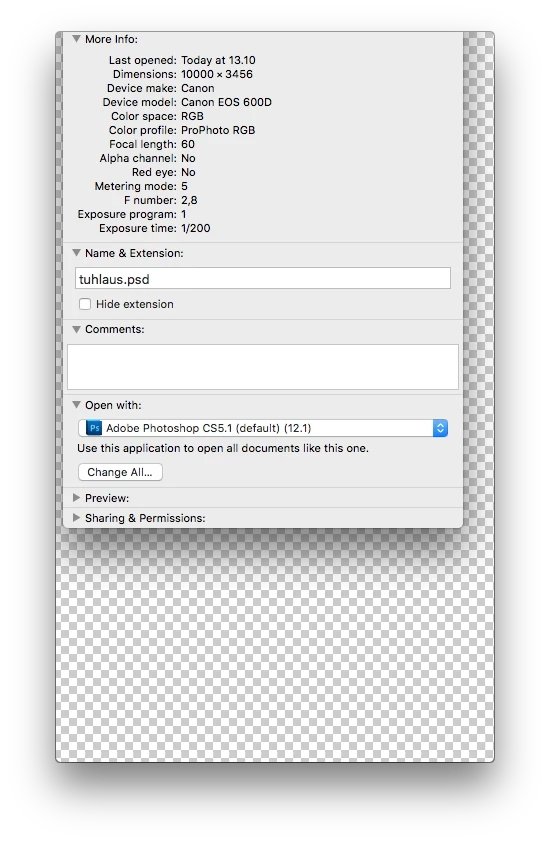
Thanks for the report of the trouble setting Photoshop CC 2018 as the default application for opening PSD, We are aware of this one and working on a fix.
For now, the workaround is to have Photoshop open before you double-click on the PSD file, or drag the PSD onto the Photoshop icon on your Dock
Sign up
Already have an account? Login
To post, reply, or follow discussions, please sign in with your Adobe ID.
Sign inSign in to Adobe Community
To post, reply, or follow discussions, please sign in with your Adobe ID.
Sign inEnter your E-mail address. We'll send you an e-mail with instructions to reset your password.
 AdChoices