

Made image at 72 dpi, comes out blurry on web?
Hey guys, so I wanted to customize my banner on linkedin to match my portfolio and stuff, so linkedin says "1536 X 768" so in illustrator I set up my document to be that amount of pixels at 72 dpi, as per usual, so I downloaded this free vector of a hot air balloon and did an image trace, and everything looked fine, clear and all, brought that into photoshop, did my coloring to things, went to save for web and had it at 72 dpi for web with the correct pixel size, when I go to preview it comes out really blurry, and when brought into linkedin its blurry and im really not sure where I went wrong because its 72 dpi, the correct pixel size yet here it is blurry, I have no idea where to go from here
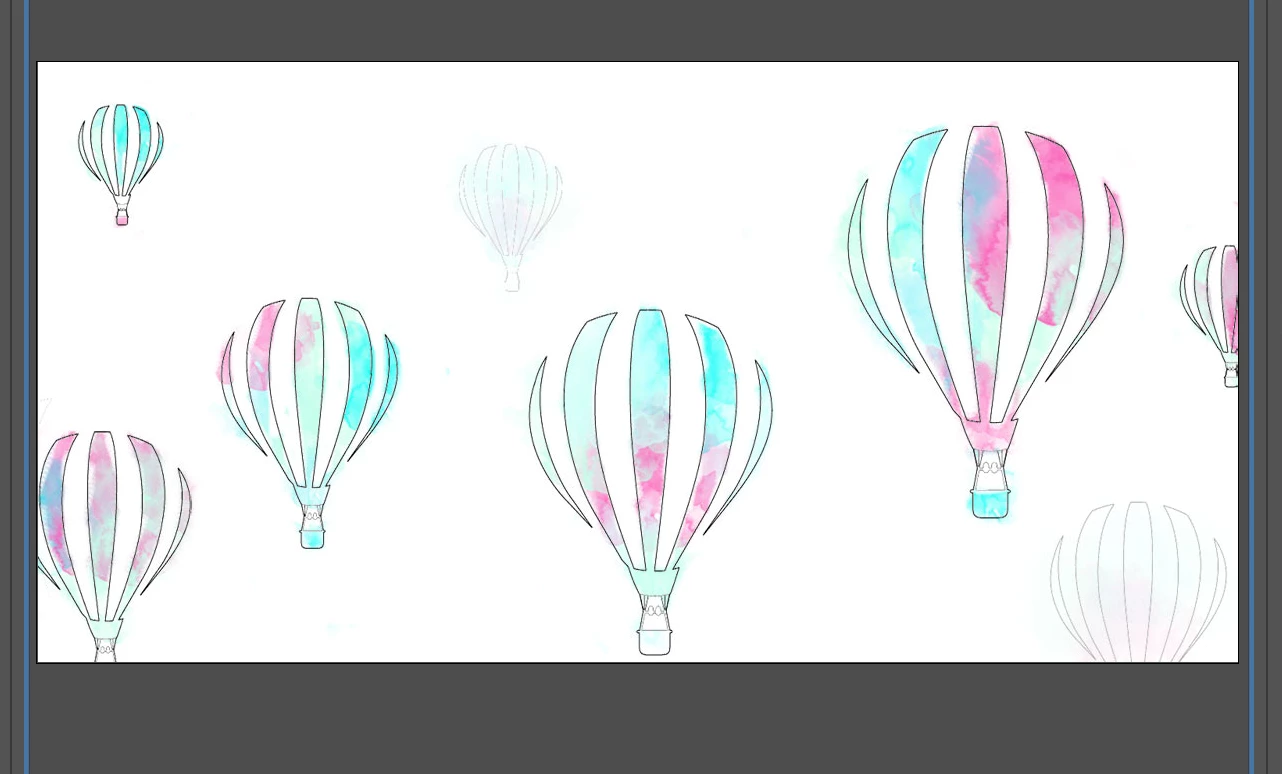
here it is clear in photoshop preview:
here's how it comes out on the web:
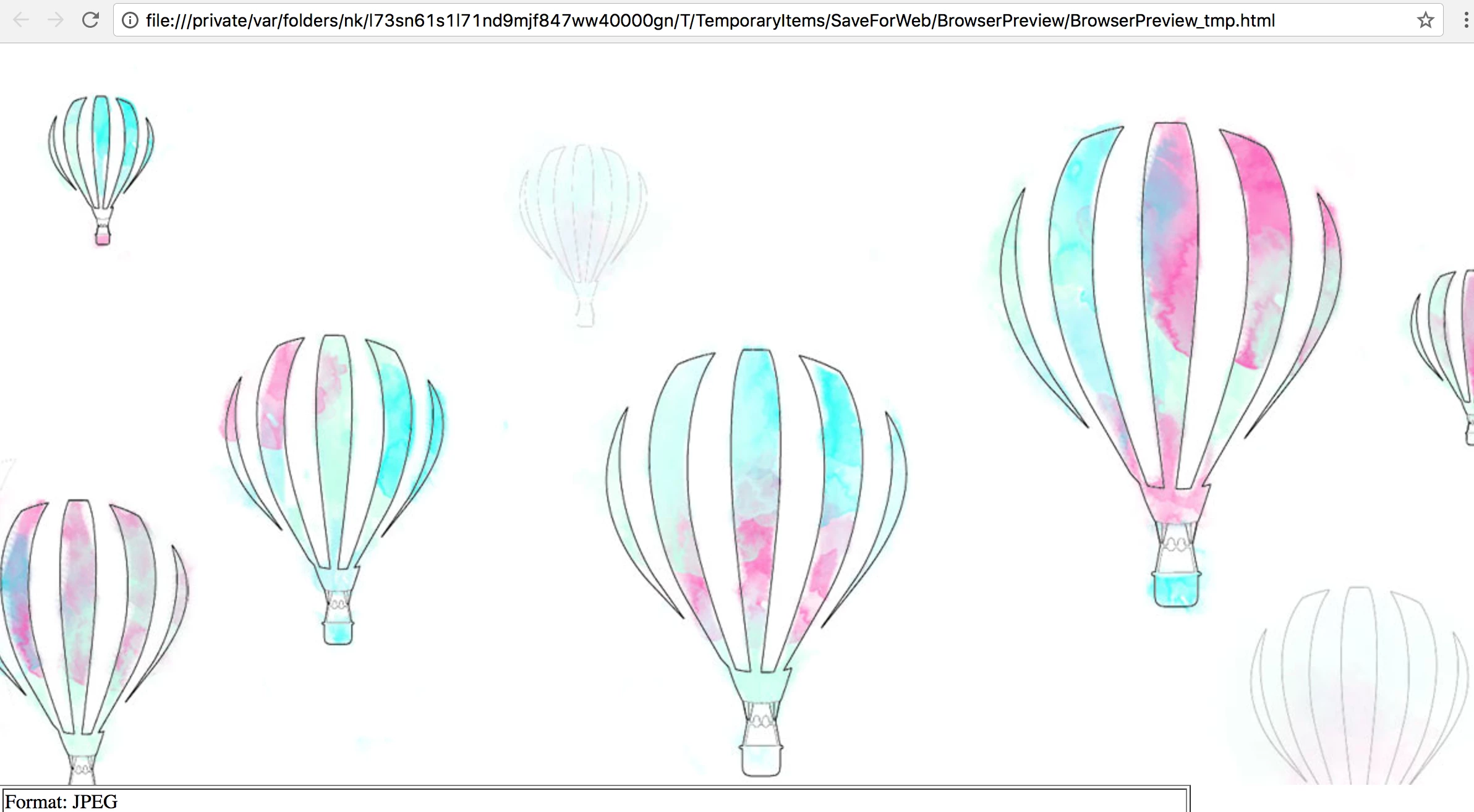
it looks a lot more blurry when previewed in web then on this picture in here, I am just not sure where im going wrong
 AdChoices