

Magic wand tool inconsistent when making intersecting selection
I have this piece of art here
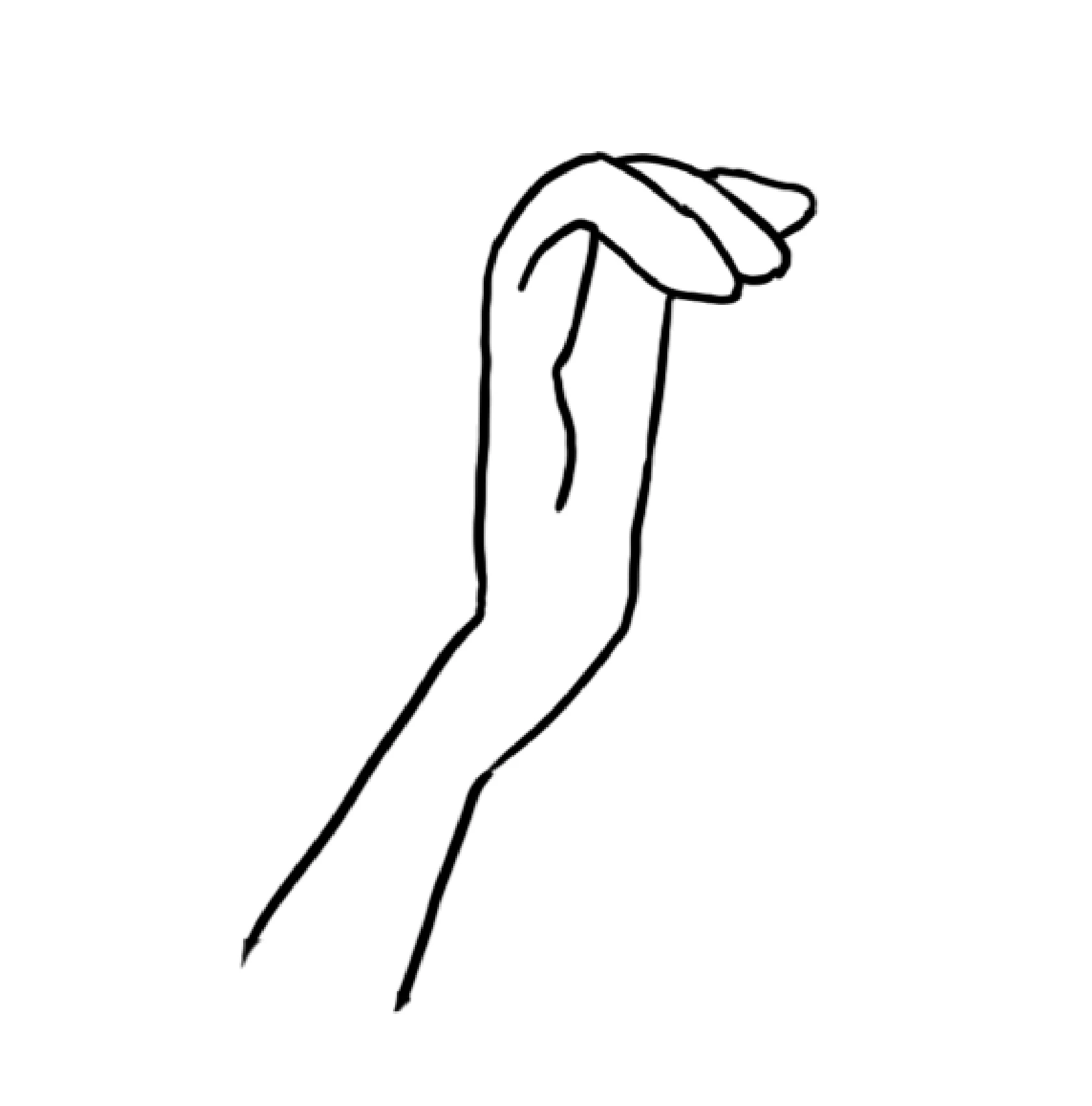
I want to fill the inside of the shape with color. So first I make a selection with the Polygonal lasso tool
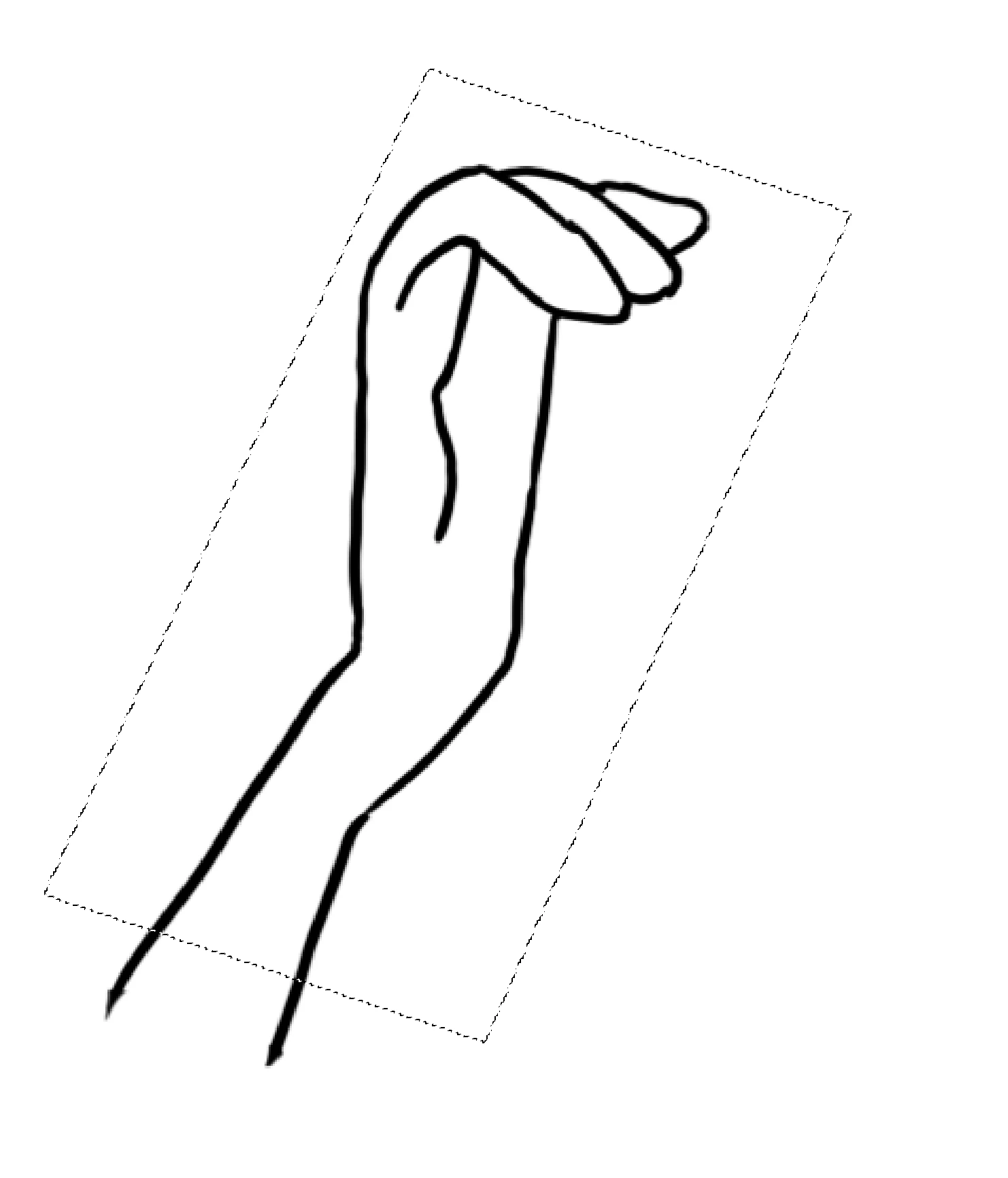
And then I take the Magic wand tool, check the box that says "contiguous," set tolerance to 10, click the option for intersecting selection (see image here for what my toolbar looks like)

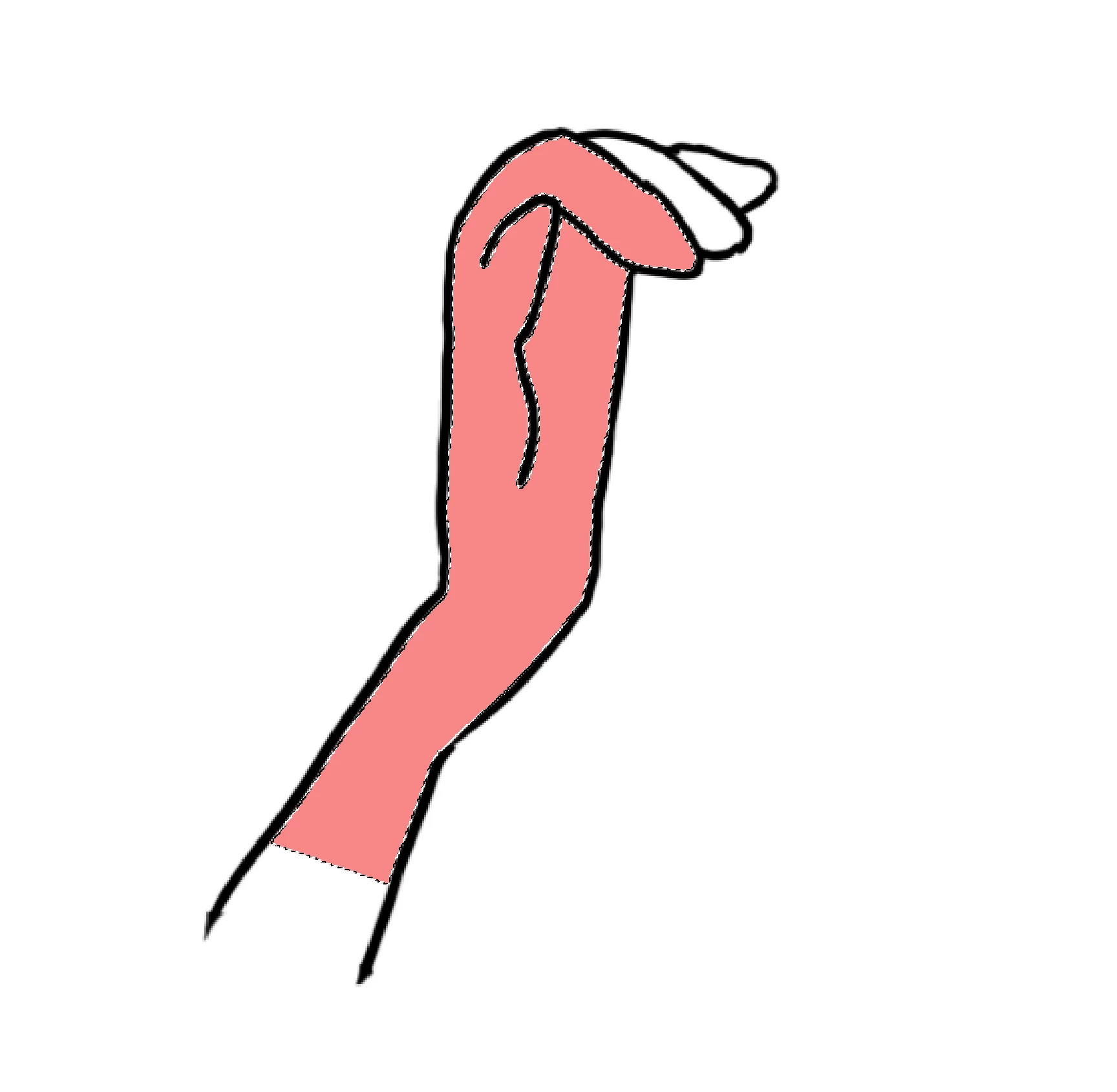
And click in the middle of the shape.
Sometimes I get the result I want, and this is the area that is selected:
More often, however, the selection I am left with includes the areas beyond the black line but within the bounds of the initial selection:
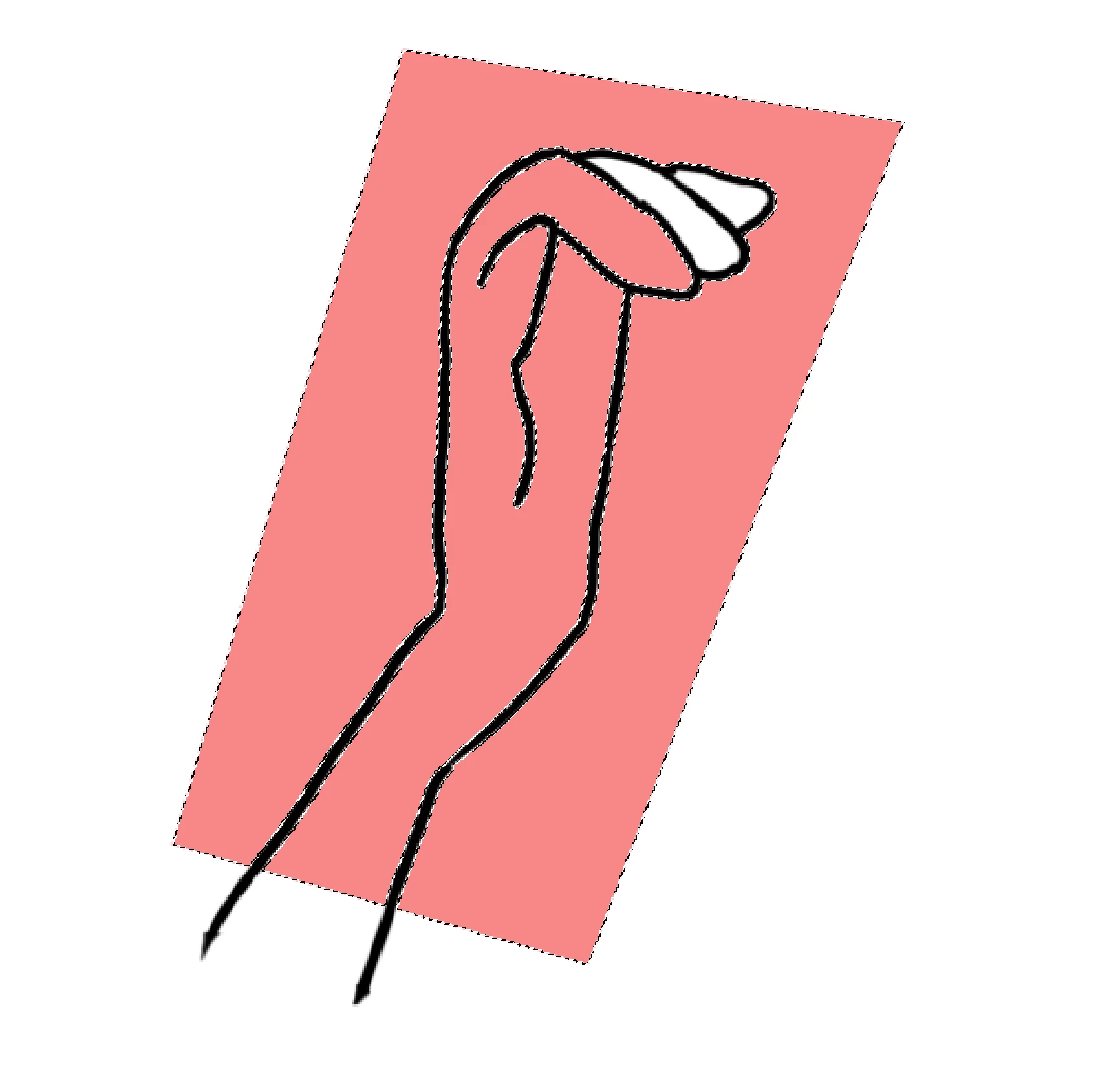
Because the contiguous box is checked, shouldn't the selection be limited to the area within the shape where I clicked with the magic wand?
I've tried lots of variation to see what the problem might be: doing only one section of the hand at a time, poring over and over the black line to make sure there are no breaks in it, and experimenting with thicker lines and different shapes.
I feel like I'm missing something here. There must be some little thing I'm doing that's causing this. I certainly hope there is, because I pay too much money per month for this product to have its basic functionality bug out like this.
 AdChoices