
Question
make a 3d planet moving
hello everyone
i would like to make a small animation more less like the sony A1 bravia oled publicity exept that i just want the planet to turn slawly
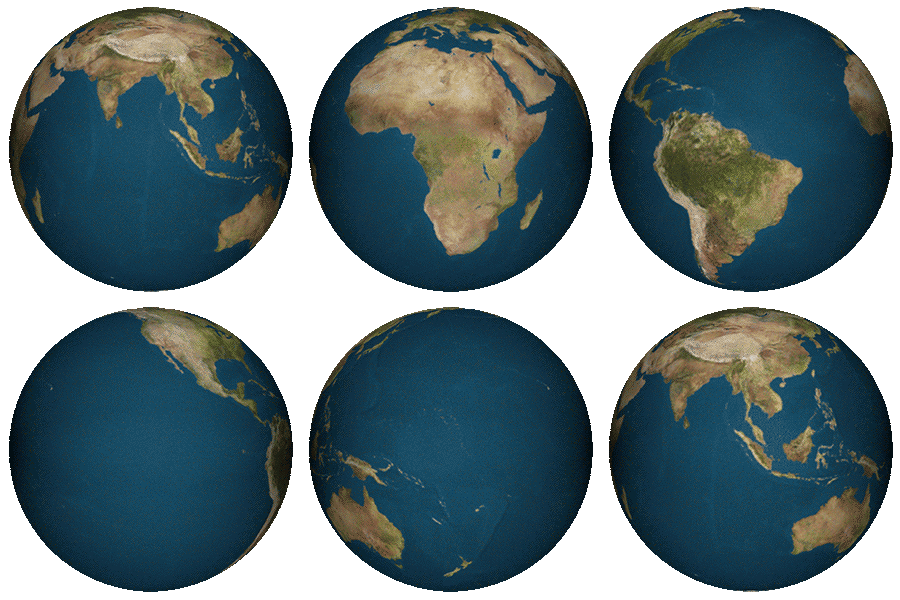
more less like this
i have drawn a quick landscape of the moon
and i would like to put a 3D planet earth behind the landscape so i can make the animation on after effect
wich i have made by taking this image
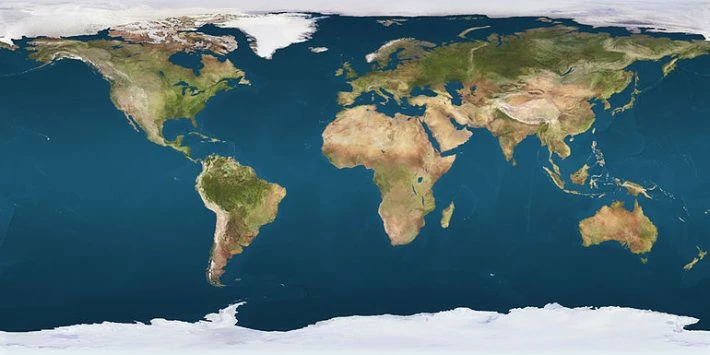
and put it into a sphere
but when i put the 3d layer into the landscape
nothink is working i can't move the planet, when i do the planet become an oval
if you have any advice i would appréciate it a lot 
 AdChoices