Adnan7
Known Participant
November 17, 2020
Question

Make a picture take a certain shape

  • November 17, 2020
  • 2 replies
  • 301 views

Hello,

I would like to know how to make a picture take the shape of an object I have and just fill it.
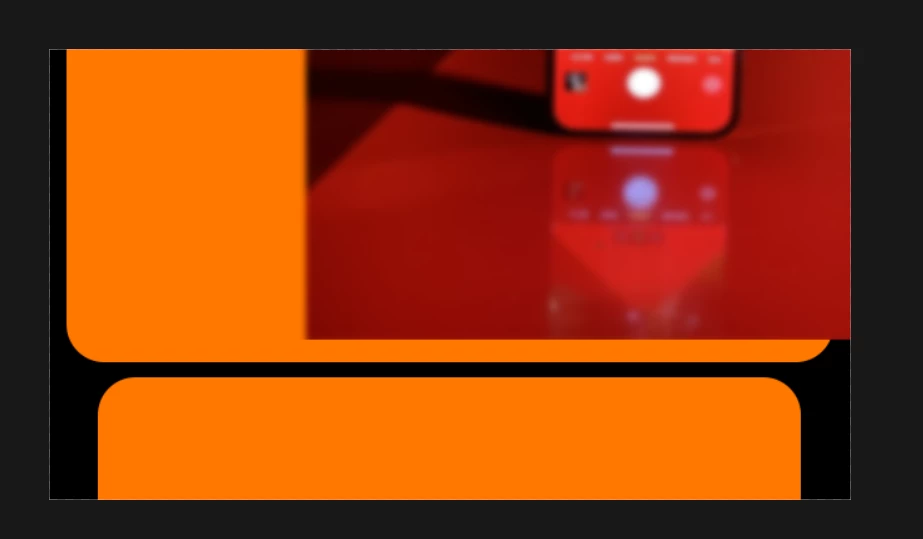

Here I have the red picture that I'm trying to fit inside the orange rectangle but I don't know how. 

Any help is appreciated. Thanks!

This topic has been closed for replies.

2 replies

Norman Sanders
Legend
November 18, 2020

Assuming the shape is on the bottom layer and the Image is on the layer above it, use the Move tool to position the image over the shape area.

Then use Edit > Transform > Scale to enlarge the image to fill the shape area (I put this on a separate layer for demo purposes)

Last, use the black area of the shape layer to create and position a mask, as shown

JJMack
Community Expert
Community Expert
November 18, 2020

You can mask a layer to have some shape and you can distort a layer to have some shape.

JJMack