Participant
March 6, 2021
Question

Make an object curl round 300 degrees

  • March 6, 2021
  • 1 reply
  • 216 views

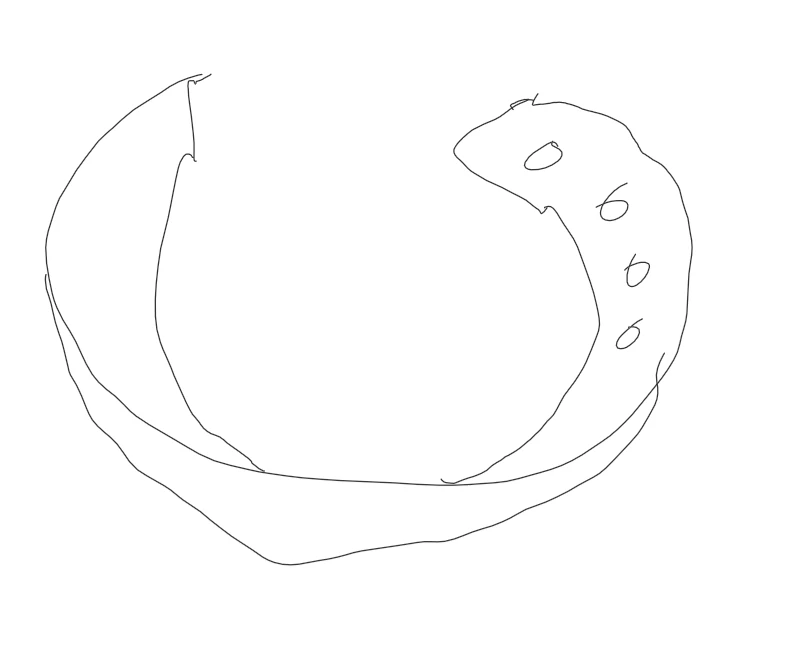
Apologies in advance for the noob question (and the terible attempt of 3D collar), but I am self taught after all!...

When I make a 3D model, how can I curl it around to make to object all most go 360 degrees without actually going 360 degrees?

I'm trying to make a cat collar that almost closes but doesn't quite.


This topic has been closed for replies.

1 reply

Mylenium
Legend
March 6, 2021

You would have to fiddle with the bend and twist modifiers. Not particularly intuitive, but doable.


Mylenium

Ewan5C07Author
Participant
March 8, 2021

Thanks Mylenium!


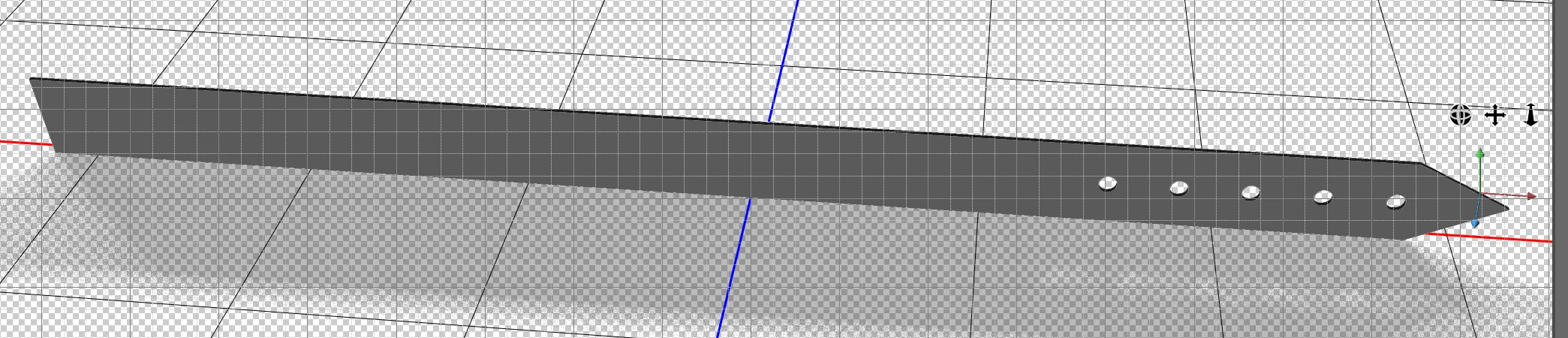
I've tried so many twists, bends etc. but I can only get them to work on the front or back, not the side. If I could select the right hand side, and bend it from there at around 270 degrees, that would be perfect, but I cannot find a way of doing this.


Do you know how to bend on a particular side?

davescm
Community Expert
Community Expert
March 8, 2021

In Photoshop, you can only bend and twist the extrusion which if you made the front shape and extruded it to get the thickness means that your twisting is limited to twisting that thickness.


You would be better working in a 3D modelling application, for example Blender 3D which is free, which would allow you the full freedom to bend and twist in any direction.

Dave