Known Participant
October 18, 2018
Answered

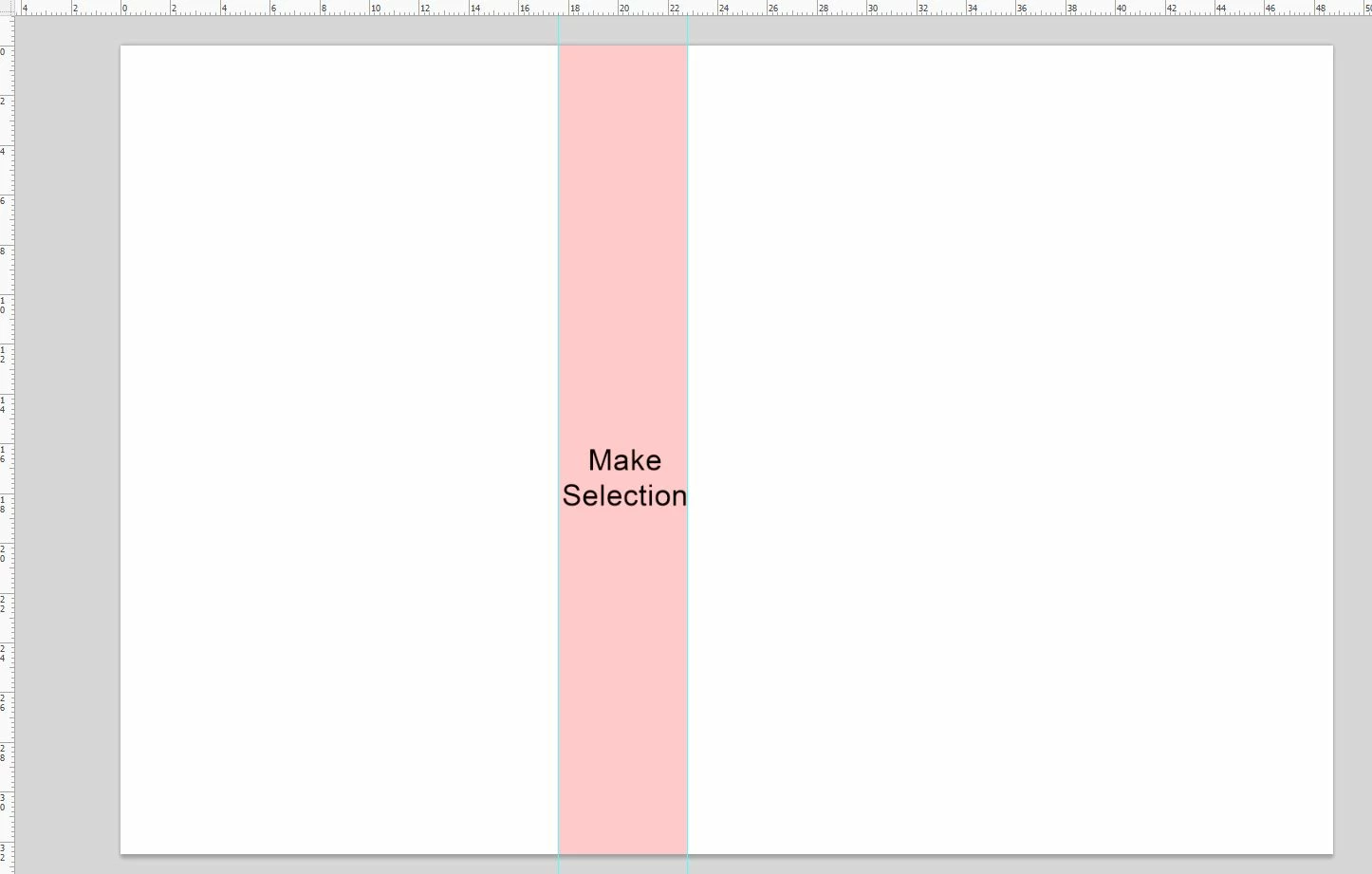
Make selection from guide

  • October 18, 2018
  • 1 reply
  • 7948 views

Please help me,

I want make selection from two guides existing. Then remove the guides.

Thanks for so much!
This topic has been closed for replies.
Correct answer Tom Winkelmann

Based on Paul Riggotts script:

Re: Is this possible to draw square selection between two Guides...?

#target photoshop

app.bringToFront(); 

main(); 

function main(){ 

if(app.version.match(/\d+/) < 12) return; 

if(!documents.length) return; 

var doc = activeDocument; 

var guides = doc.guides; 

if(guides.length != 2) return; 

if(guides[0].direction != guides[1].direction) return; 

var startRulerUnits = preferences.rulerUnits; 

preferences.rulerUnits = Units.PIXELS; 

var SB = new Array(); 

if(guides[0].direction == Direction.HORIZONTAL && guides[1].direction == Direction.HORIZONTAL){ 

var vertDistance = doc.guides[1].coordinate.value - doc.guides[0].coordinate.value; 

SB[0] = 0; 

SB[1] = doc.guides[0].coordinate.value; 

SB[2] =  doc.width; 

SB[3] = doc.guides[1].coordinate.value; 

    } 

if(guides[0].direction == Direction.VERTICAL && guides[1].direction == Direction.VERTICAL){ 

var horzDistance = doc.guides[1].coordinate.value - doc.guides[0].coordinate.value; 

SB[0] = doc.guides[0].coordinate.value; 

SB[1] = 0; 

SB[2] = doc.guides[1].coordinate.value; 

SB[3] = doc.height; 

    } 

activeDocument.selection.select([[SB[0],SB[1]],[SB[2],SB[1]],[SB[2],SB[3]],[SB[0],SB[3]]], SelectionType.REPLACE, 0, false);

doc.guides.removeAll();

app.preferences.rulerUnits = startRulerUnits; 

};

1 reply

Tom Winkelmann
Tom WinkelmannCorrect answer
Inspiring
October 18, 2018

Based on Paul Riggotts script:

Re: Is this possible to draw square selection between two Guides...?

#target photoshop

app.bringToFront(); 

main(); 

function main(){ 

if(app.version.match(/\d+/) < 12) return; 

if(!documents.length) return; 

var doc = activeDocument; 

var guides = doc.guides; 

if(guides.length != 2) return; 

if(guides[0].direction != guides[1].direction) return; 

var startRulerUnits = preferences.rulerUnits; 

preferences.rulerUnits = Units.PIXELS; 

var SB = new Array(); 

if(guides[0].direction == Direction.HORIZONTAL && guides[1].direction == Direction.HORIZONTAL){ 

var vertDistance = doc.guides[1].coordinate.value - doc.guides[0].coordinate.value; 

SB[0] = 0; 

SB[1] = doc.guides[0].coordinate.value; 

SB[2] =  doc.width; 

SB[3] = doc.guides[1].coordinate.value; 

    } 

if(guides[0].direction == Direction.VERTICAL && guides[1].direction == Direction.VERTICAL){ 

var horzDistance = doc.guides[1].coordinate.value - doc.guides[0].coordinate.value; 

SB[0] = doc.guides[0].coordinate.value; 

SB[1] = 0; 

SB[2] = doc.guides[1].coordinate.value; 

SB[3] = doc.height; 

    } 

activeDocument.selection.select([[SB[0],SB[1]],[SB[2],SB[1]],[SB[2],SB[3]],[SB[0],SB[3]]], SelectionType.REPLACE, 0, false);

doc.guides.removeAll();

app.preferences.rulerUnits = startRulerUnits; 

};

ANCHINGOAuthor
Known Participant
October 18, 2018

Hey bro,

possible help me more one?

i want auto create guide at point mouse.

Is this feasible?

Thank in advance

Tom Winkelmann
Inspiring
October 18, 2018

Hmm - you can use the color sampler tool

#target photoshop

var orig_ruler_units = app.preferences.rulerUnits;

app.preferences.rulerUnits = Units.PIXELS;

for (var i=0,len=app.activeDocument.colorSamplers.length;i<len;i++) {

  var cs = app.activeDocument.colorSamplers;

activeDocument.guides.add(Direction.HORIZONTAL, cs.position[1].value)

activeDocument.guides.add(Direction.VERTICAL, cs.position[0].value)

};

// activeDocument.colorSamplers.removeAll();

app.preferences.rulerUnits = orig_ruler_units;
