making an image transparent in photoshop cc but keeping the lines for definition.
i dont know if this is a long shot but thought Id ask in case there is something there available in photoshop.
In photoshop, I know that you can make text transparent and create an outline to the text. I want to do the same to any image.
The first photo is the original as an example. I dont want the grey area just the lines showing so that when I put the hand onto an image you can only see the definition of the hand on the outside and the inside.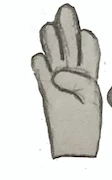
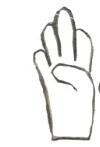
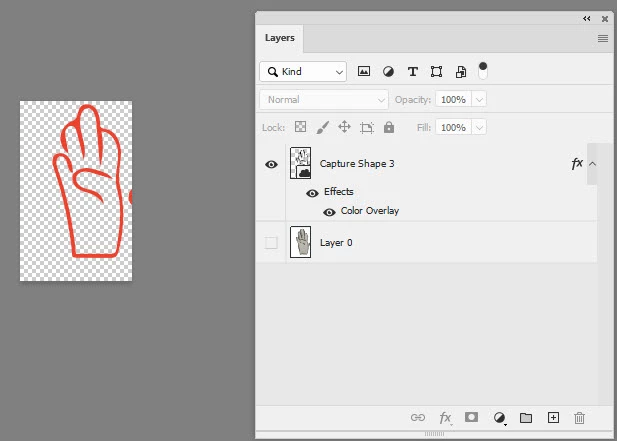
The second picture shows the outline of the hand but nothing inside the hand which I did not want.

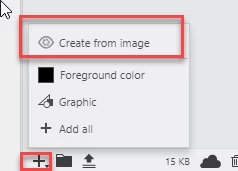
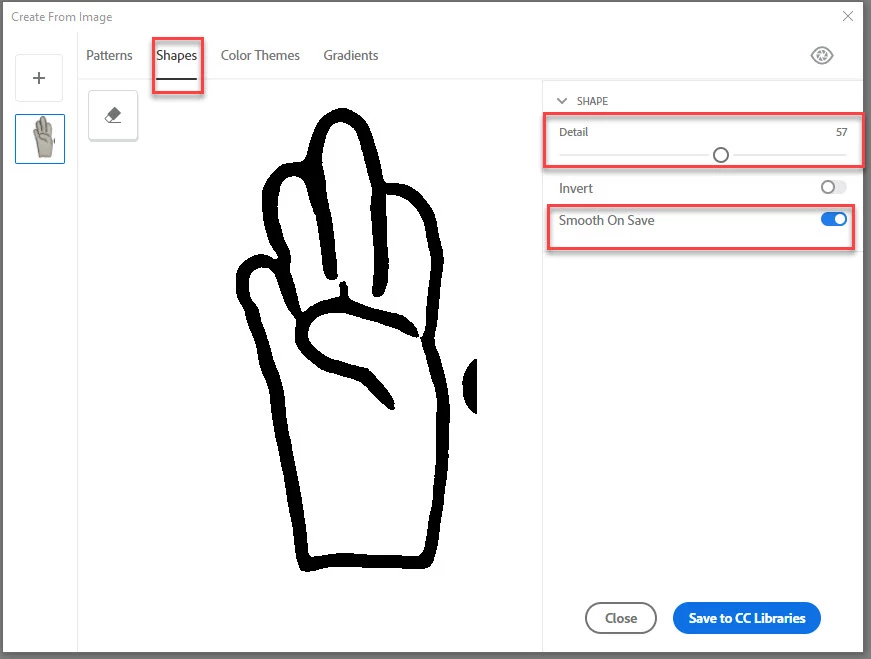
in the last picture below, this is what I was looking for, and this I did using the background eraser tool but I am wondering if there was an easier way as it is taking me so long to do each hand individually. I wanted the inside of the hand to be empty but keep the lines to give it definition. Also I'd like to be able to change the colours of the lines but I dont know if thats possible? I dont know the best way to explain but I hope you get what im trying to get at.
Thank you.
 AdChoices