Participant
October 25, 2023
Question

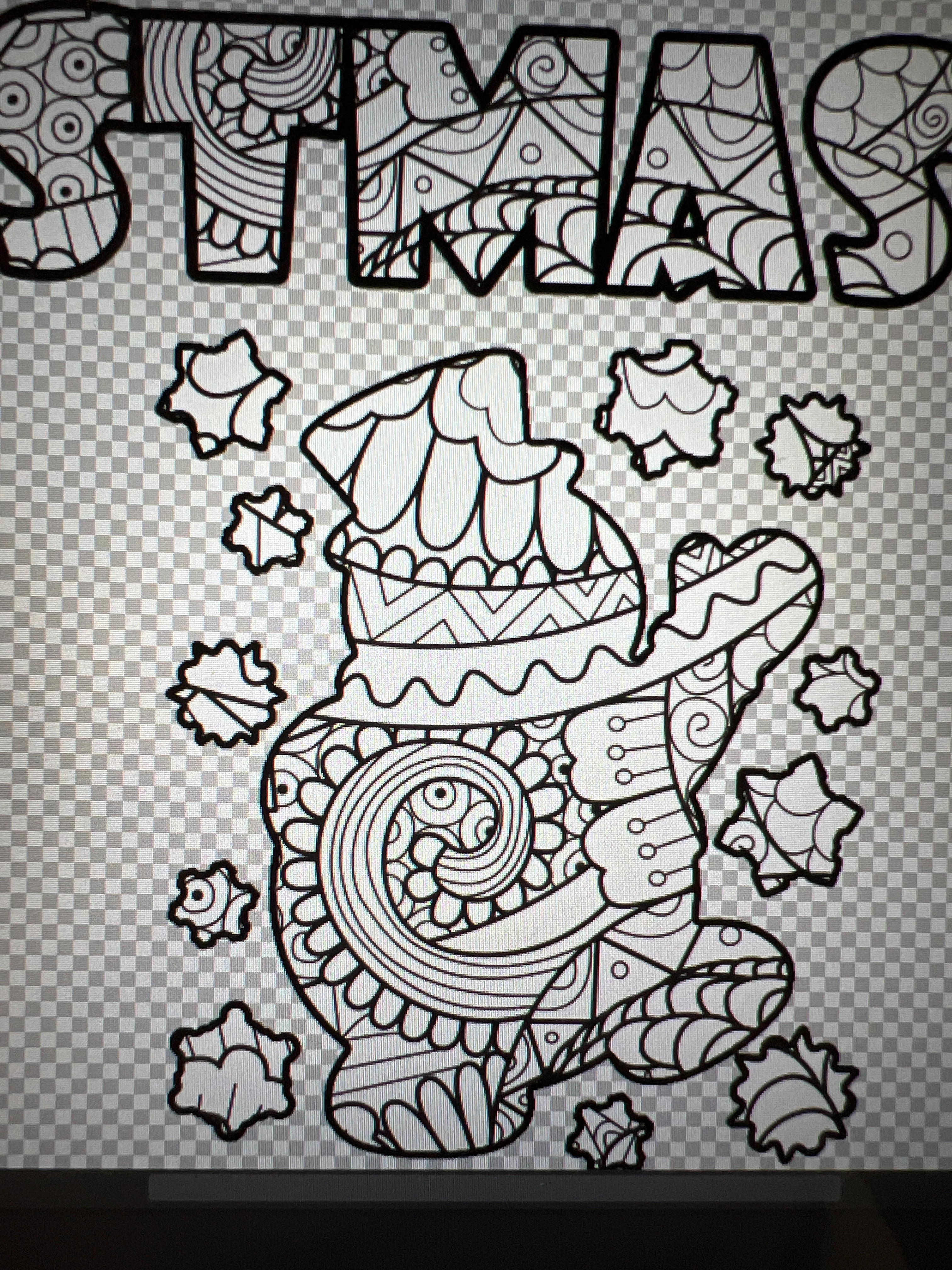
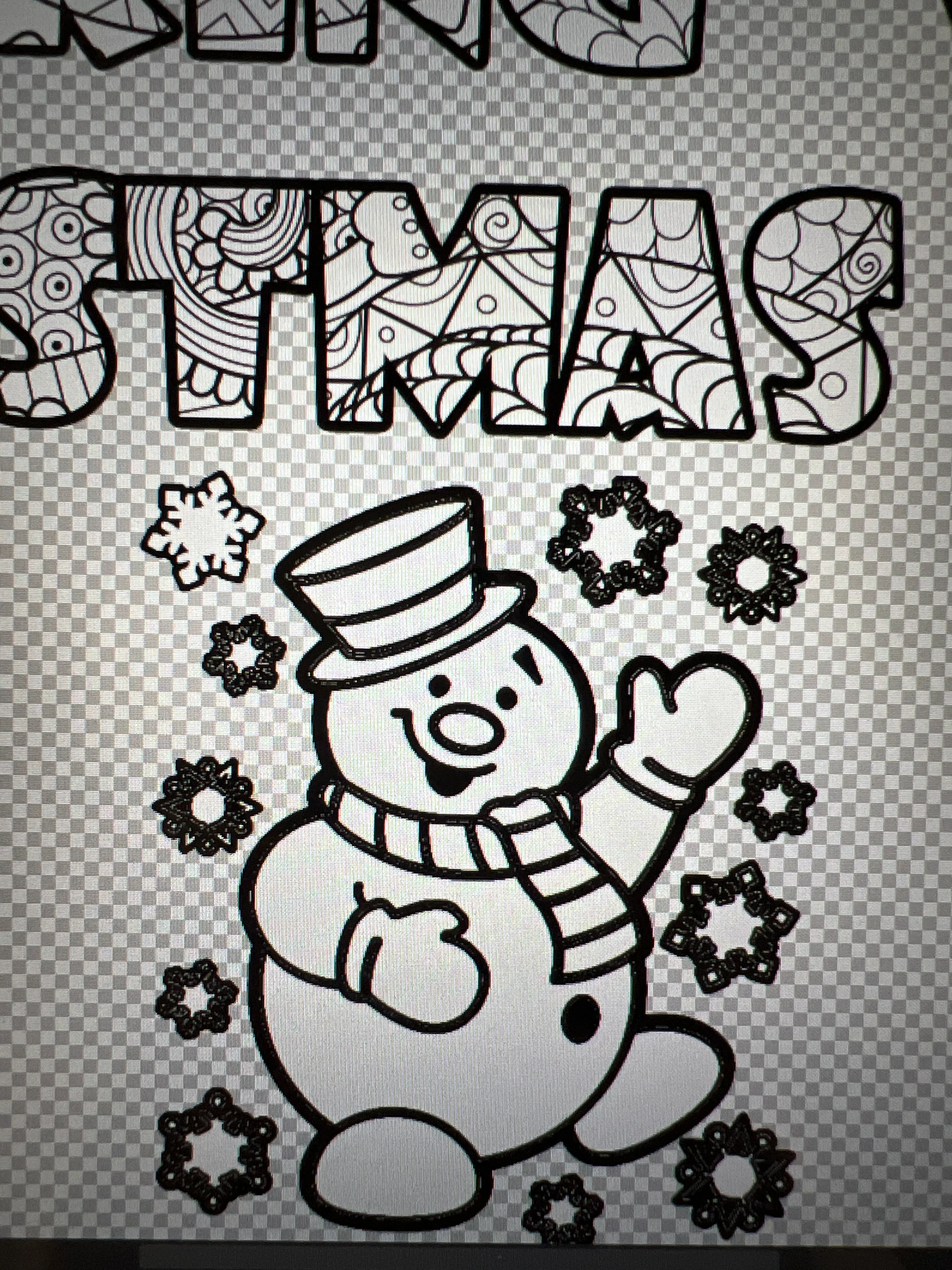
Making inside an image not just the outline

  • October 25, 2023
  • 1 reply
  • 146 views

I am trying to figure out how to put the clipping mask inside of my clipart image. I have watched so many videos and I'm just not getting it. I'm sure it is a simple fix, but can anyone please help me? 
This topic has been closed for replies.

1 reply

Participant
October 25, 2023

I have also tried making the insides white, and making them transparent. When I make them transparent then the clipping mask only goes to the outline. 


Bojan Živković11378569
Community Expert
Community Expert
October 26, 2023

When you want to make it transparent, just place the content on the layer below, don’t put the content above to make a clipping mask.


If you still want to use a clipping mask, then invert the mask on the layer with the figure and the clipped content will show.


If my suggestion doesn’t help, please show us a screenshot with the Layers panel expanded and visible.