
Participant
November 12, 2019
Question

Marching ants look doubled in Photoshop

  • November 12, 2019
  • 1 reply
  • 717 views

Hello!

I have an issue. Please, help me to solve it.

Marching ants don't work as they shoud do.


When I use any selection tool and push the button it works fine but when I release the button marching ants become wider (it seems double-wide). Here is before-after (when button is pushed and when is released):
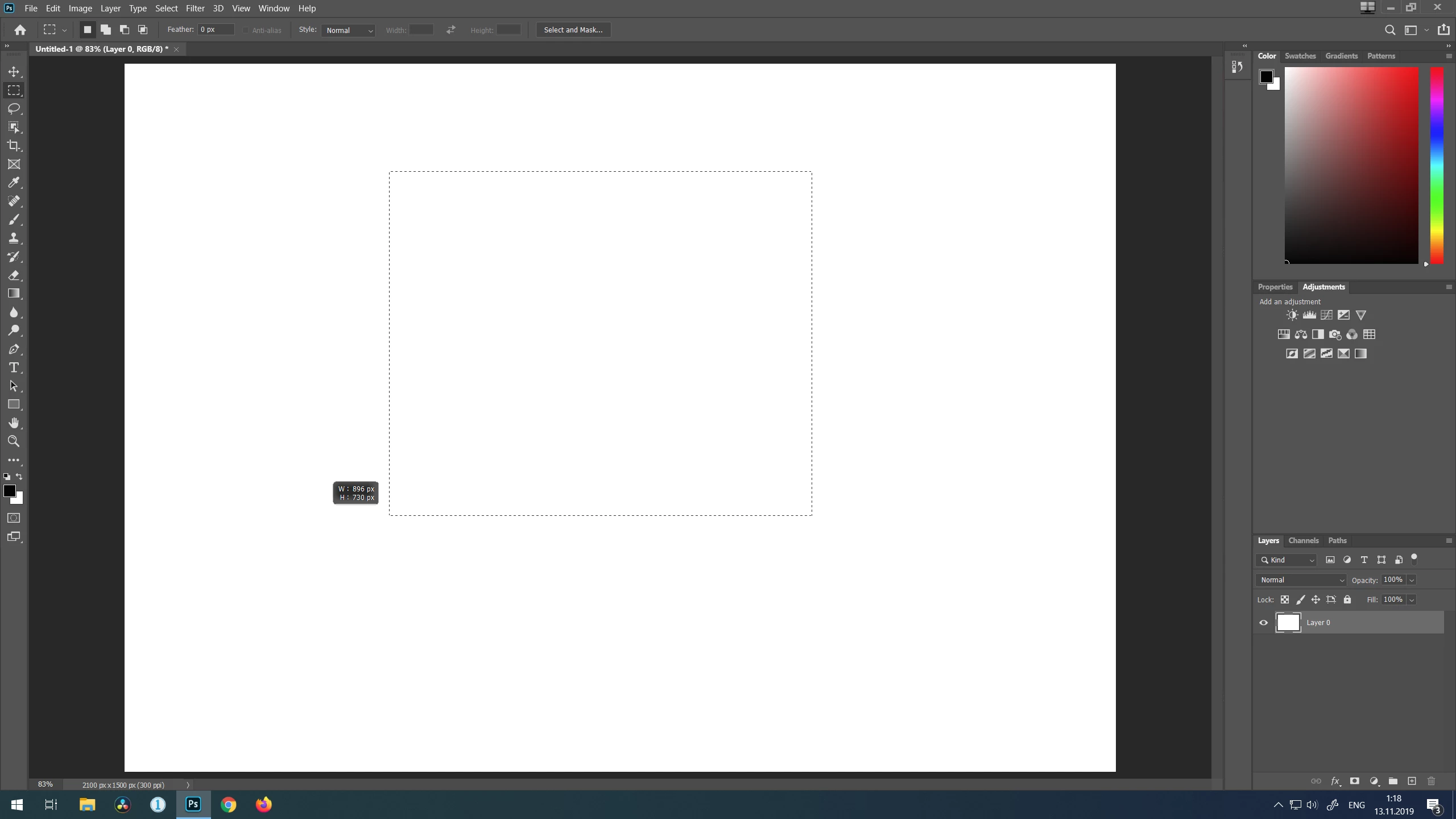
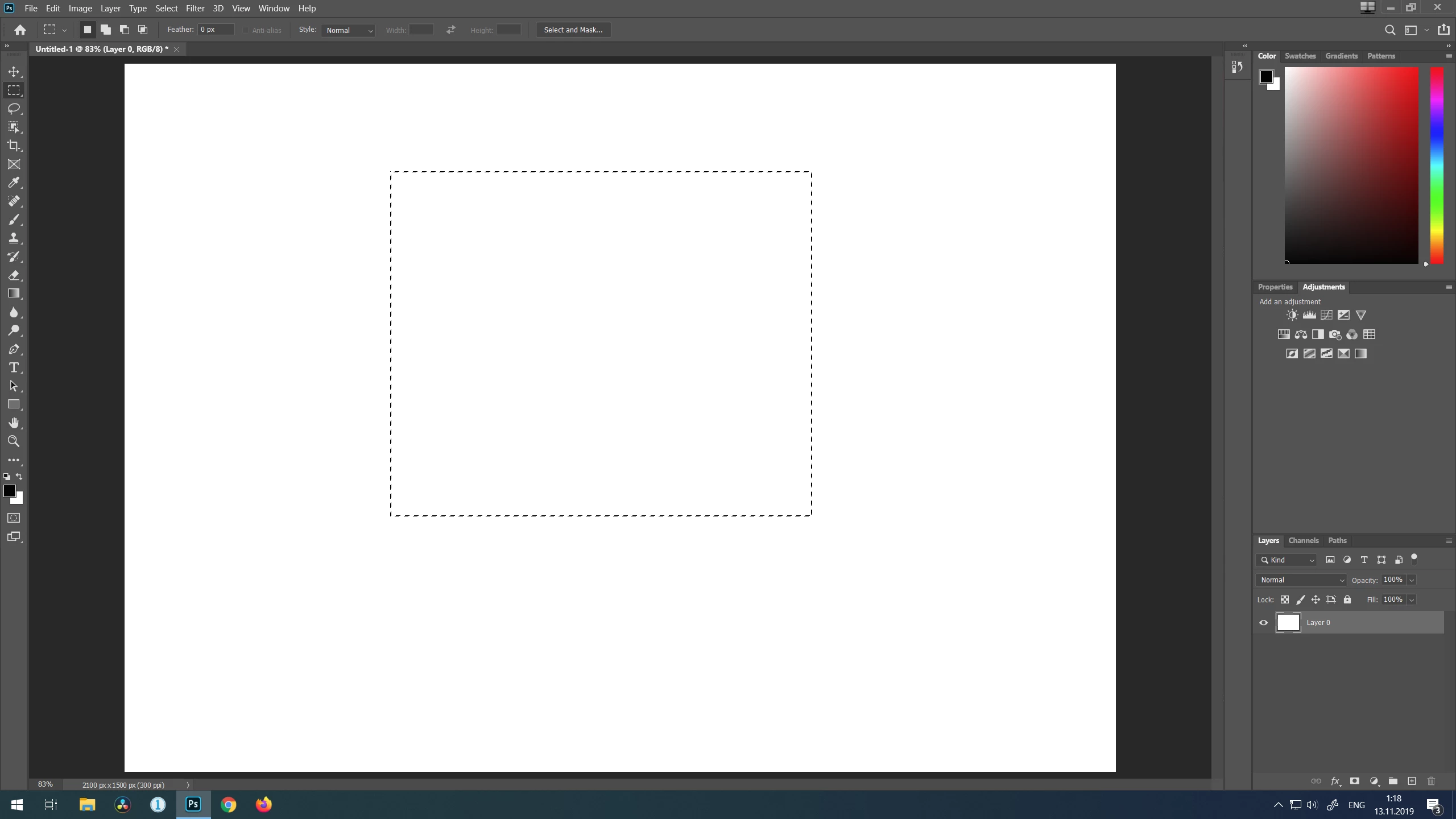
 

Is it possible to fix it somehow?


{Thread renamed by moderator}

This topic has been closed for replies.

1 reply

Sahil.Chawla
Adobe Employee
Adobe Employee
November 12, 2019

Hi Alexander,

There are a few things you can try here:

1. Try deselecting "Use Graphics Processor" located in Photoshop's Preferences > Performance, then relaunch Photoshop and see if it helps.


2. Try enabling "Legacy compositing" located in Photoshop's Preferences > Performance, then relaunch Photoshop.


3. Reset the preferences of Photoshop and let us know if it helps: https://helpx.adobe.com/photoshop/using/preferences.html

Note: Make sure that you back up all your custom presets, brushes and actions before restoring Photoshop's preferences. Migrate presets, actions, and settings


Regards,
Sahil

Participant
November 13, 2019

It helped. I disabled Graphic processor and marquee tools works fine now.

Thanks a lot!