Christopher_Gainz
Known Participant
November 26, 2022
Answered

Mask Issues

  • November 26, 2022
  • 2 replies
  • 2867 views

I don't seem to still grasp the concept of masks. 


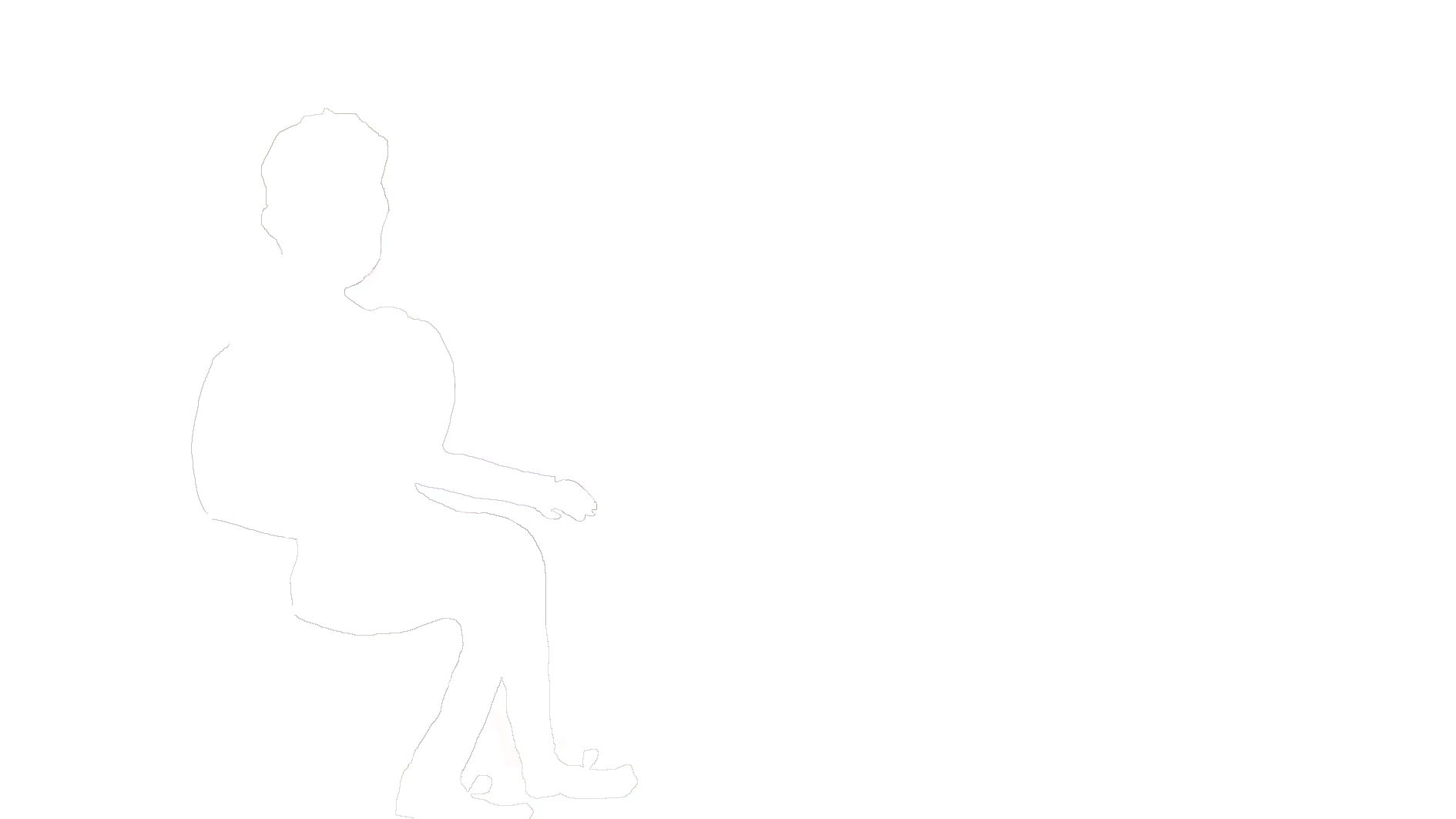
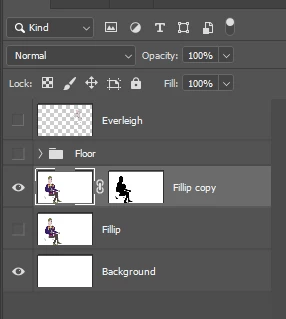
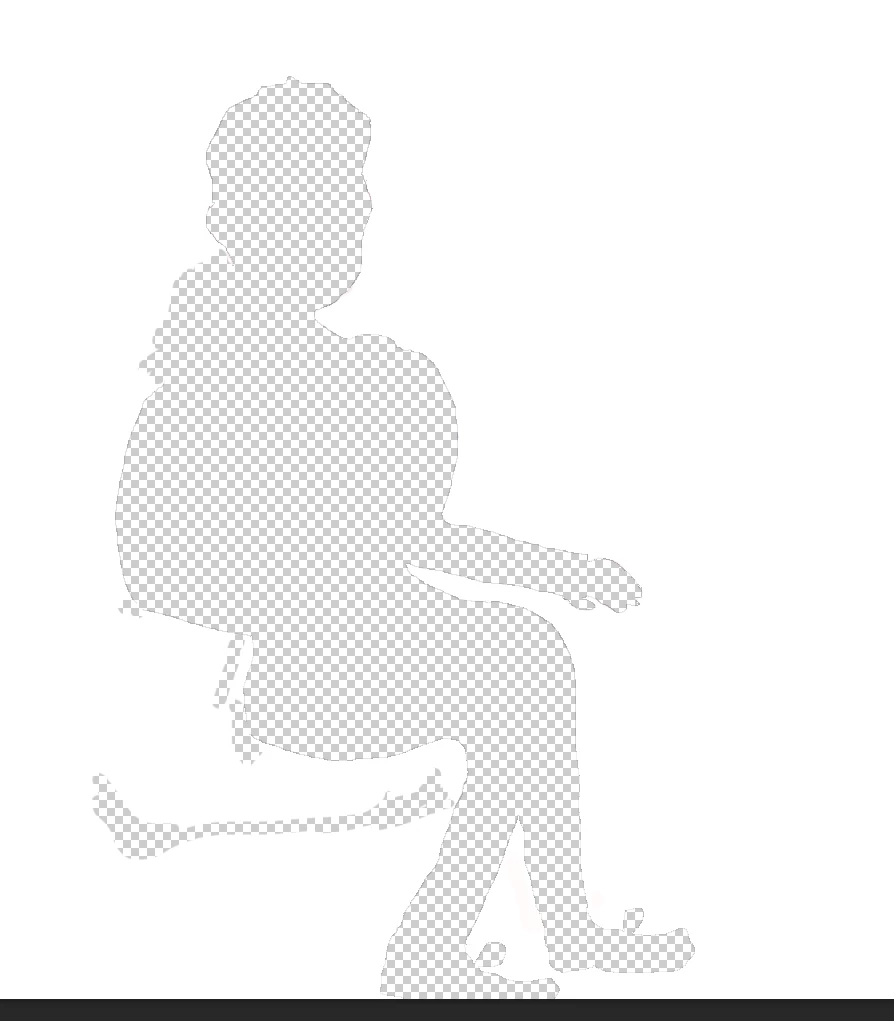
I tried masking this out with Magic Wand and it just appears like the images attached. 


Any help please? 


Thanks.

This topic has been closed for replies.
Correct answer davescm

Where a mask is white it shows what is on that layer. Where a mask is black, it hides what is on that layer and shows the layer(s) below. So you need to invert your mask. Click on the mask in the layers panel and press Ctrl+I (Cmd+I on a Mac)


Dave 

2 replies

Christopher_Gainz
Known Participant
November 26, 2022

Oh thanks so much, I have done that before, but didn't realise I needed to do it. 

I don't know why it was automatically inverted the other way around in the first place, something I did in regards to black and white I imagine,.

davescm
Community Expert
Community Expert
November 26, 2022

If you used the magic wand tool, it has options to make a new selection, add to the selection, subtract from the selection, or intersect with a selection. I suspect you may have used the third (subtract).


Dave

Christopher_Gainz
Known Participant
November 26, 2022

Hi yes I subtract from it but I thought this just decreased the mask size not make it transparent or invert it. 

davescm
Community Expert
davescmCommunity ExpertCorrect answer
Community Expert
November 26, 2022

Where a mask is white it shows what is on that layer. Where a mask is black, it hides what is on that layer and shows the layer(s) below. So you need to invert your mask. Click on the mask in the layers panel and press Ctrl+I (Cmd+I on a Mac)


Dave