Christopher_Gainz
Known Participant
November 26, 2022
Question

Mask Issues (2)

  • November 26, 2022
  • 2 replies
  • 1862 views

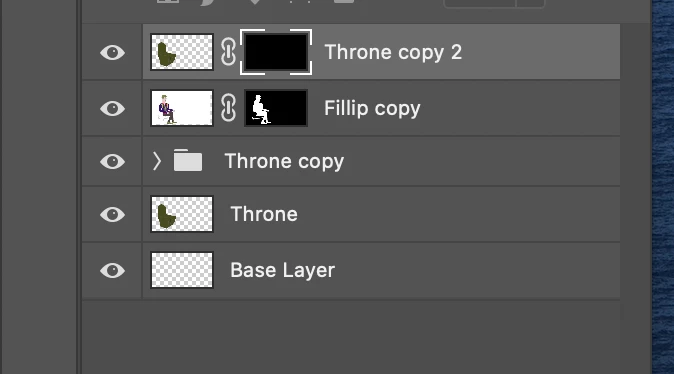
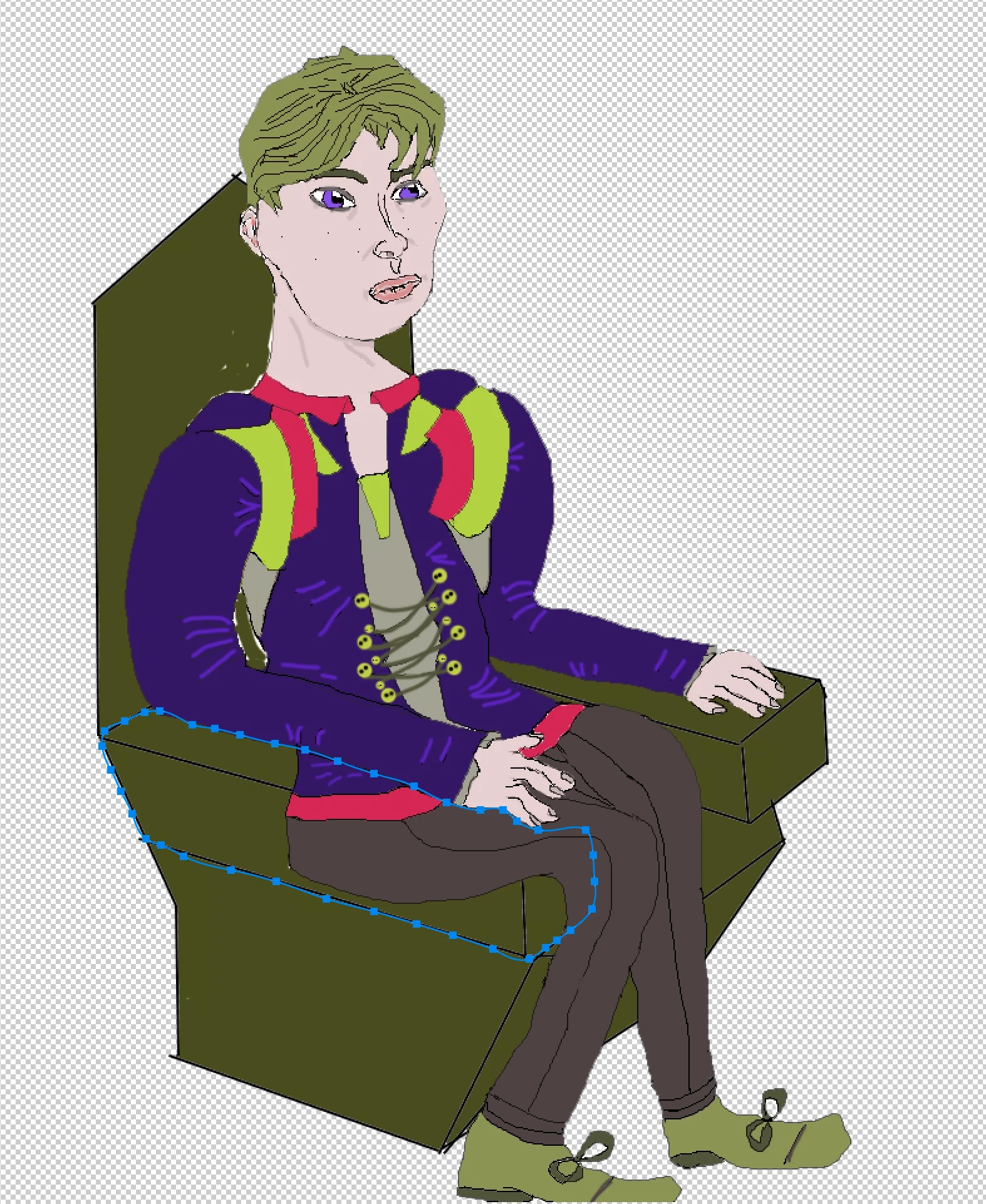
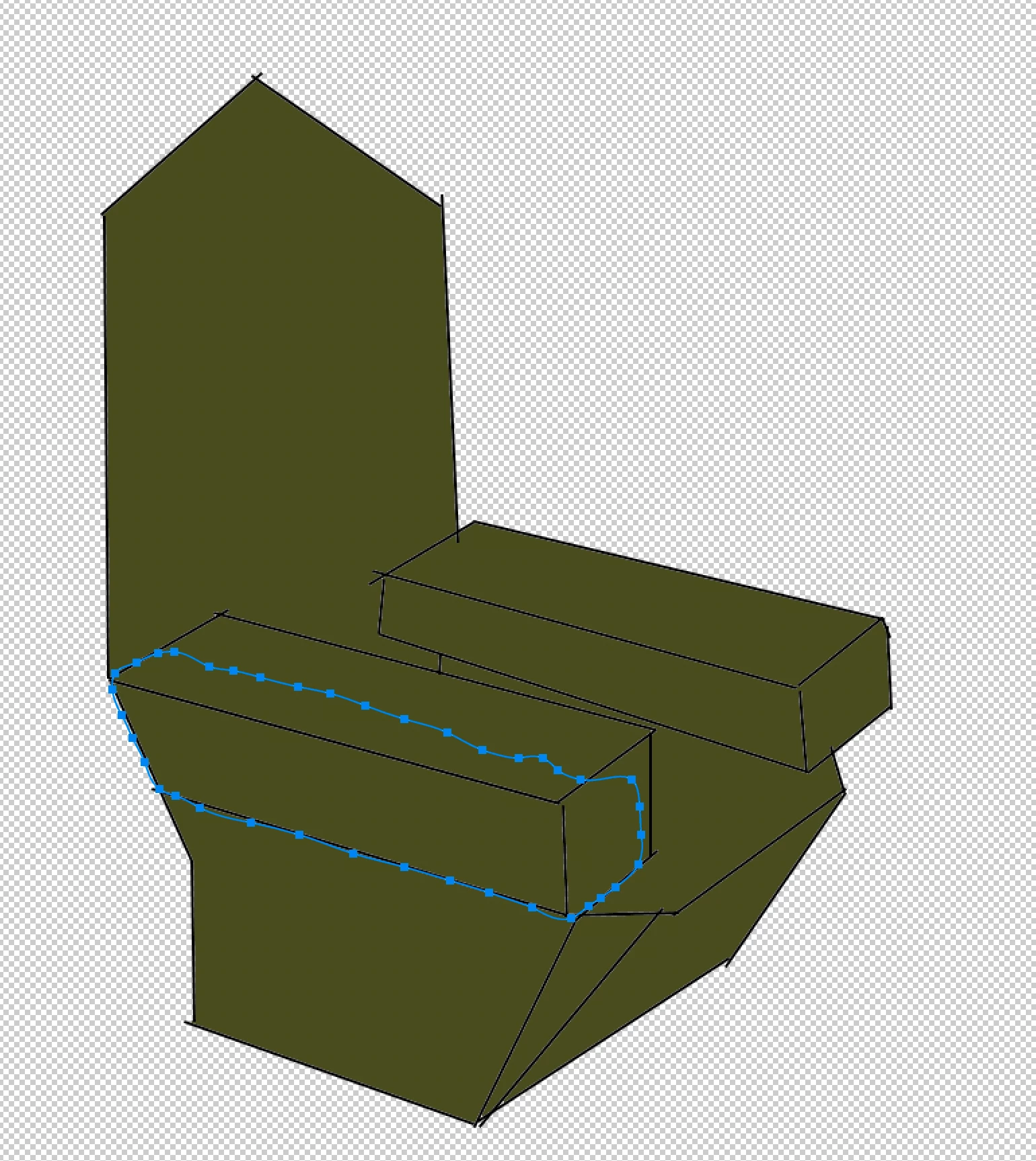
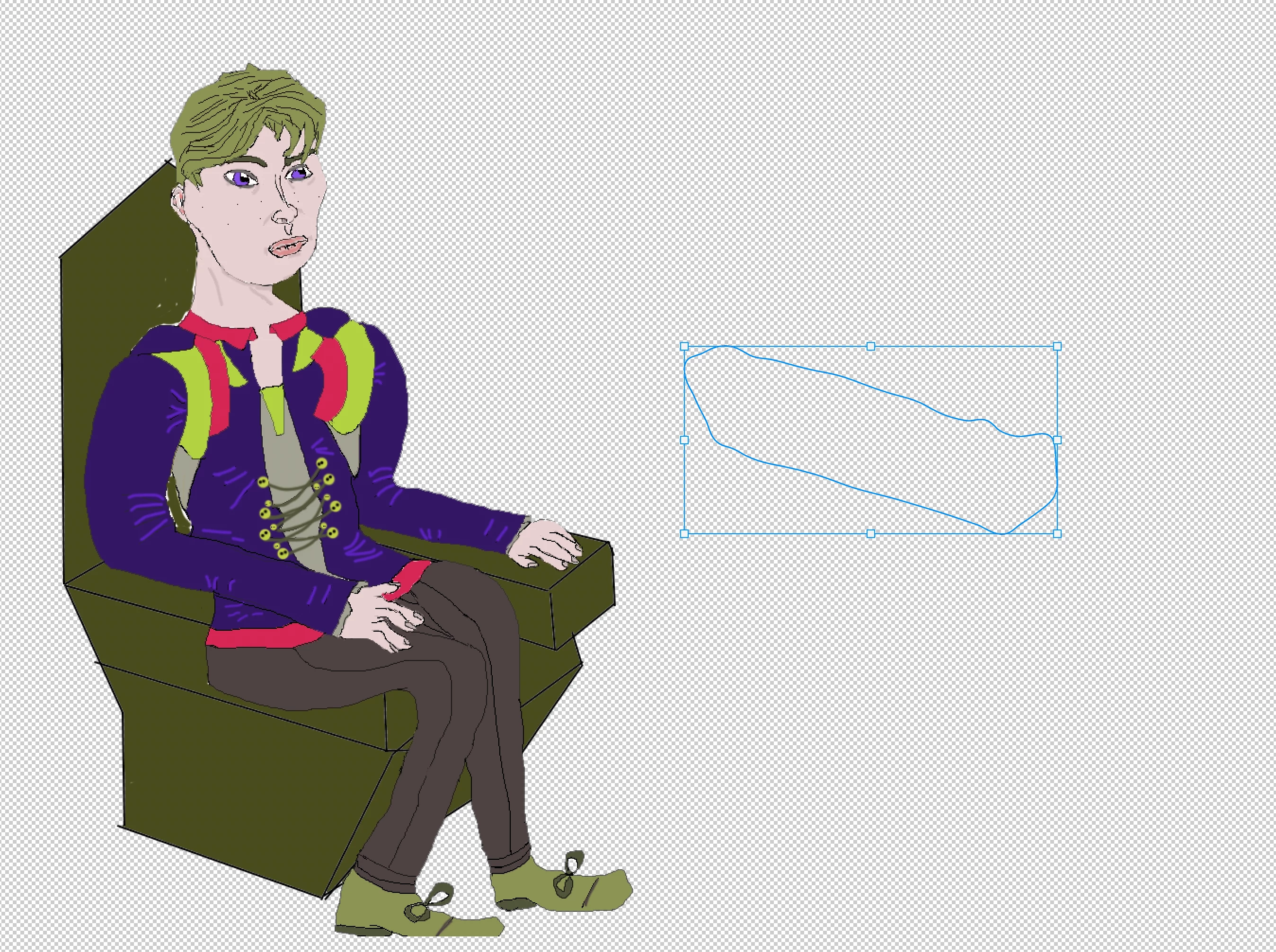
I'm now having the problem of ordering the throne object in such a way that the nearest throne arm is in front of the character, otherwise you can see him through it. I have tried masking a part of it into a seperate layer mask to put over the character but when i try to do this only a transparent outline shape is seen. I don't know what I'm doing wrong here. Please see photos.
This topic has been closed for replies.

2 replies

Trevor.Dennis
Community Expert
Community Expert
November 26, 2022

I usually copy each area to a new layer rather than use masks, and change the layer order accordingly.  This takes the guess work out of it and is convenient for adding drop shadows (which go a long way to making a composited element look like it belongs).

Omar.Fathy
Community Expert
Community Expert
November 26, 2022

Sure, this is another good idea too, I just suggested my idea depending on his initial path 🙂
Thanks @Trevor.Dennis 

Christopher_Gainz
Known Participant
November 27, 2022

Thanks so much this helped a lot not sure what i was doing wrong, without using the hot keys I thought I was doing the right thing. Perhaps I was meant to somehow select Mask Path instead of Mask if that even is an option. 

Omar.Fathy
Community Expert
Community Expert
November 26, 2022

First remove all masks.
- Select the man layer.
- With the path drawn, Ctrl + Alt + Click the mask button:

And that is all 🙂
You can also convert the path to selection by pressing Ctrl+Enter or rith click and select make selection then:
- Select the man layer.
- With the path drawn, Ctrl + Alt + Click the mask button: