BenSCR
Inspiring
May 15, 2020
Answered

Masking

  • May 15, 2020
  • 4 replies
  • 1292 views

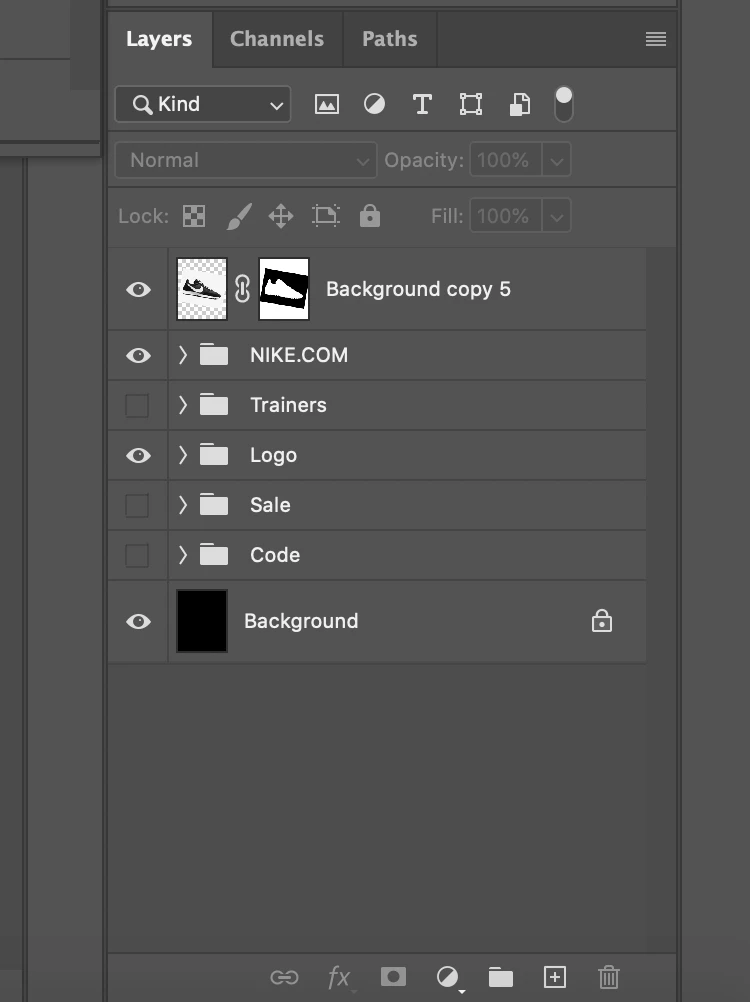
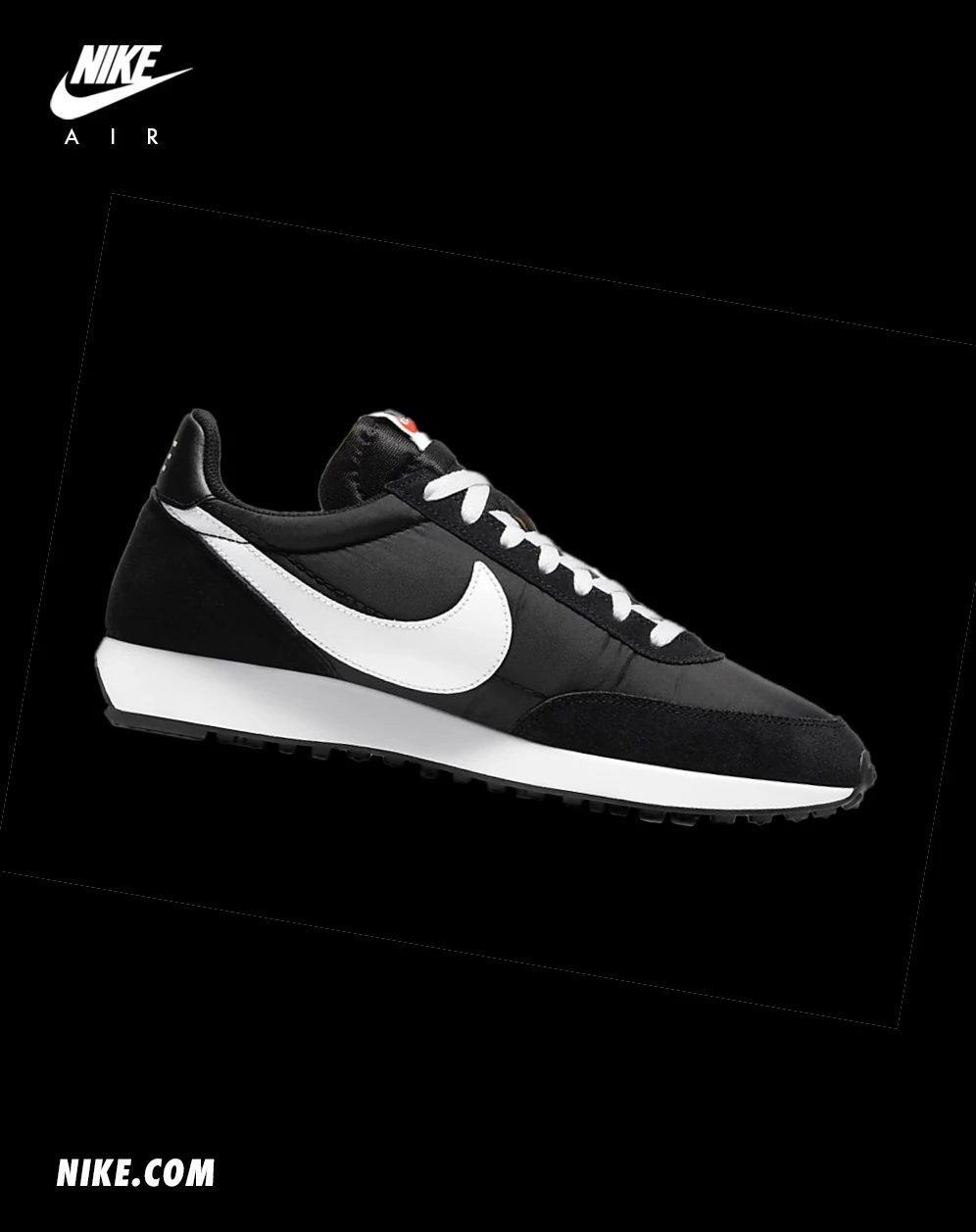
I've masked a Nike Trainer with no problem. But when I change the angle of the trainer, and have it on a black (with shows more clearly) or any other lighter colour. I get a faint white line the same szie of the photo I originally Masked the Trainer from.


What is it I've done incorectly?
 

This topic has been closed for replies.
Correct answer Chuck Uebele

You just need to fill in the mask more with black to get rid of the line.

4 replies

c.pfaffenbichler
Community Expert
Community Expert
May 15, 2020

The issue seems typical for people creating a Layer Mask that Reveals All and fill it with black instead of inverting it. 

josephlavine
Community Expert
Community Expert
May 15, 2020

You can simply paint with black on the edge of the mask where you see the white line.

warmly/j

c.pfaffenbichler
Community Expert
Community Expert
May 15, 2020

You rotated the Layer without converting it to a Smart Object before? 

That will probably not alleviate the problem completely but it seems unconscionable to me. 


Edit: Ah, I had misunderstood and thought it was about the shoe’s edge … the rectangular edge should actually be taken care of by converting to a SO before applying any transformation. 


You may have to decontaminate the edge pixels. 

Chuck Uebele
Community Expert
Chuck UebeleCommunity ExpertCorrect answer
Community Expert
May 15, 2020

You just need to fill in the mask more with black to get rid of the line.