
Answered
Masking opacity problems
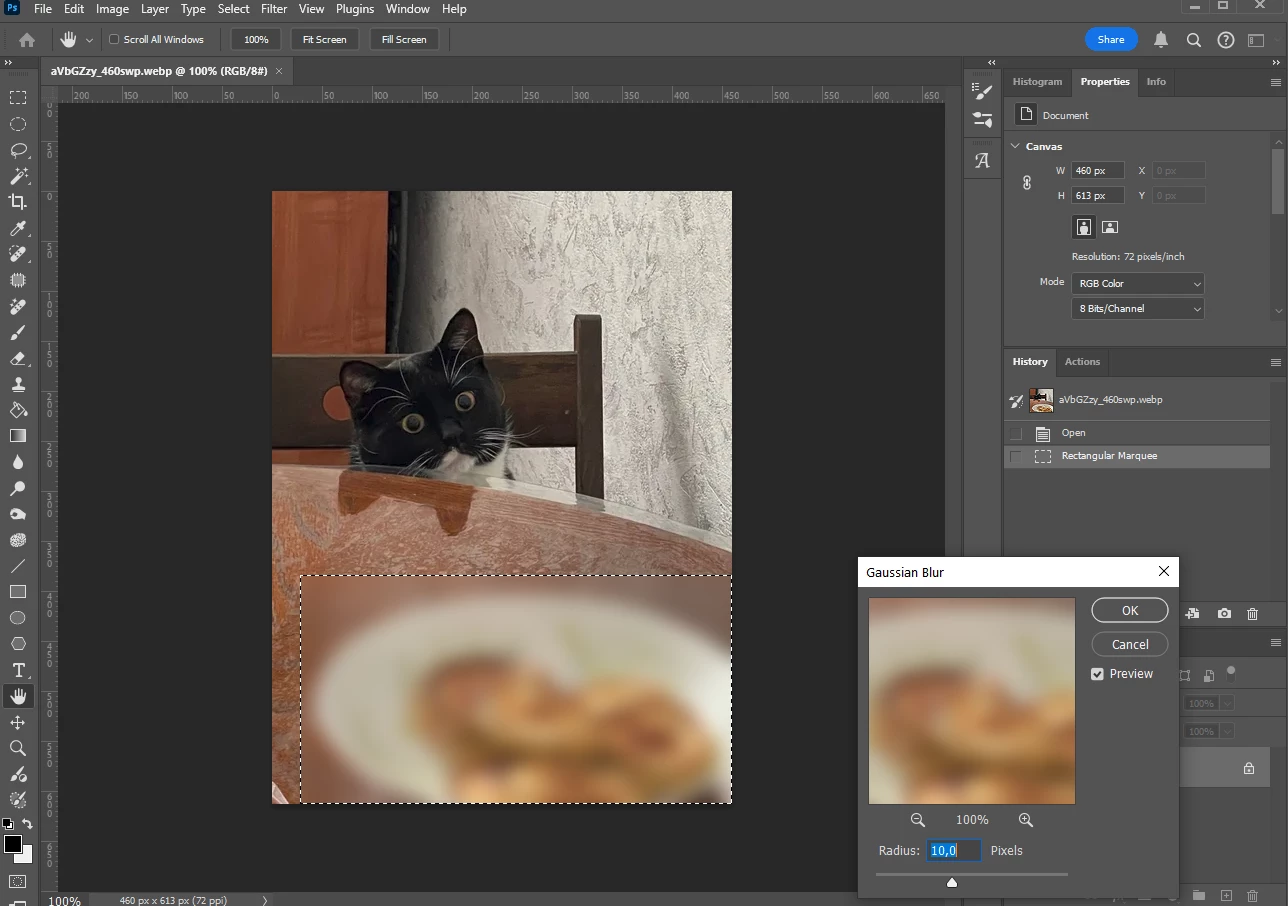
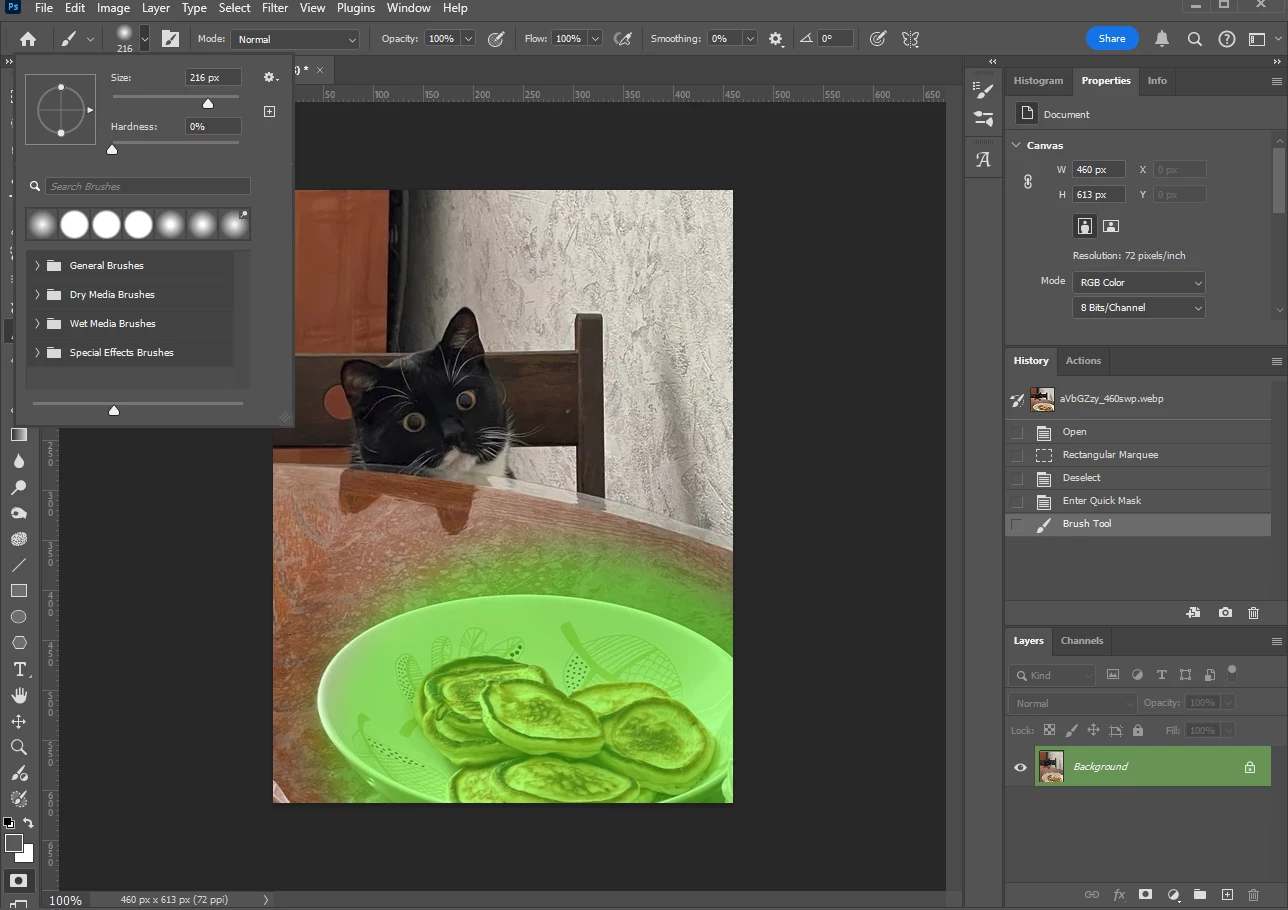
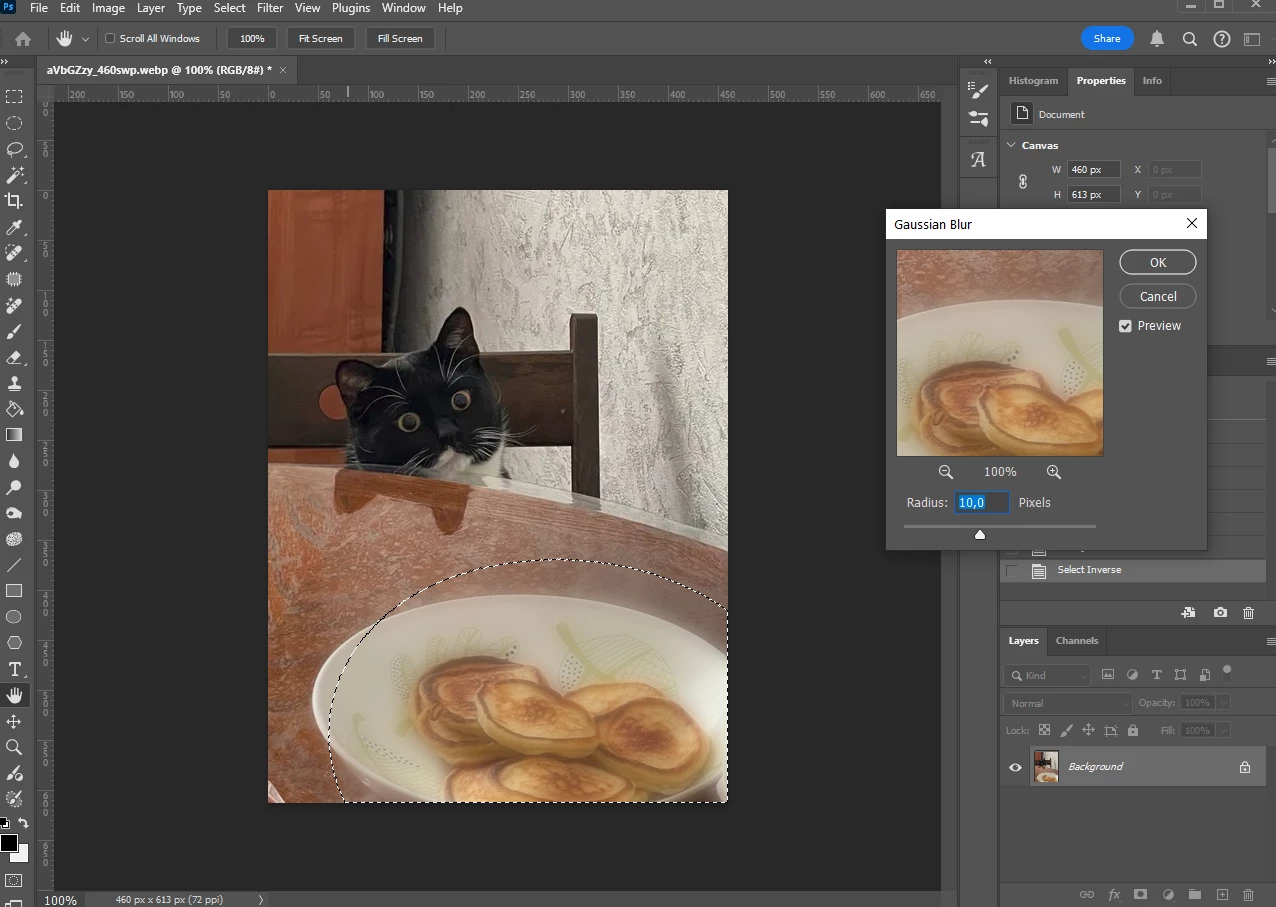
Long story short, but after the last PS update somewhat changed masking and I can't find out what. Before the update if I wanted to blur out something, I brushed the object using quickmask and blurred with Gaussian blur. If I select using normal selection tool or lasso, it works perfectly. But if I select with abrush using quickmask, the blur doesn't work as expected. After messing around with various settings, I've found out that the brush acts if it's opacity was very little, but I can't find what should I change to make it go back as it was. Any ideas...?
 AdChoices