Participant
November 27, 2019
Question

masks - white and black colors aren't white in black

  • November 27, 2019
  • 1 reply
  • 255 views

Hey guys! Have this problem for a couple of days:

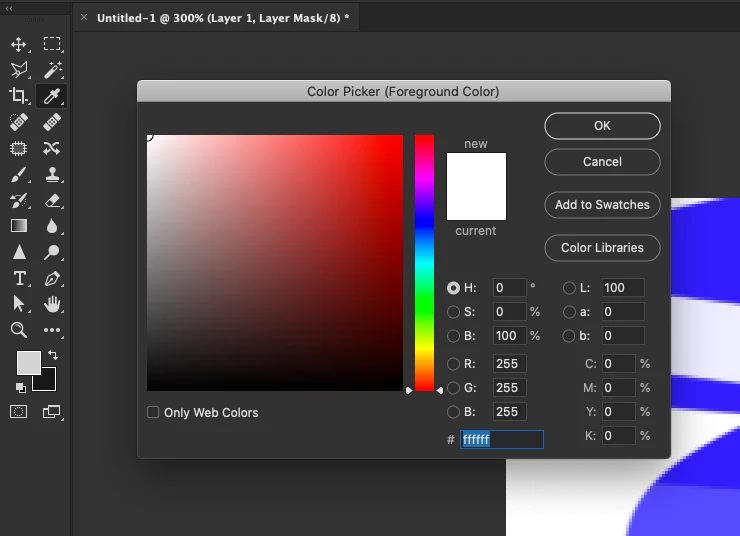
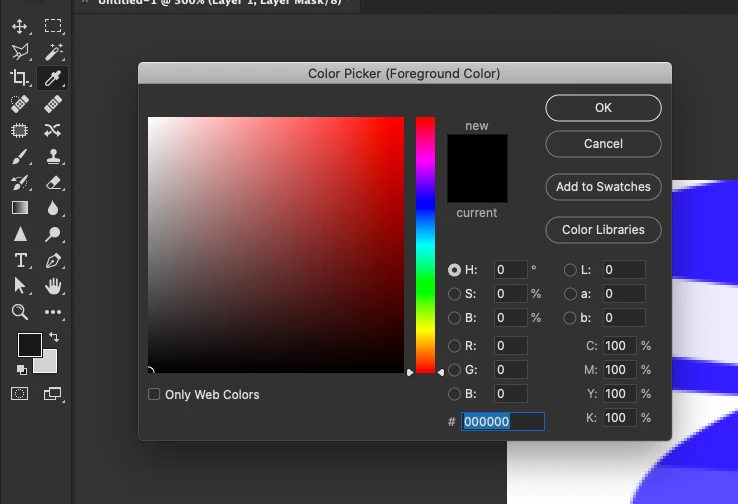
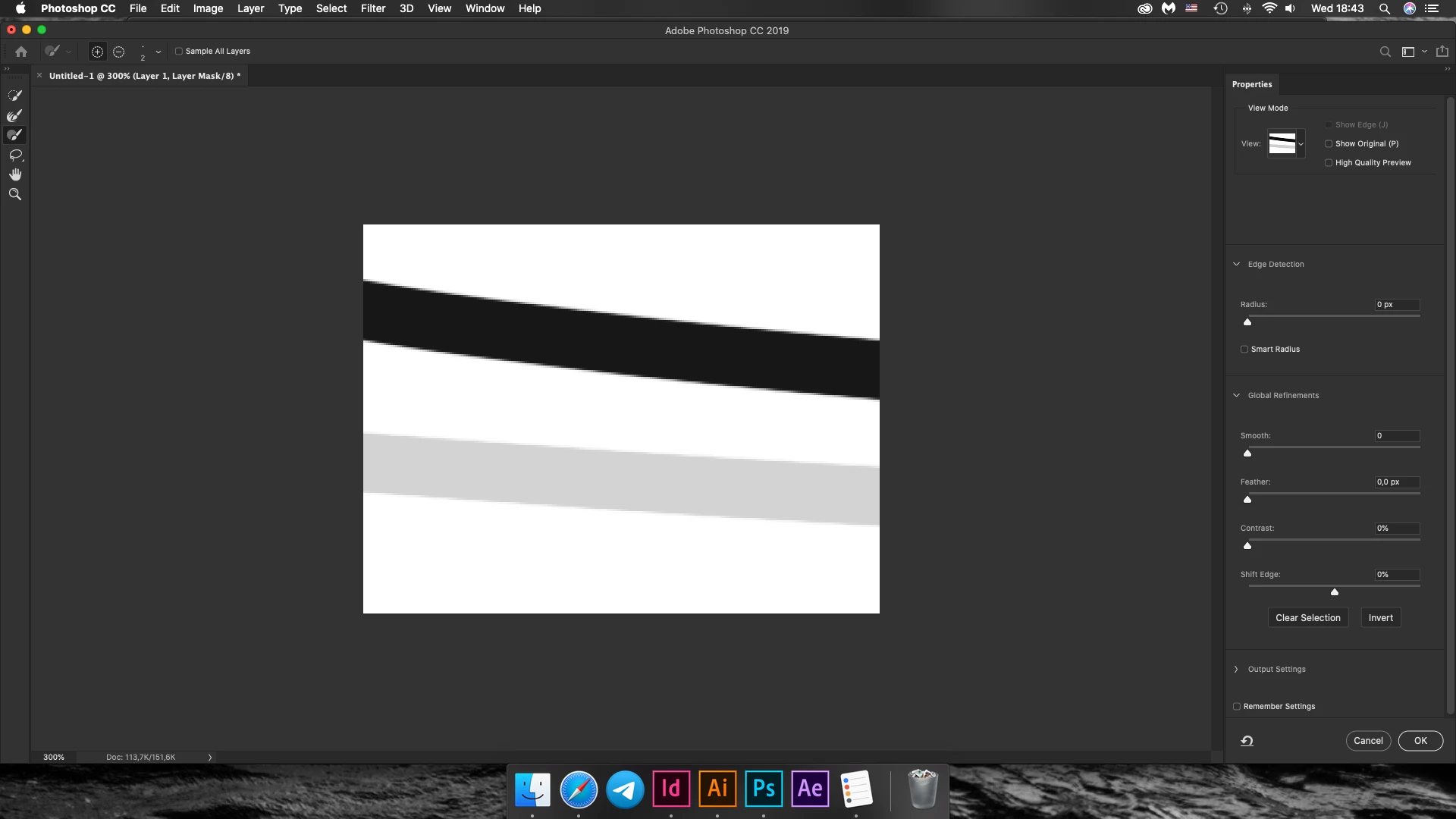
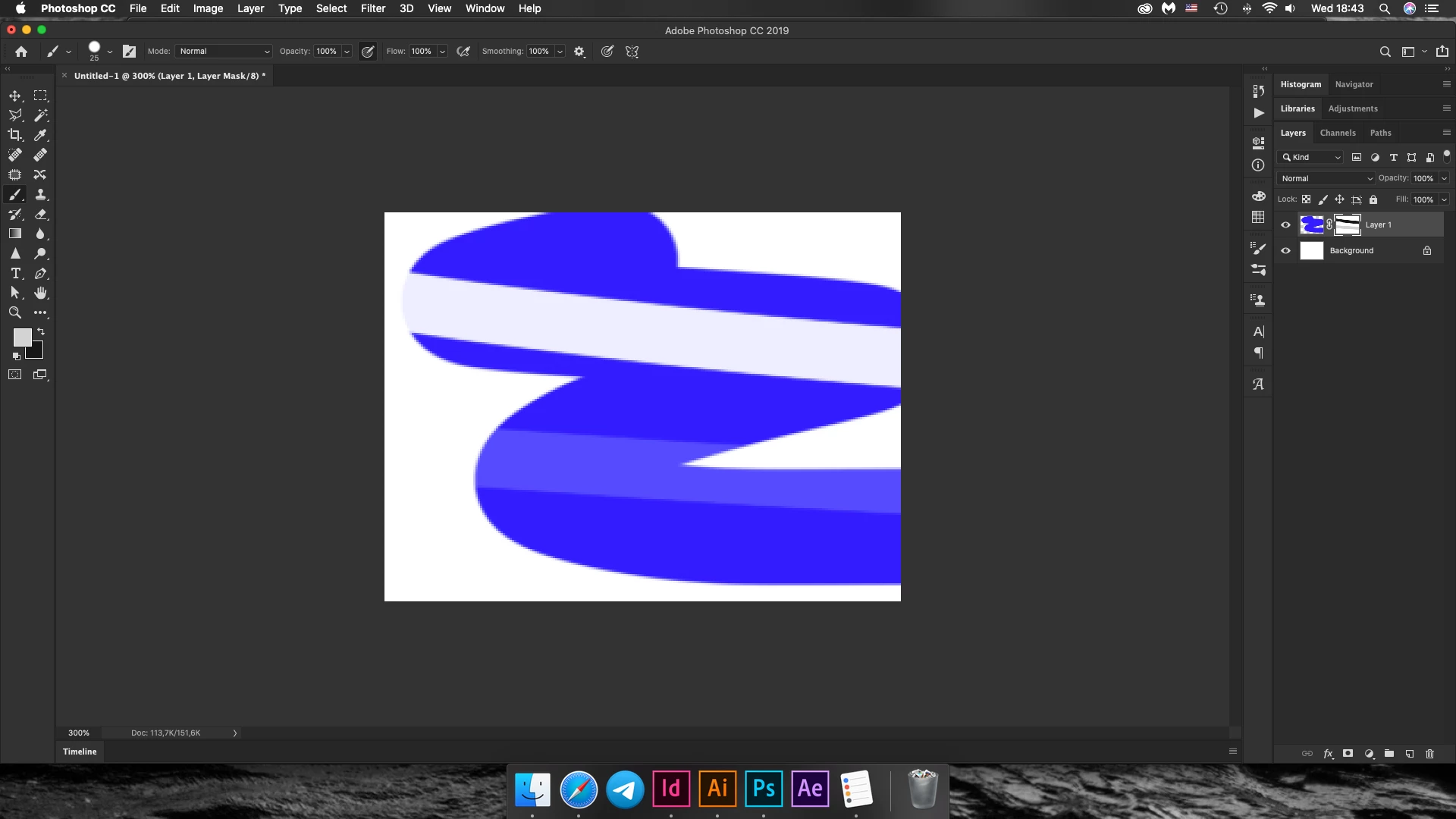
When I use masks in Photoshop (in all the projects) and try to edit the mask with a brush using black and white, i don't get 100% result. I check selected colors and white isn't completely white, the same with black. All the color numbers are fine. There's nothing wrong with blending modes or brushes

Have no idea how to fix it


When i create masks via selection or pen tool - everything works perfectly
 

This topic has been closed for replies.

1 reply

jane-e
Community Expert
Community Expert
November 27, 2019

Hi

The first thing to check is that your foreground and background colors are pure black and pure white. "D" is the shortcut to go to the default colors.

~ Jane

dashashabAuthor
Participant
November 27, 2019

Yeah, as you can see on the screenshots the foreground and background colors are not pure black and pure white, but when i click on them, all the numbers are fine and i can't make them any more black or any more white