
Question
Matching colors in product photography
Hi everyone,
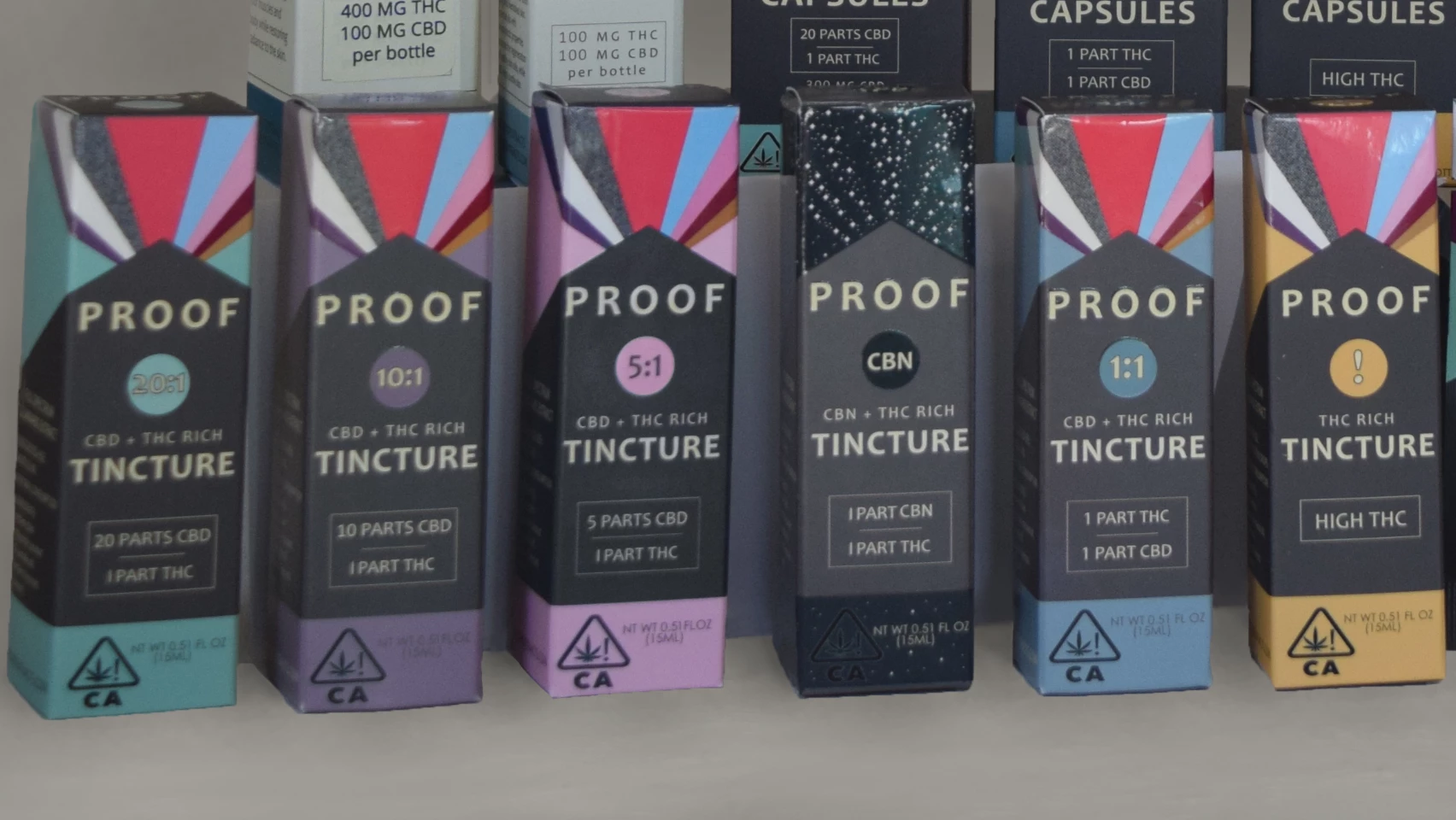
I'm trying to make all of the grey areas on these boxes look like the same shade. Unforunately, our packaging comes out with different grey tones for these grey areas, even though the file I provide to the printer has consistent grey tones. Anyway, what's the best way to adjust these grey areas? The three boxes on the right look fine, but I'd especially like to change the grey area on the pink box, since it's the darkest and most distracting. I've used the color replacement tool and it doesn't really make a difference. Masking is difficult because of the text on the box, but I will do that if necessary... I'd have to use the pen tool because quick selection tool doesn't grab around the text correctly.
Thanks!
 AdChoices