
Inspiring
November 26, 2018
Answered

Menu commands greyed out -Transform controls and shortcuts not working Photoshop CC 2019

  • November 26, 2018
  • 4 replies
  • 5416 views

I'm having an issue with Photohop CC 2019 since the update. I tried to reset preferences (by pressing Ctrl + Alt + Shift on startup) which didn't seem to help at all. I cannot duplicate layers, I cannot flip images as it's all greyed out, right clicking on a layer, everything is also greyed out. Can someone please assist me in resolving this issue?
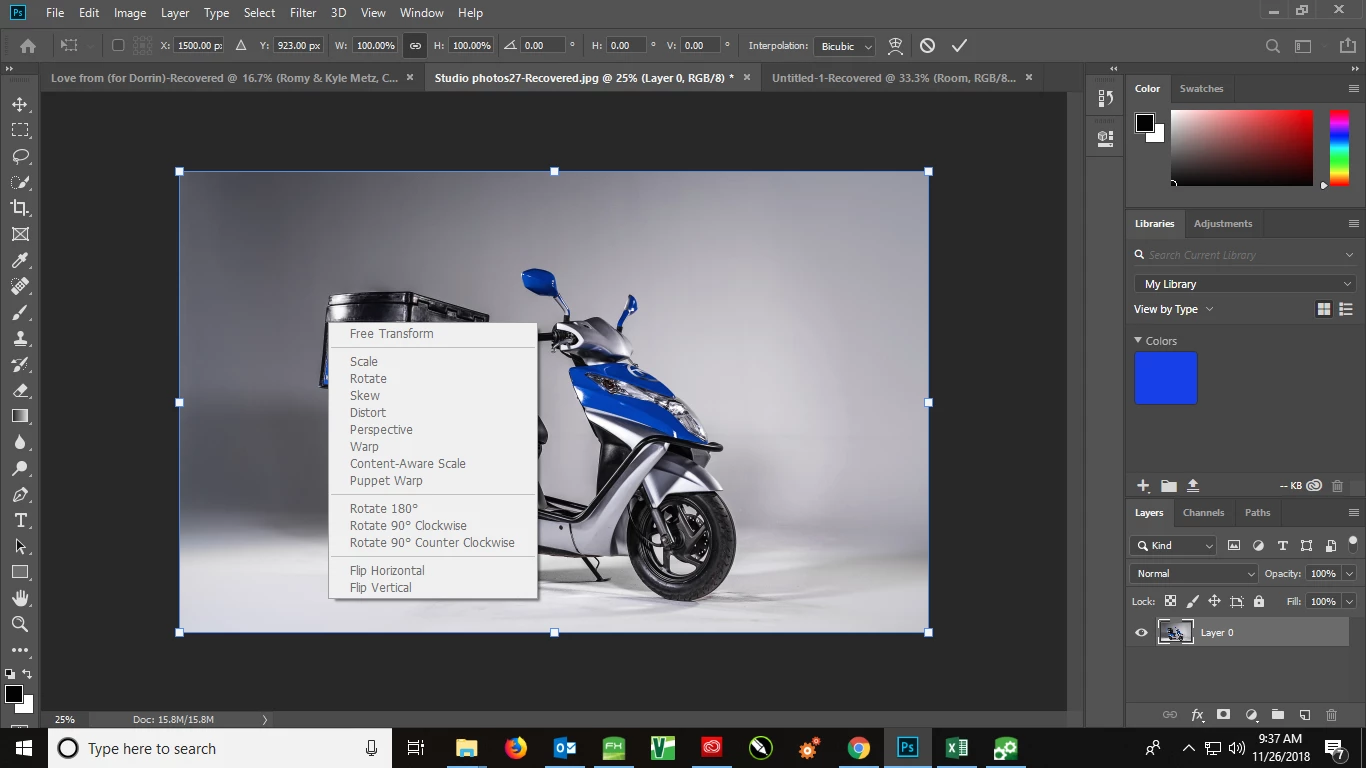
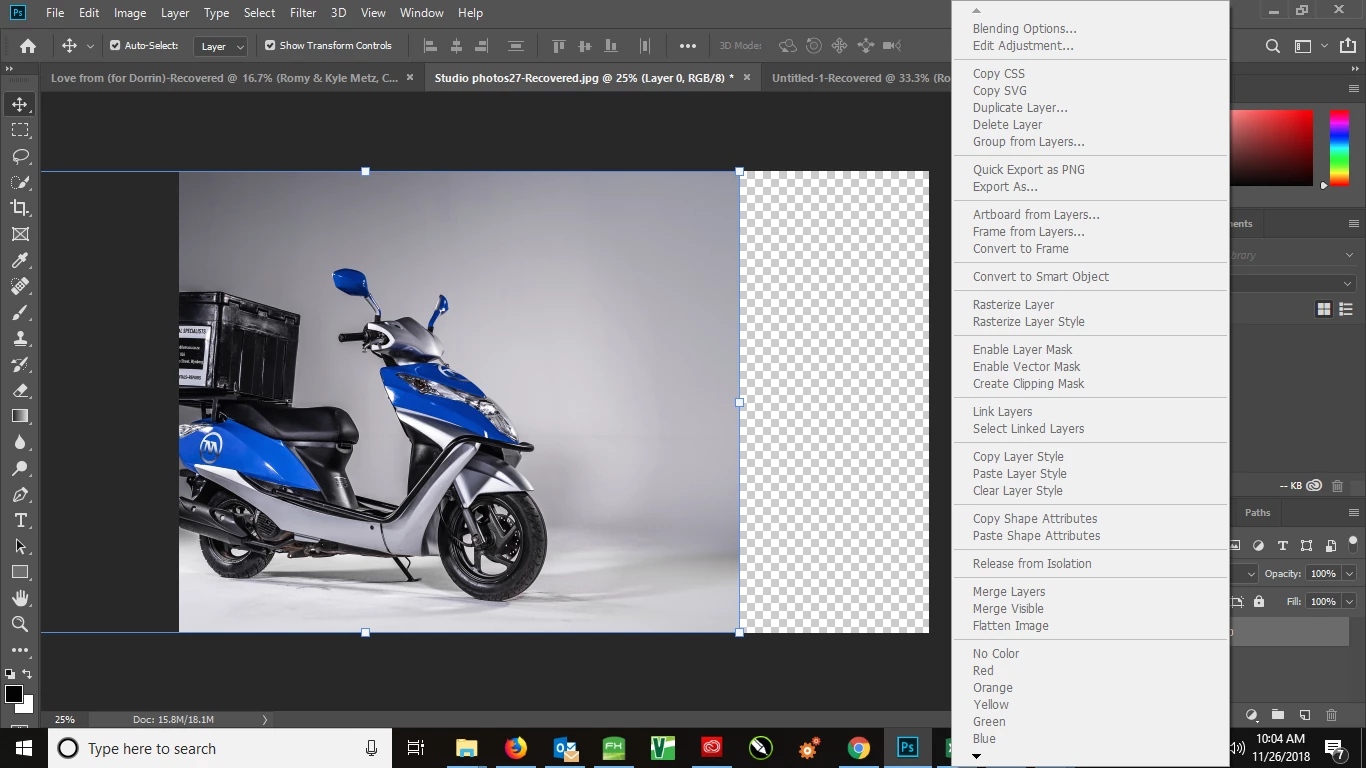
This is quite frustrating as I can't seem to do anything in Photoshop at this point

This topic has been closed for replies.
Correct answer Tim-Mobile Macs

So, I closed all apps, and did the following:

went to C:\Users\MobileMacs\AppData\Roaming\Adobe\Adobe Photoshop CC 2019\Adobe Photoshop CC 2019 Settings

then I deleted the Adobe Photoshop CC 2019 Prefs.psp file.

Everything is working now. But how do I prevent this from happening again?

4 replies

PECourtejoie
Community Expert
Community Expert
December 3, 2018

And did you get a prompt when you used the trash preferences shortcut ?

Inspiring
December 3, 2018

Hi there. Yes, I did get a prompt when using preference reset shortcut.

Since I opened Photoshop this morning, I've been having this problem. So I do not know if it's switching between apps that could be the cause of this issue, but I will be sure to exit all applications, restart Photoshop and see what happens

Tim-Mobile MacsAuthorCorrect answer
Inspiring
December 3, 2018

So, I closed all apps, and did the following:

went to C:\Users\MobileMacs\AppData\Roaming\Adobe\Adobe Photoshop CC 2019\Adobe Photoshop CC 2019 Settings

then I deleted the Adobe Photoshop CC 2019 Prefs.psp file.

Everything is working now. But how do I prevent this from happening again?

PECourtejoie
Community Expert
Community Expert
December 3, 2018

Hello, do you get this issue when you switch  back to Photoshop after using another application ?

Inspiring
December 3, 2018

It's been a few days and I am back to square 1. I'm having the exact same problem and I have no idea what is causing it. Only difference this time is , my software is up to date, my license is valid/active/linked to my email.

I can't even drag and drop an image in to Photoshop. This truly is a nightmare.

I never had this problem with the 2018 version of the software, so, I doubt that it's actually something I'm doing wrong.

November 26, 2018

Hi

Where the images opened directly in Photoshop or from Lightroom

Inspiring
November 26, 2018

directly in to Photoshop. Even previously saved psd. files have the same issue when I open them