
merging photos automatically and getting the background to match it.
Hi there,
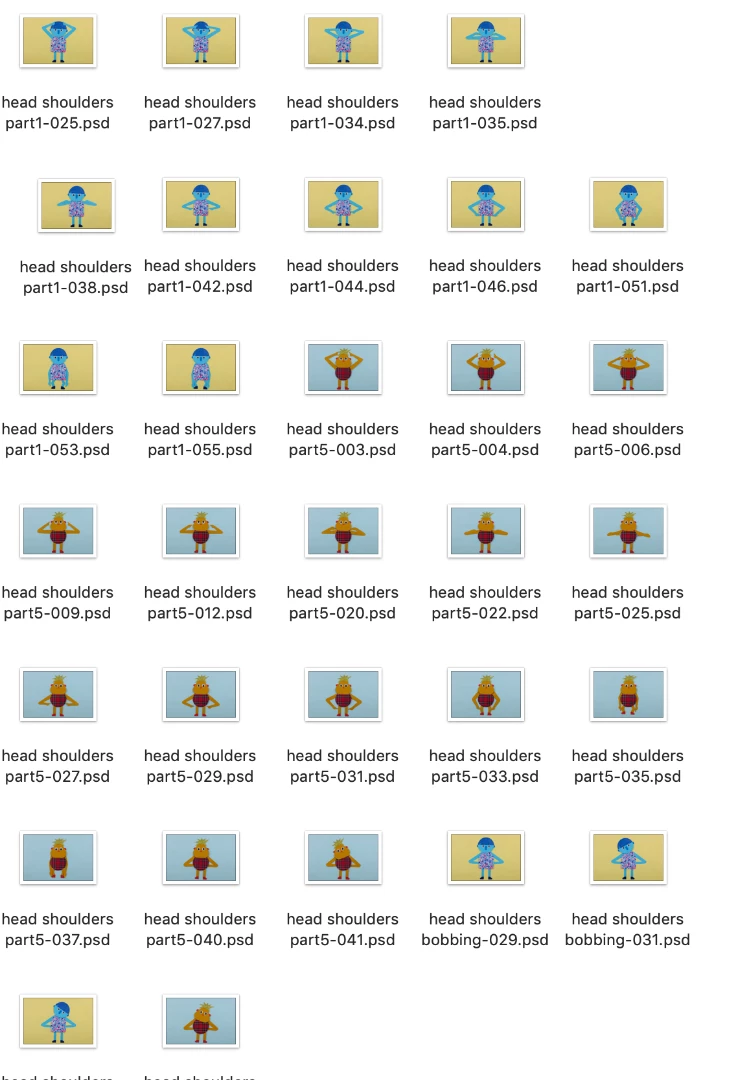
I am an absolute novice when it comes to Photoshop. I am currently trying my hand at making a stop motion video, using photos I took of cutouts, dancing to the children's song "head, shoulders, knees and toes".
My problem is this:
1. I have about 180 photos, which needs to be combined as shown in the below screenshots.
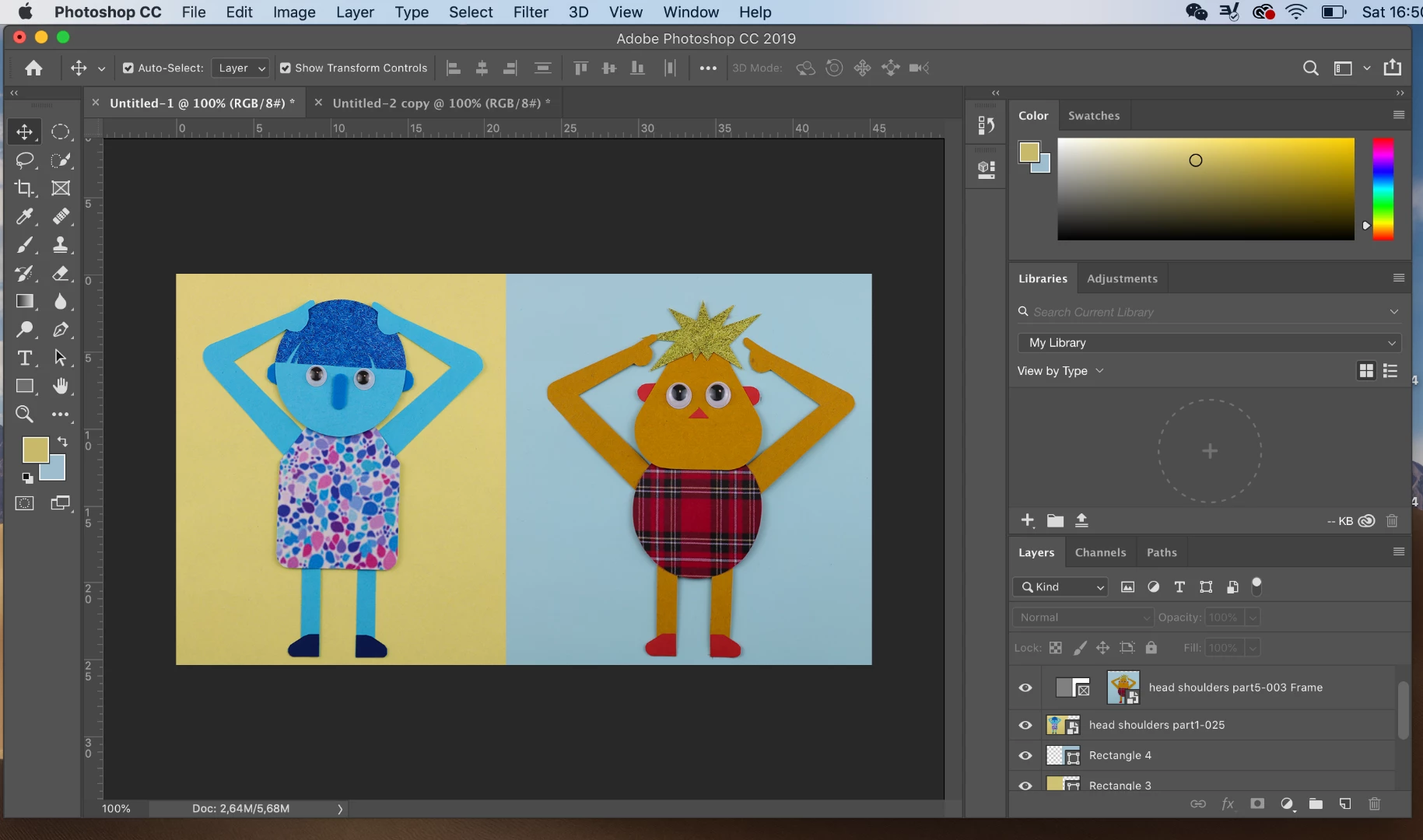
As it will be a stop motion, each photo needs to be the exact same size every time I combine it. Is there an easier way to do this, instead of dragging the photos in and adjusting them manually one by one (I have 180 photos which needs to align seamlessly when played as a video)?
2. I don't want the characters to be this big in the final product, but rather the size as shown in the screenshot below. To do this, I literally just made the entire photo smaller, but then I get the white background into the frame, which I obviously also don't want.
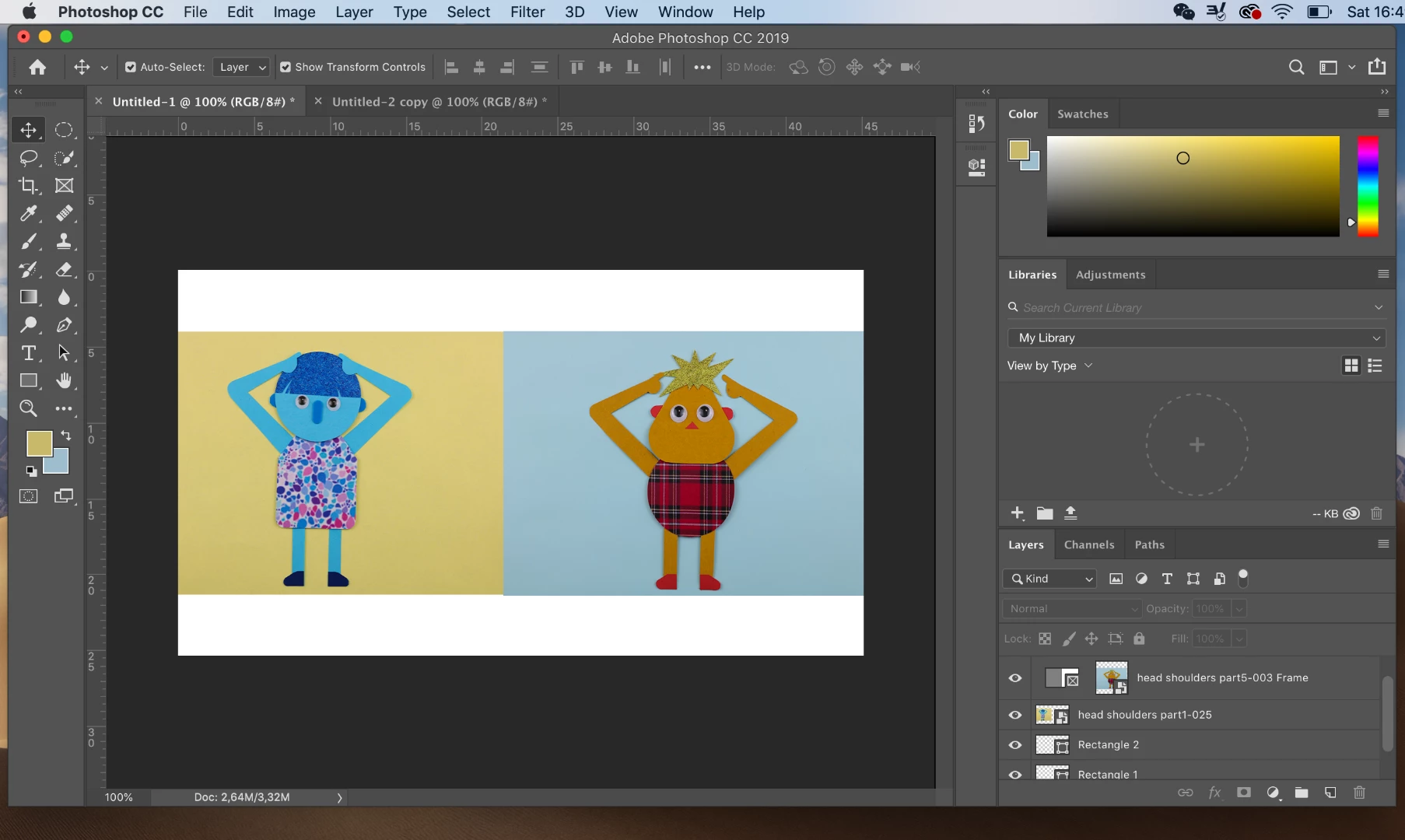
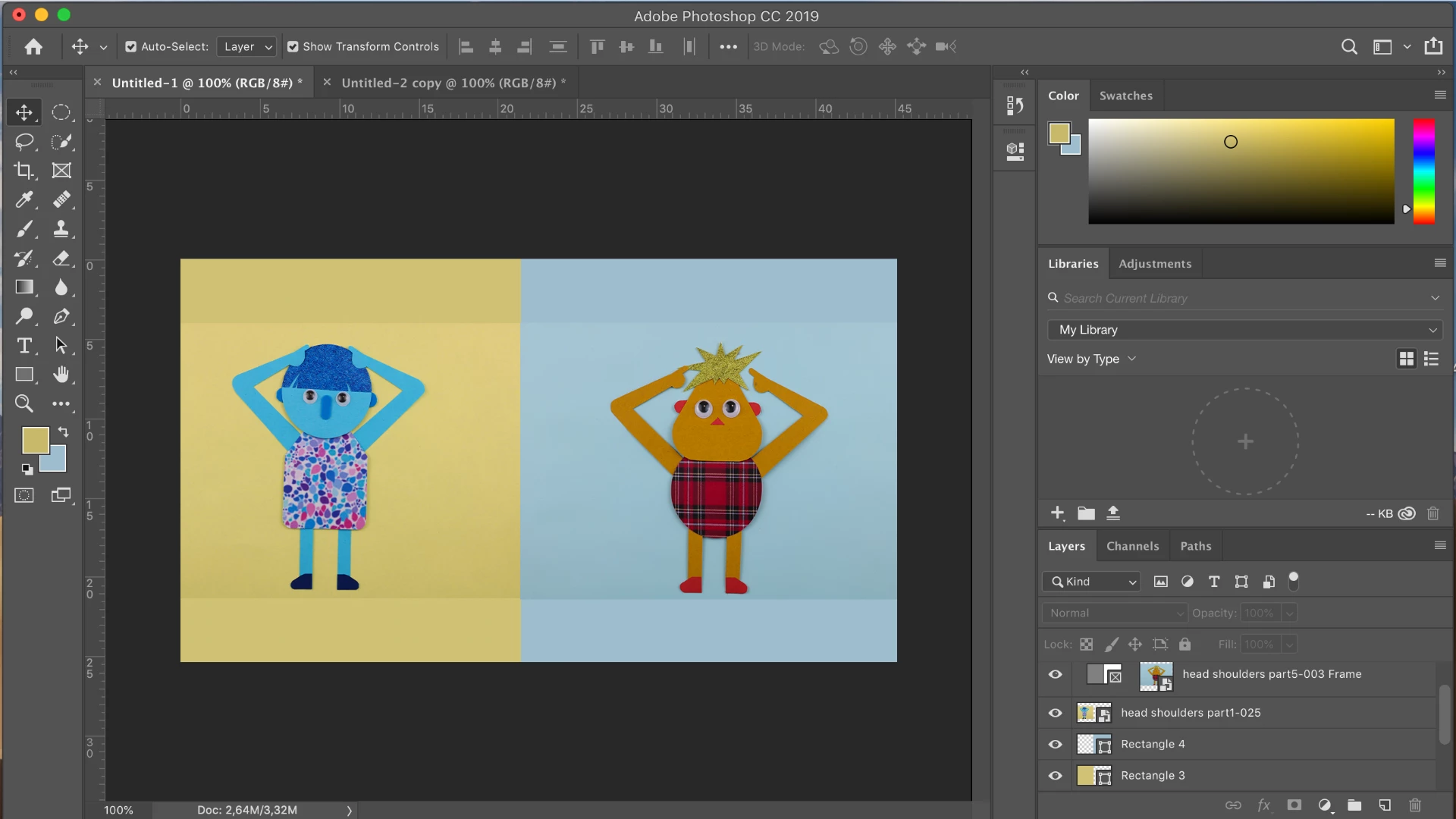
To get rid of the white background I tried using the rectangle tool - to draw a background in the same color as my photos, but the colors do not match up (even if I use the eyedropper tool). I have no idea how to actually do this, so I need expert advice in how to fully utilise this powerful program.
I look forward to hearing from anyone with more knowledge than what I have.
Thanks in advance.
 AdChoices