bartonlew
Legend
August 6, 2018
Answered

message in puppet warp "could not transform because the result would be too big"

  • August 6, 2018
  • 1 reply
  • 1540 views

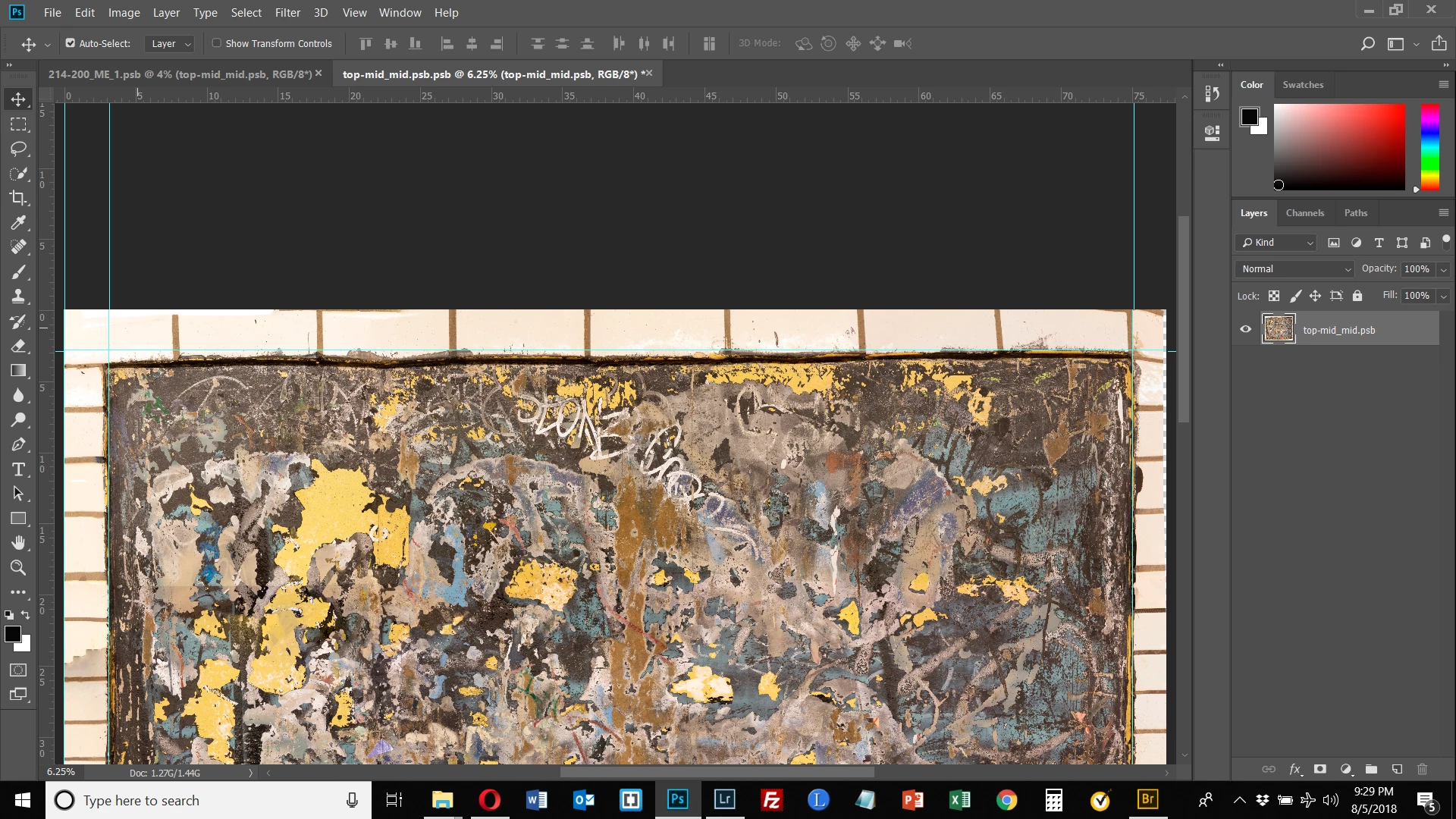
I had been using puppet warp with no problem in my large file but just now got the message when I opened the Smart Object, turned on puppet wrap and tried to create a pin:  "could not transform because the result would be too big."  What does this mean?  Thanks.

This topic has been closed for replies.
Correct answer bartonlew

Thank you Dave.  When I click on Image Size for the piece in my example, it shows me that at 300 ppi my width is 77” and height is 65”.  I only need the printed size to be 60” x 48”.

I unclicked “resample” and made my image size 30” x 25” which gave me 771 ppi.  I still got the same message when I tried to apply puppet warp.

So I clicked “resample” and made the ppi 600 keeping dimensions 30 x 25.  Still got the same message.

Since previously to making these image size changes I had been working with puppet warp successfully in this image, I am very confused as to why, even making the image dimensions half their original size, I am getting this message ("could not transform because the result would be too big").


I figured out what I was doing wrong.  I was trying to apply the puppet warp inside the opened Smart Object.  This is incorrect.  The puppet warp is applied directly to the Smart Object, not its opened layer.  This seems counter-intuitive since Healing Brush and the Clone Stamp, for example, are both applied in the opened Smart Object.  Why is the pixel editing puppet warp applied to the Smart Object directly and not once opened?  Anyway, that's the way it works and everything is working fine now.

1 reply

Trevor.Dennis
Community Expert
Community Expert
August 6, 2018

Difficult to say without knowing more details.

What is the pixel size of your document?

How many layers?

What are your system specs?

What is your scratch disk arrangement?

You could open Photoshop and go Help > System Info > Copy ​ and paste to this thread.  That will give us a good heads up.

bartonlew
bartonlewAuthor
Legend
August 6, 2018

Thank you for your reply.  Here are the answers to your questions:

What is the pixel size of your document?   23141 x 19632

How many layers?  1

What are your system specs?  I have a new Dell G3 15 gaming laptop w/1 TB HD (373 GB used & 557 GB free) and 1 TB SSD (136 GB used & 740 GB free).  It has an Intel i7 6-core processor & 32 GB RAM.


What is your scratch disk arrangement?  My SSD is my scratch disk.

Community Expert
August 6, 2018

Despite being one layer,  that is a pretty big file, much larger than I would work with.