Thank you Dave. When I click on Image Size for the piece in my example, it shows me that at 300 ppi my width is 77” and height is 65”. I only need the printed size to be 60” x 48”.
I unclicked “resample” and made my image size 30” x 25” which gave me 771 ppi. I still got the same message when I tried to apply puppet warp.
So I clicked “resample” and made the ppi 600 keeping dimensions 30 x 25. Still got the same message.
Since previously to making these image size changes I had been working with puppet warp successfully in this image, I am very confused as to why, even making the image dimensions half their original size, I am getting this message ("could not transform because the result would be too big").
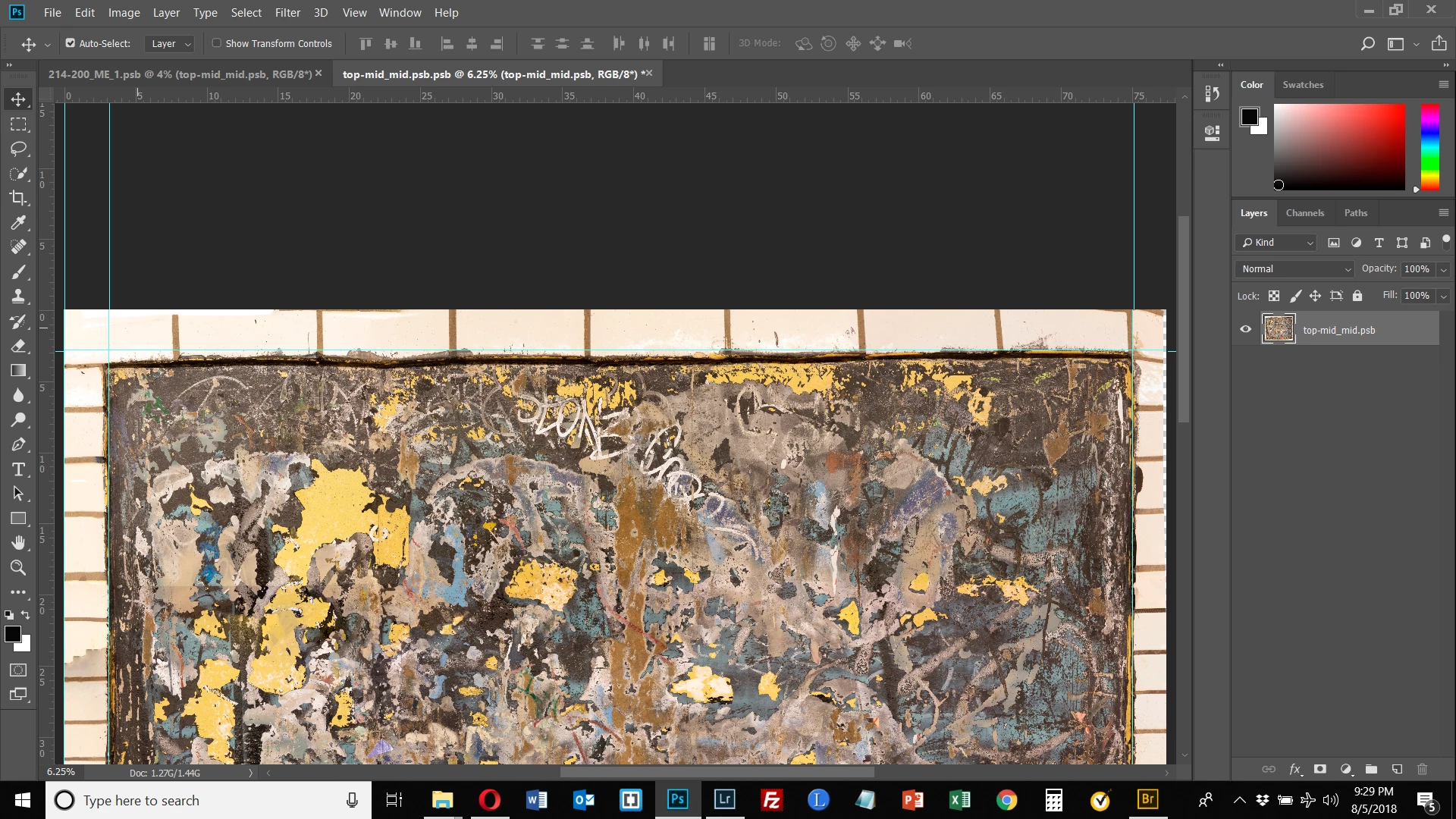
I figured out what I was doing wrong. I was trying to apply the puppet warp inside the opened Smart Object. This is incorrect. The puppet warp is applied directly to the Smart Object, not its opened layer. This seems counter-intuitive since Healing Brush and the Clone Stamp, for example, are both applied in the opened Smart Object. Why is the pixel editing puppet warp applied to the Smart Object directly and not once opened? Anyway, that's the way it works and everything is working fine now.


 AdChoices