
Messy stroke lines when little pen pressure is applied
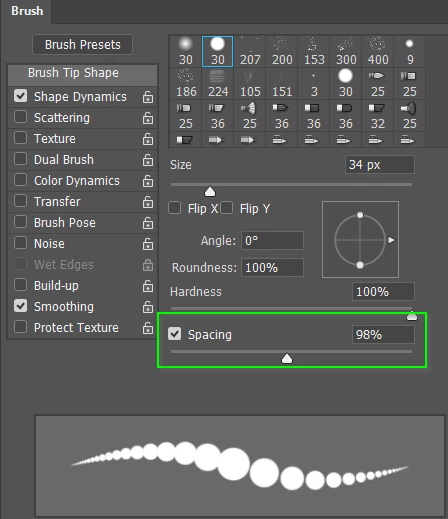
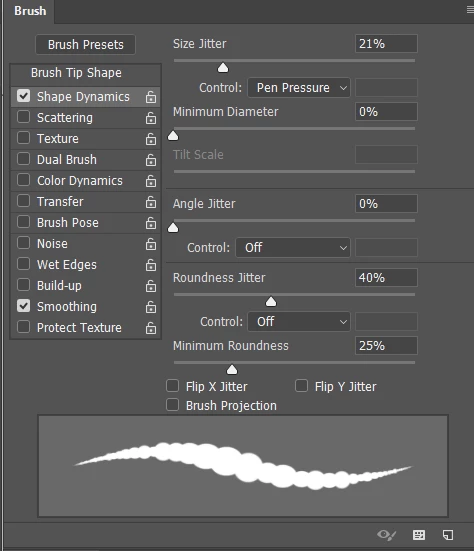
I opened Photoshop so I could draw with my wacom tablet. I realized that pen pressure wasn't enabled because my lines were all one size. I went to the brush settings and applied pen pressure through the shape dynamics tab, which enabled pen pressure. My lines were jittery when I applied little pressure, but looked better when I applied more. Here's a picture: Image - TinyPic - Free Image Hosting, Photo Sharing & Video Hosting None of the sliders that apply jitter in the brush settings panel are on, they are all set at 0.
I've used my tablet in other software before where pen pressure is applied, and I haven't had an issue. The version of Photoshop I'm using is CC 2015.5
Thanks

 AdChoices