This topic has been closed for replies.
Correct answer JJMack

Start double click Adobe Bridge CS6...

4 replies

JJMack
Community Expert
JJMackCommunity ExpertCorrect answer
Community Expert
December 19, 2017

Start double click Adobe Bridge CS6...
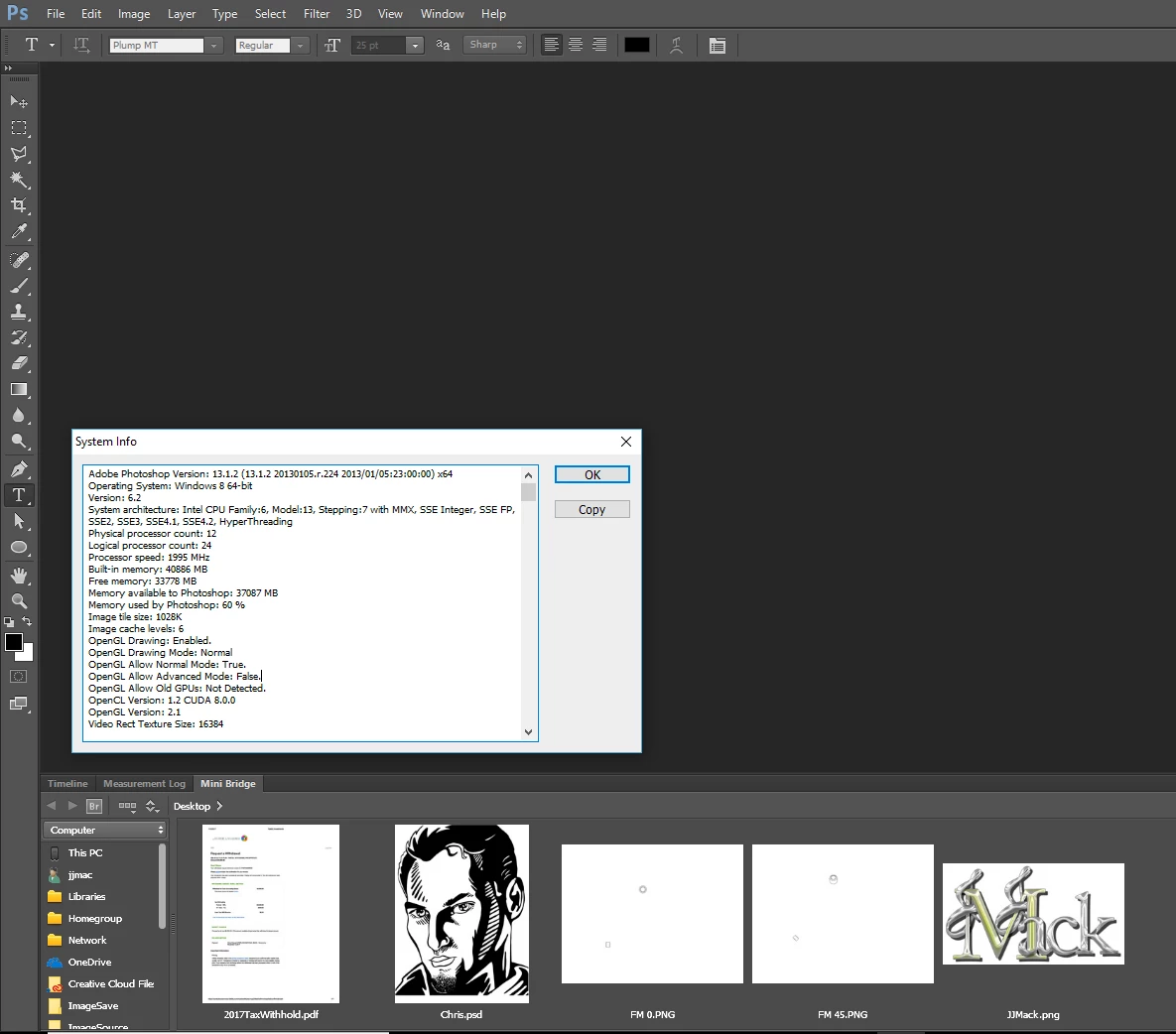
JJMack
Participant
December 19, 2017

and then what?

JJMack
Community Expert
Community Expert
December 19, 2017

It should be there. If it is but the mini panel is empty make sure the CS6 Bridge is running in the background not bridge cc 2018 and your registry has the string key found in the link  SuperMerlin posted.  If no Bridge is running in the background CS6 mini bridge should display a button  launch Bridge cs6 if you have the string key in your registry.  If the wrong bridge is running in the background cs6 mini bridge panel should show that.

That happen to me when a preview Windows 10 broke windows on my machine.  I had to install Windows fron scratch and installed all ma applications.   My registry was missing that key and my Mini Bridge panel was empty.

JJMack
Participant
December 19, 2017

not sure I know how to make sure the CS6 bridge is running in the background. 

SuperMerlin
Inspiring
December 19, 2017
Participant
July 11, 2019

Das hier war der richtige Tip - nach langem Suchen läuft meine Minibridge unter CS6 und Win 10 Pro wieder!

Danke, Super Merlin und Igment Blog!!

December 19, 2017

Hi

Have you tried Window --> Extensions --> Mini Bridge
