Participant
July 27, 2023
Question

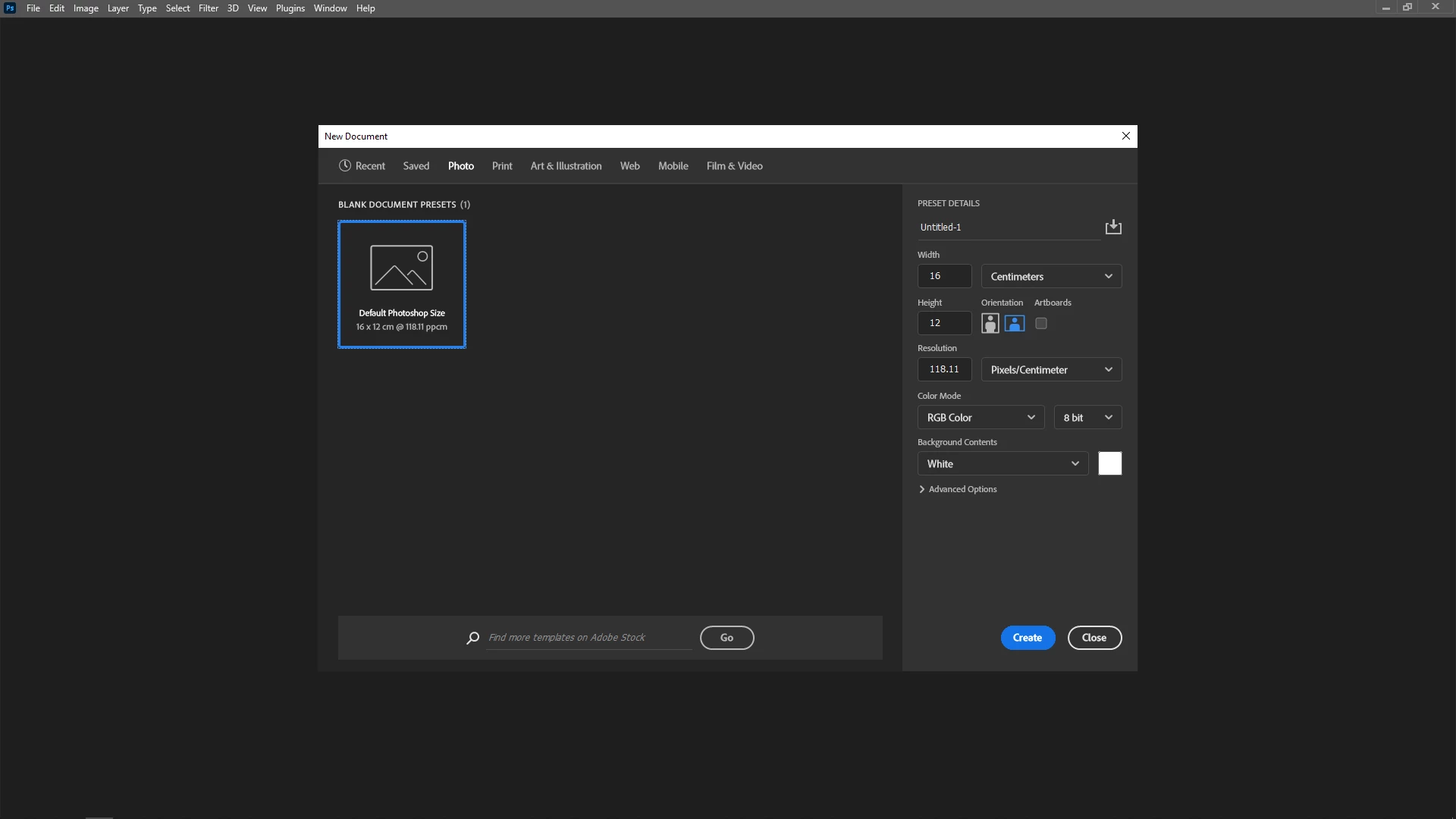
Missing blank document presets, disappears after making new ones as well

  • July 27, 2023
  • 9 replies
  • 2077 views

My adobe photoshop 2023 has deleted all my blank document presets and everytime i try to make a new one, it also disappears after exiting photoshop. this is frustrating and has lead to a massive workflow disruption. Can anyone help? pleease


SAVED window is blank
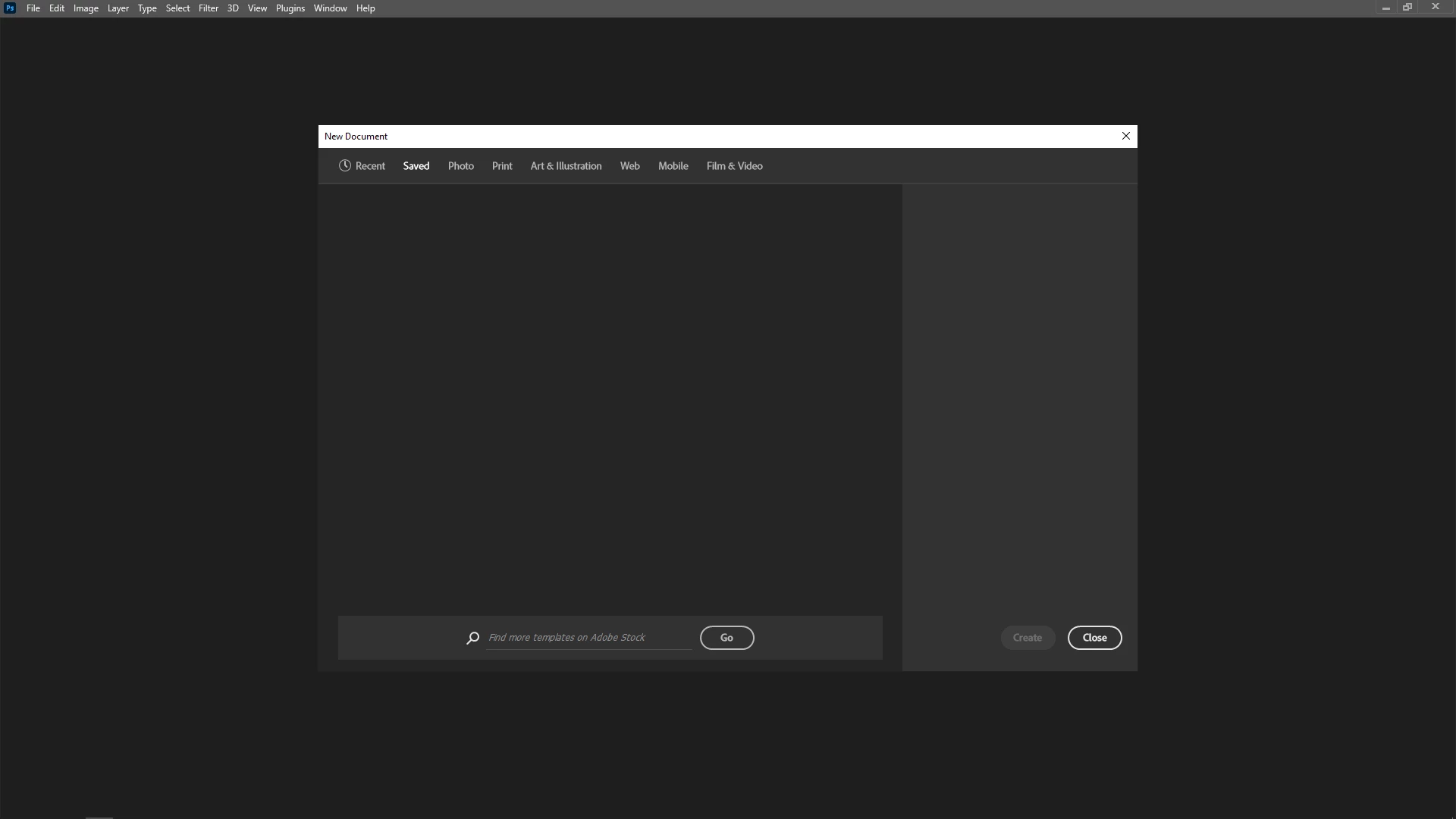
PHOTO window is blank
PRINT is blank
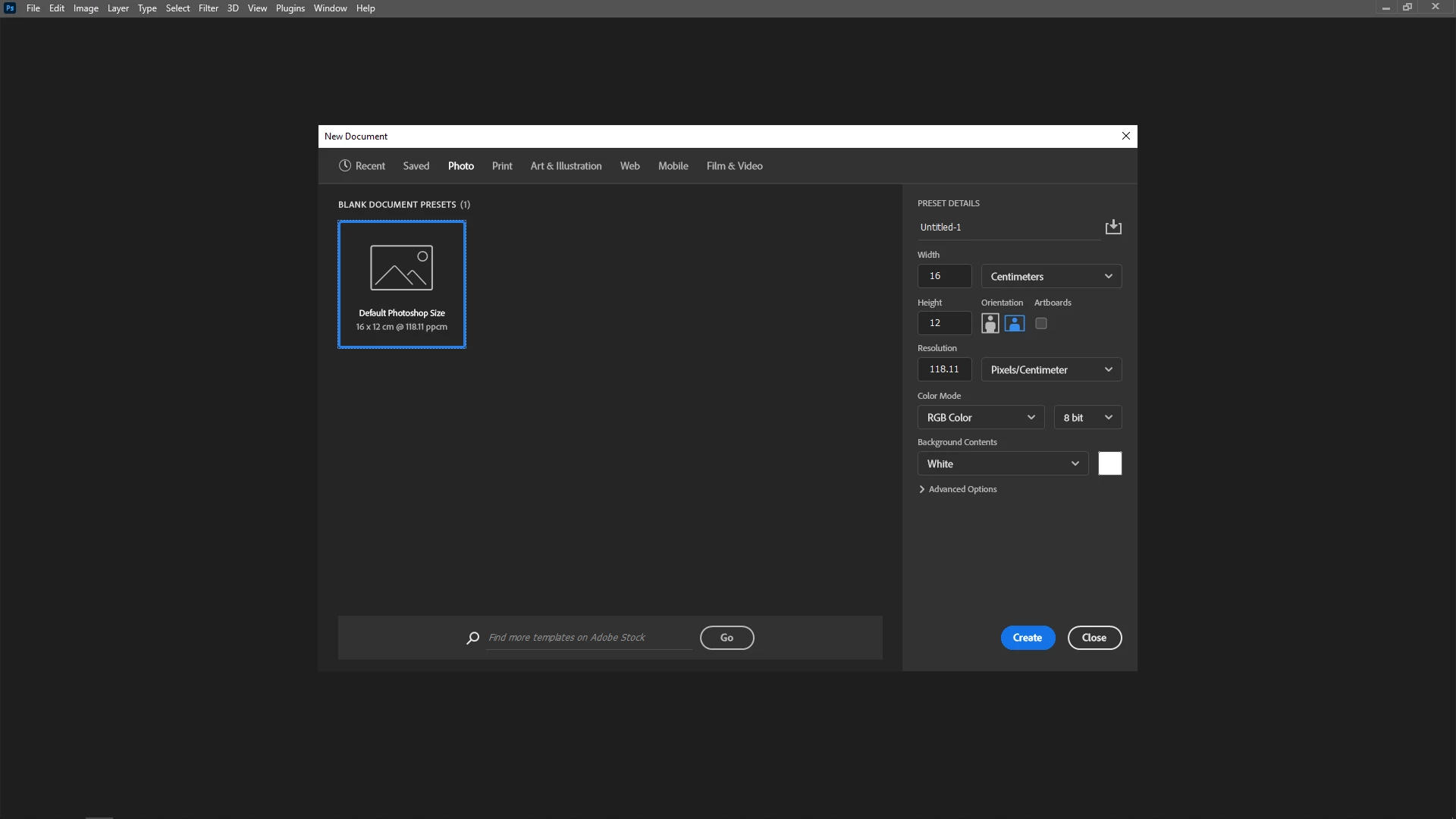


everything is blank, can anyone help me restore my these blank document presets?


This topic has been closed for replies.

9 replies

Participant
February 8, 2024

Very annoying issue. The reset preferences worked for me on windows 11.

Participant
October 30, 2023

**UPDATE**  As I posted before, the only way I found to solve the missing document presets was to use compatibility mode, but which froze Photoshop functions after a while. I then switched off compatibility mode to make it functional, but this caused the presets to disappear once again.  Now, without turning compatibility mode back on, the presets have, for some reason, reappeared. I can't say I've done anything else to solve the problem, but it seems to be working for now, so I'm not sure where the problem lies if or when it reoccurs.

Participant
October 27, 2023

The only solution I found was to apply a Windows 8 compatibility mode to Photoshop. All the preset documents then reappeared.  This worked fine for a few days, but then every function would freeze on opening photoshop. The only way to solve this problem was to switch the compatibility mode off again. After that, it didn't freeze and was functional, but the preset documents disappeared as before.  It would seem that Windows 11 is causing the problem - well, it is for me, as that's the OS I'm using.

Participant
September 18, 2023

Have you found the solution yet? Not only presets, but anything i add to photoshop, eg. add-ons, patterns, brushes,etc. goes missing on quitting and reopening the next time. Please help

Michael Bullo
Community Expert
Community Expert
July 27, 2023

I know it's not a fix but does storing "template" files in a Creative Cloud folder help?

Participant
July 27, 2023

all blank documents are saved in New Doc Sizes.json file found in app data > roaming > adobe photoshop 2023 settings. I put in my back of blank documents there and photoshop just wildly overwrites it with blank everyime i open up Photoshop

Michael Bullo
Community Expert
Community Expert
July 27, 2023

This is not a solution but a possible temporary work around. Could you create a series of blank documents that live in some kind of template folder? Could you put such files into a Creative Cloud library?

Participant
July 27, 2023

hello! yes i have already reset the preferences, shut down pc and quit photoshop. 


everytime i make a new document preset, named and save it. it disappears the next time i open photoshop. 

this has really affected my workflow sadly.

Michael Bullo
Community Expert
Community Expert
July 27, 2023

Have you tried resetting the Preferences? If you have altered a bunch of them you may want to back them up before you do.