
Mix only a subset of layers?
TL;DR: Is it possible to mix a specific set of layers instead of all layers below the mixed layer?
Background:
I am using the technique demonstrated by Brady from Texture labs to achieve lithograph-style shading for illustrations. It involves a hard mix of a layer with a lithograph-style pattern with the layer containing my shading.
The problem is, that I want the shading to overlay other layers with my color fills, but I don't want those layers to be mixed with my lithograph pattern. But I can't figure out how to limit the mix to only the shading layer.
One solution is to create an image stamp of my shading, select and delete the background, and then overlay that layer over the rest of my illustration (and turn off the visibility of the source layers for the shading). But that is a bit of a hassle to do every time.
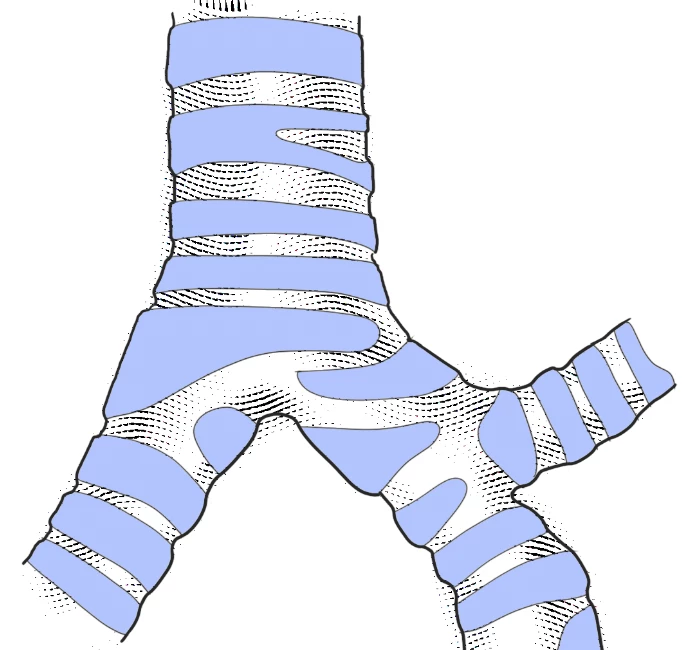
Here is the result with my color layers above the shading. The color fills cover over the shading (as expected, but not as desired):
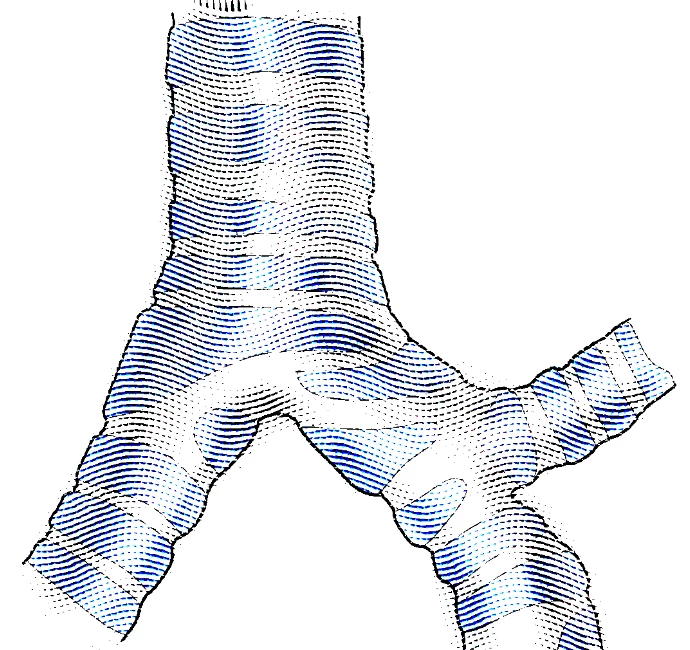
Here is the result with the color below the shading layer. Now the color gets mixed with the lithograph pattern layer (not desired):
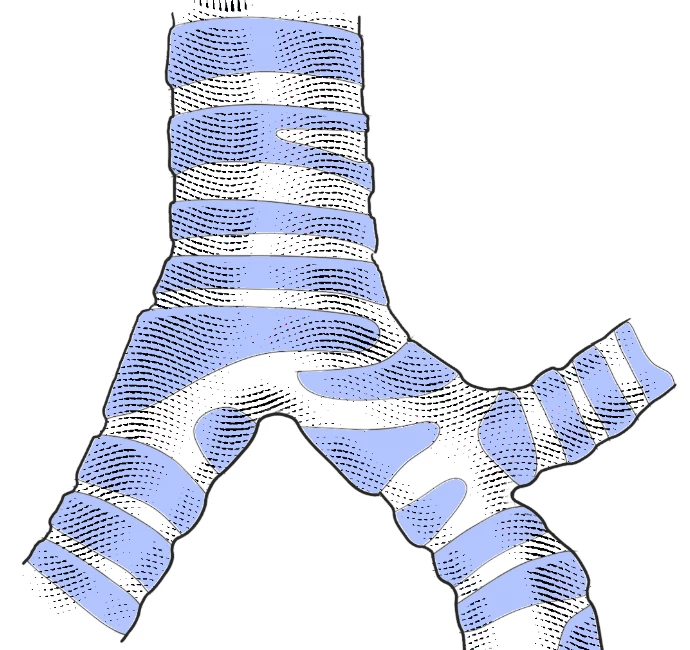
Finally, here is what I actually want. But to achieve this I had to create an image stamp of the shading, select and delete the background, move it to the top, and turn off the visibility of the original mixed shading layers.
Thank you for any advice!
 AdChoices