

Answered
Modify Keys For Brush Sizes - Photoshop Windows
Moved from Mac to Windows, and the biggest pain point I am currently facing is a keyboard/pen shortcut issue for changing brush sizes.
Currently:
Macintosh:
Change brush size: option-ctrl-drag
Change brush edge softness: command-option-ctrl-drag
Windows:
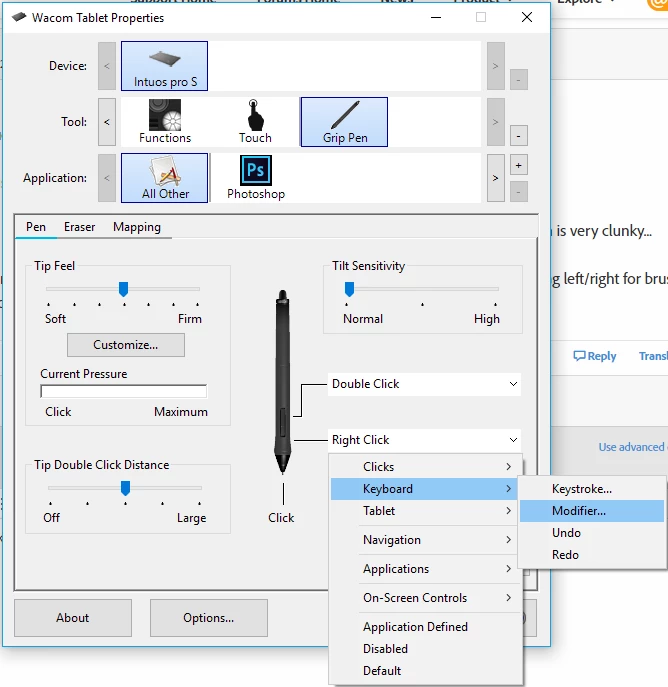
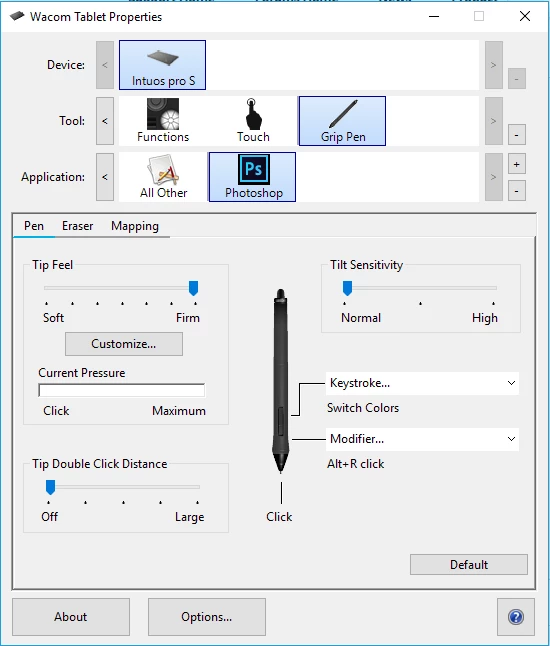
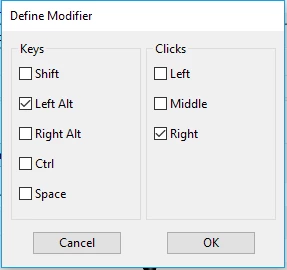
Change brush size: alt-right mouse button drag
Change brush edge softness: shift-alt-right mouse button drag
What I desperately need is for the Windows to be able to let me use Ctrl + Alt and drag (with my pen not mouse) to change brush hardness and size.
The bracket keys are far too slow, and I really need this to work as closely to the way Mac's version does.
Is there any way at all to configure/modify this?
Thanks!
 AdChoices