
Participant
March 18, 2020
Answered

Modifying Shapes Using Anchor Points in Photoshop CC

  • March 18, 2020
  • 3 replies
  • 627 views

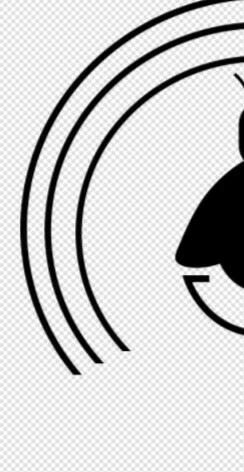
I have some shapes in my PSD project that were orignially ellipses, and I ended up cutting the bottoms off (image below). What I want to do is be able to access the anchor points to pull in the lower parts of the circular shapes (like with the curvature or pen tool in Illustrator). I cannot figure out how to do it. I did it on accident before I cut the shapes. Tried a workpath but it's not what I'm looking for. Can't find a way to convert the shape to a path the way I need, either. Any ideas?


This topic has been closed for replies.
Correct answer misstevious

Did more looking and retraced my steps, turns out I fiddled with the layers in a way that they no longer were shape layers. D'oh. Ended up redrawing. Sorry and thank you, everyone!

3 replies

missteviousAuthorCorrect answer
Participant
March 25, 2020

Did more looking and retraced my steps, turns out I fiddled with the layers in a way that they no longer were shape layers. D'oh. Ended up redrawing. Sorry and thank you, everyone!

jane-e
Community Expert
Community Expert
March 26, 2020

Thanks for sharing, and I'm glad it's working again! 😊

Semaphoric
Community Expert
Community Expert
March 25, 2020

Is your shape layer selected?

Participant
March 25, 2020

It is (hypothetically). I select the proper layer, then hit the path selection tool icon and nothing. This is how my setup is currently in PS:


jane-e
Community Expert
Community Expert
March 18, 2020

Are you using the Direct Selection tool or another tool? It shares space with the Path Selection tool (black arrow), and the keyboard shortcut for both is "A".

Participant
March 25, 2020

Tried that, but nothing is happening. All I am able to do is draw a blue box that looks like it will select something.