Answered
Move layers
When a layer is selected in the Layers window that layer MUST move when dragged. Currently, the layer under the cursor moves instead. This is a MORONIC and STUPID change in Photoshop.

When a layer is selected in the Layers window that layer MUST move when dragged. Currently, the layer under the cursor moves instead. This is a MORONIC and STUPID change in Photoshop.
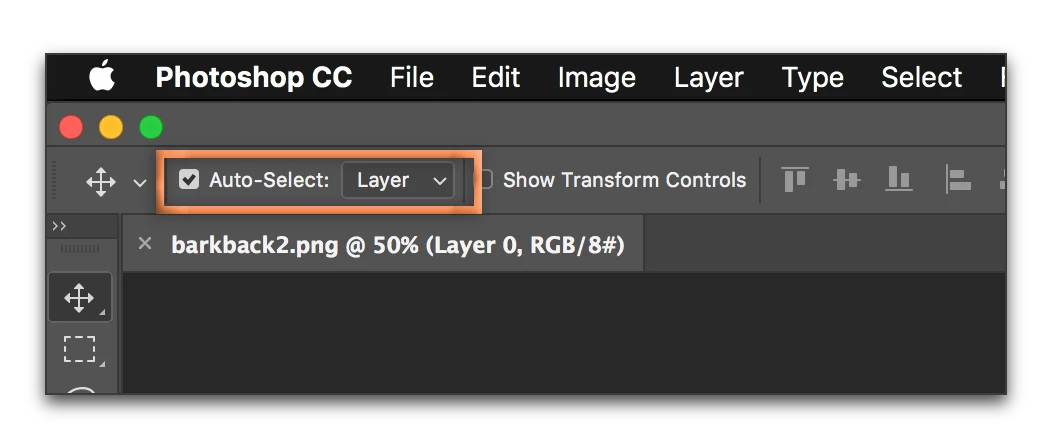
Select the Move tool, then uncheck Auto-Select Layer/Group.
Already have an account? Login
Enter your E-mail address. We'll send you an e-mail with instructions to reset your password.
 AdChoices