
Question
Move Selected Image to New Background
I used the Ellipse tool to select the part of the image I want but when using the Move tool to transfer it to a new background it flares out and doesn't cut cleanly. How do I fix this? Thanks,
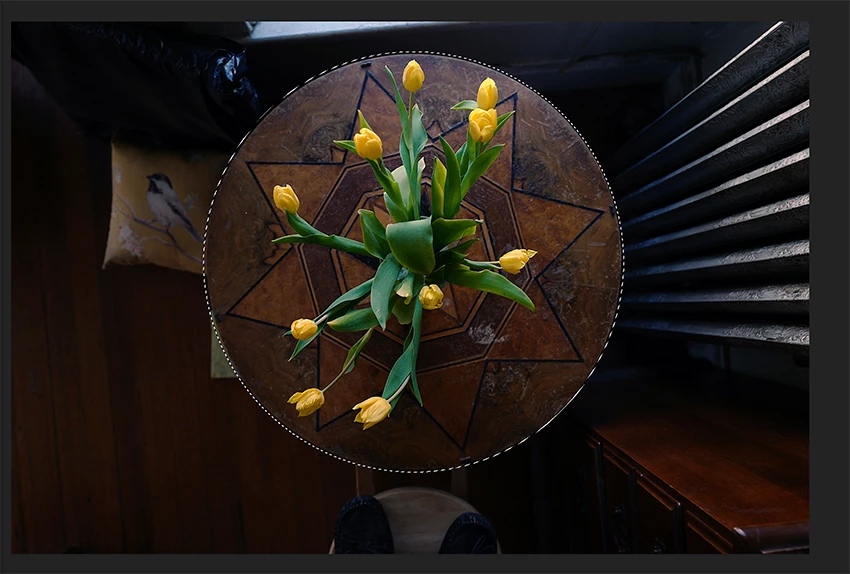
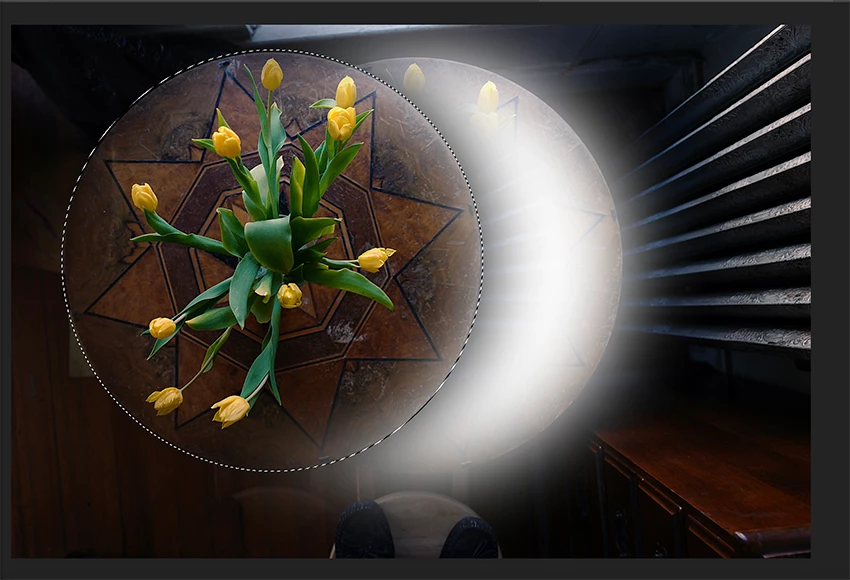
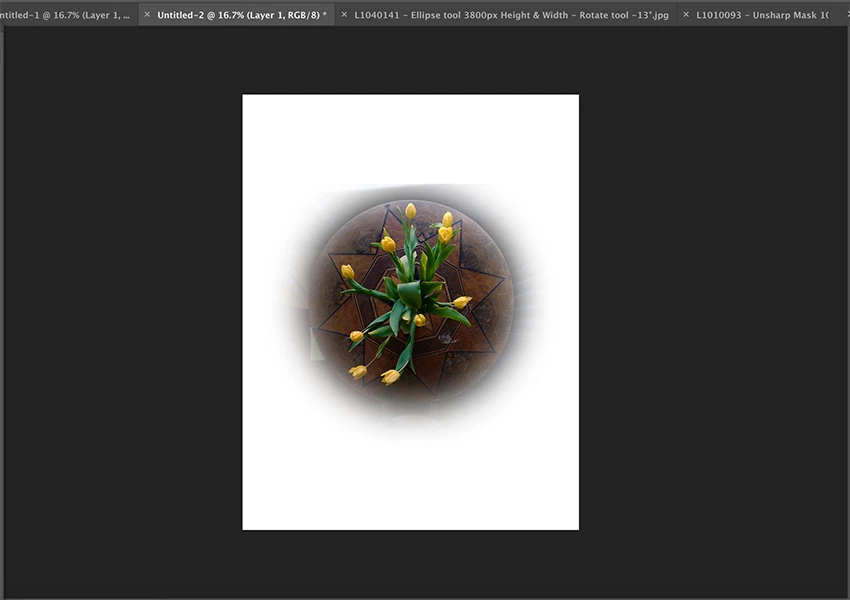
I used the Ellipse tool to select the part of the image I want but when using the Move tool to transfer it to a new background it flares out and doesn't cut cleanly. How do I fix this? Thanks,
Already have an account? Login
Enter your E-mail address. We'll send you an e-mail with instructions to reset your password.
 AdChoices