
Answered
Moving Image From Tab to Layer
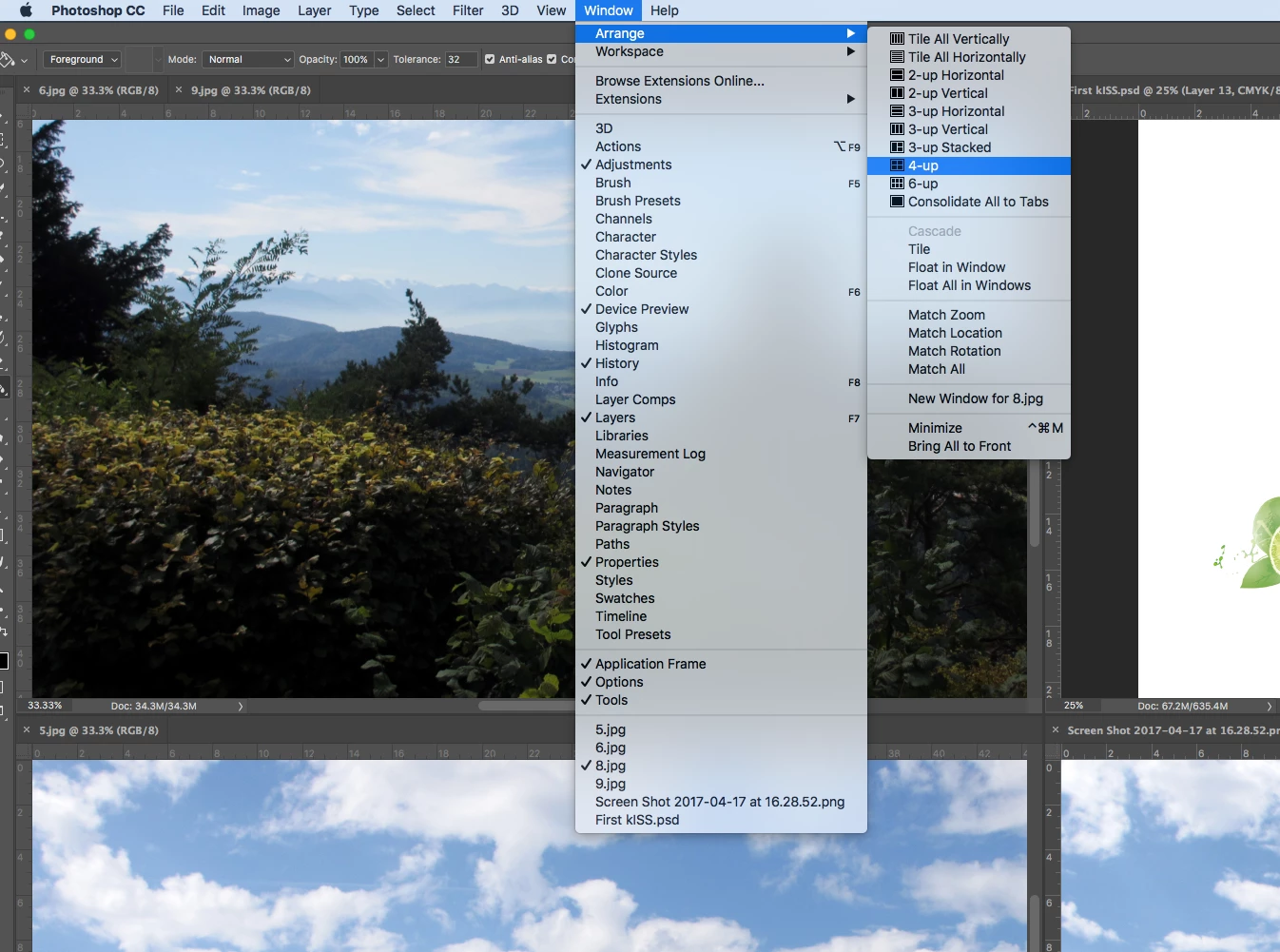
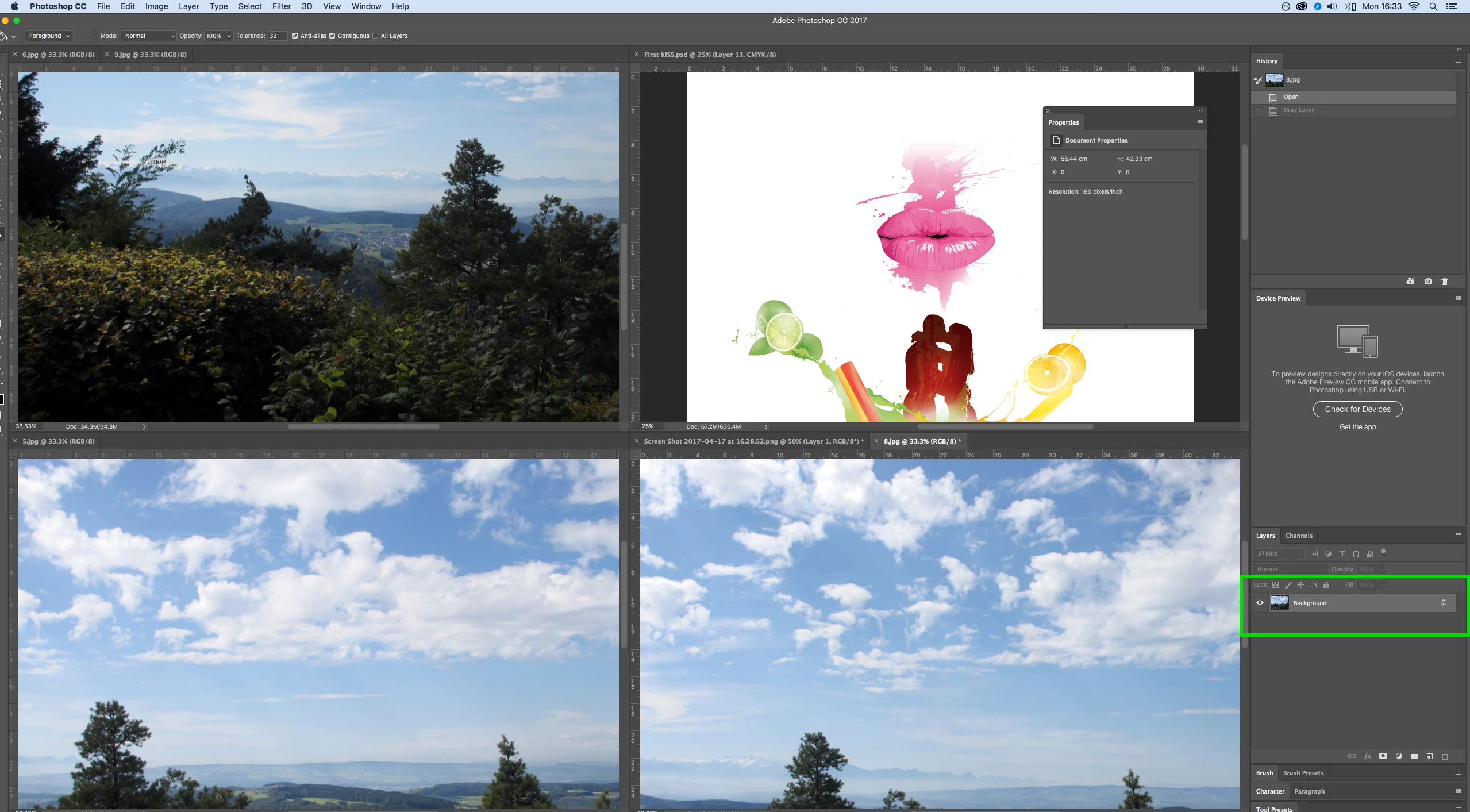
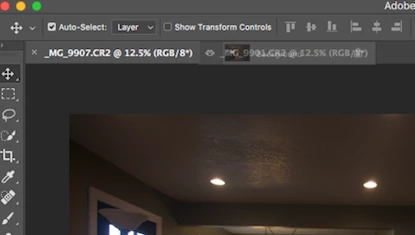 I know this this easiest thing in the world. I can't figure out for the life of me why I can't do this. I have multiple Images up in tabs. I want to bring each tabbed image to my first one to start stacking them in layers. I've tried grabbing Image 2 to place on image 1 by dragging images 2 background layer to image 1s tab. Its won't drop into it. I've pulled image 2s off the tab into a separate window over image 1 and held Shift and dragged over image 1 one and still doesn't add it to a layer. What amdoing wrong here? Thank you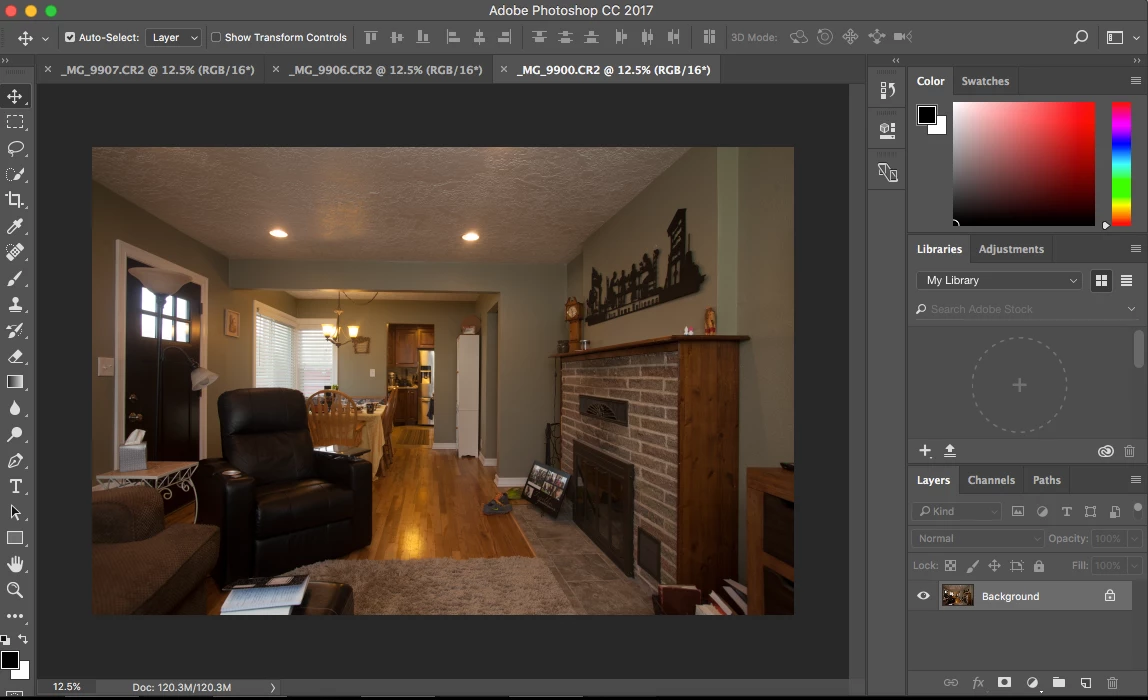
 AdChoices