
Participant
June 14, 2023
Answered

Multiple images in one layer

  • June 14, 2023
  • 2 replies
  • 306 views

Hello all,


I am very new to Photoshop, but i have a project and have no idea what i am doing...


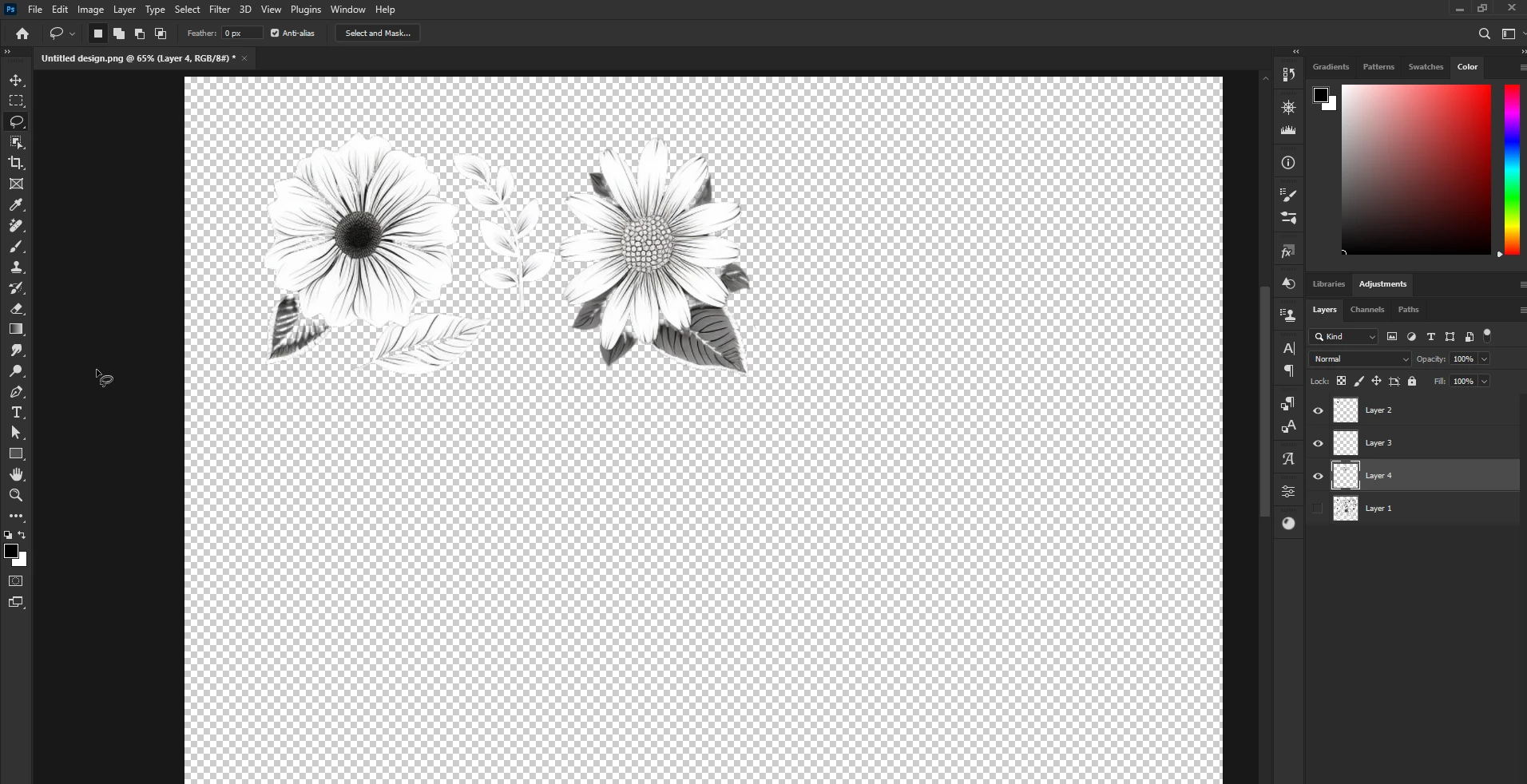
I have a 1 Layer image that has multiple images on flowers and i want to seperate them to there own layers but i don't know how and i have tried looking on Youtube and Google search but can't find anything, so i have found myself here...


Please Help!! Thank you 🐵
This topic has been closed for replies.
Correct answer Ged_Traynor

@Loopylo you could use the Lasso Tool to select one flower at a time and hit CMD + J to copy it to it's own layer, rinse and repeat for each individual flower, remember to select the layer with all the flowers before you make each selection

2 replies

LoopyloAuthor
Participant
June 21, 2023

Thank you @Ged_Traynor i have given it a try... I not brilliant at it but i will keep practicing.  🐵

Ged_Traynor
Community Expert
Ged_TraynorCommunity ExpertCorrect answer
Community Expert
June 14, 2023

@Loopylo you could use the Lasso Tool to select one flower at a time and hit CMD + J to copy it to it's own layer, rinse and repeat for each individual flower, remember to select the layer with all the flowers before you make each selection