Answered
My CMYK channels are showing in black and white
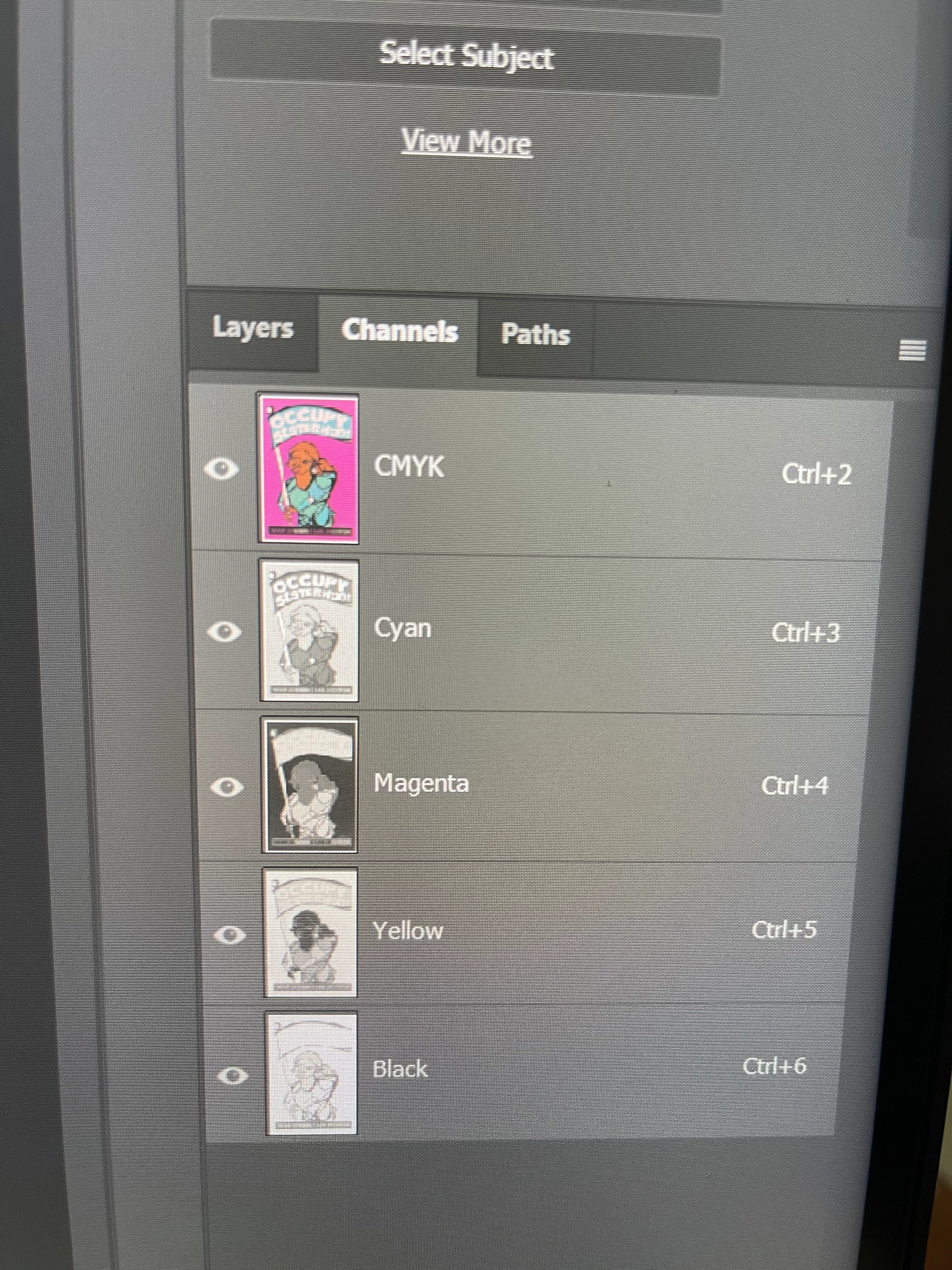 It's like this now but I want it to look like this one at the bottom. Which settings should i touch?
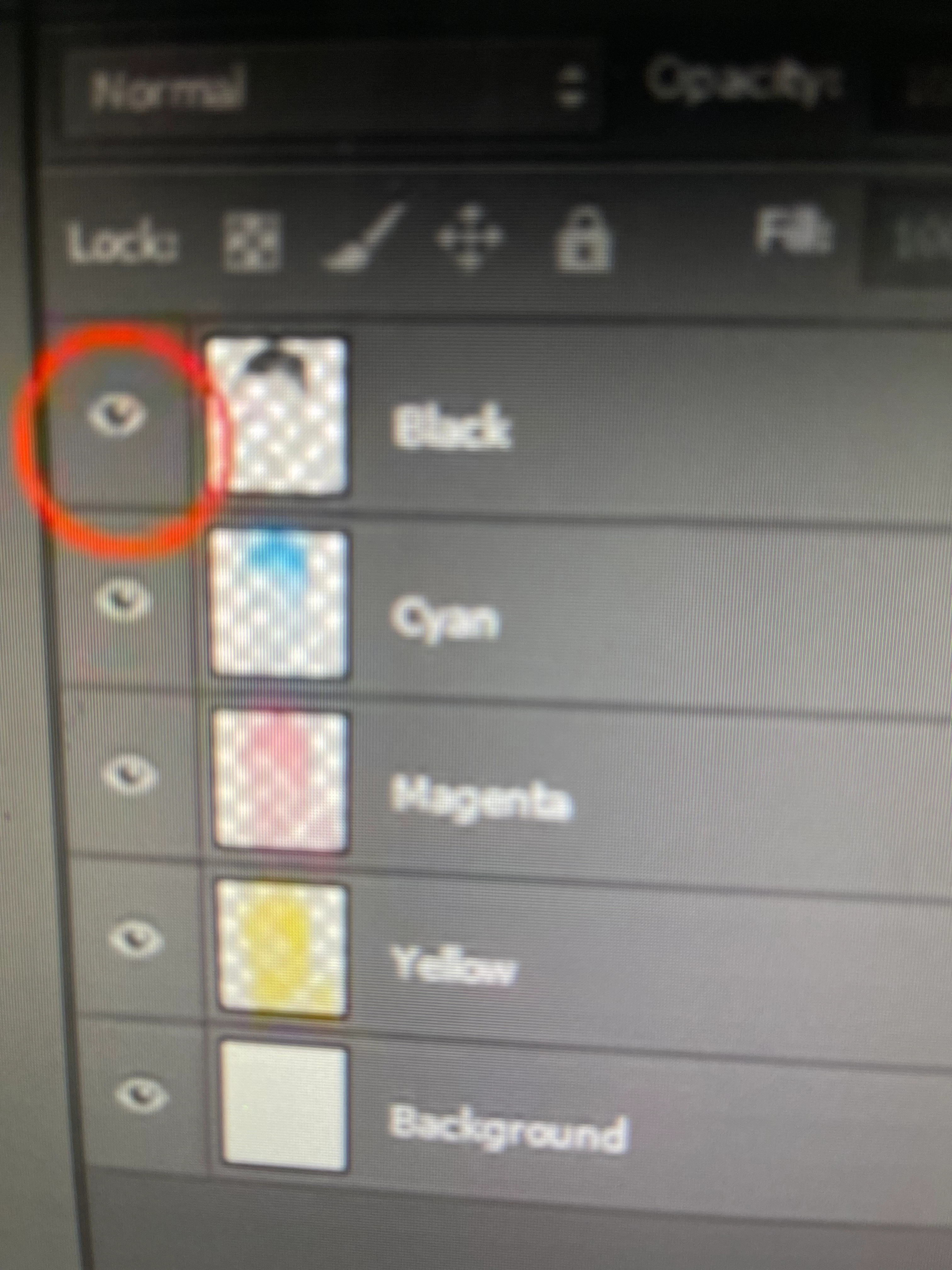

It's like this now but I want it to look like this one at the bottom. Which settings should i touch?
In your preferences under Interface, there is a check box at the bottom under Options: Show Channels in Color
Already have an account? Login
Enter your E-mail address. We'll send you an e-mail with instructions to reset your password.
 AdChoices