Participant
March 1, 2020
Question

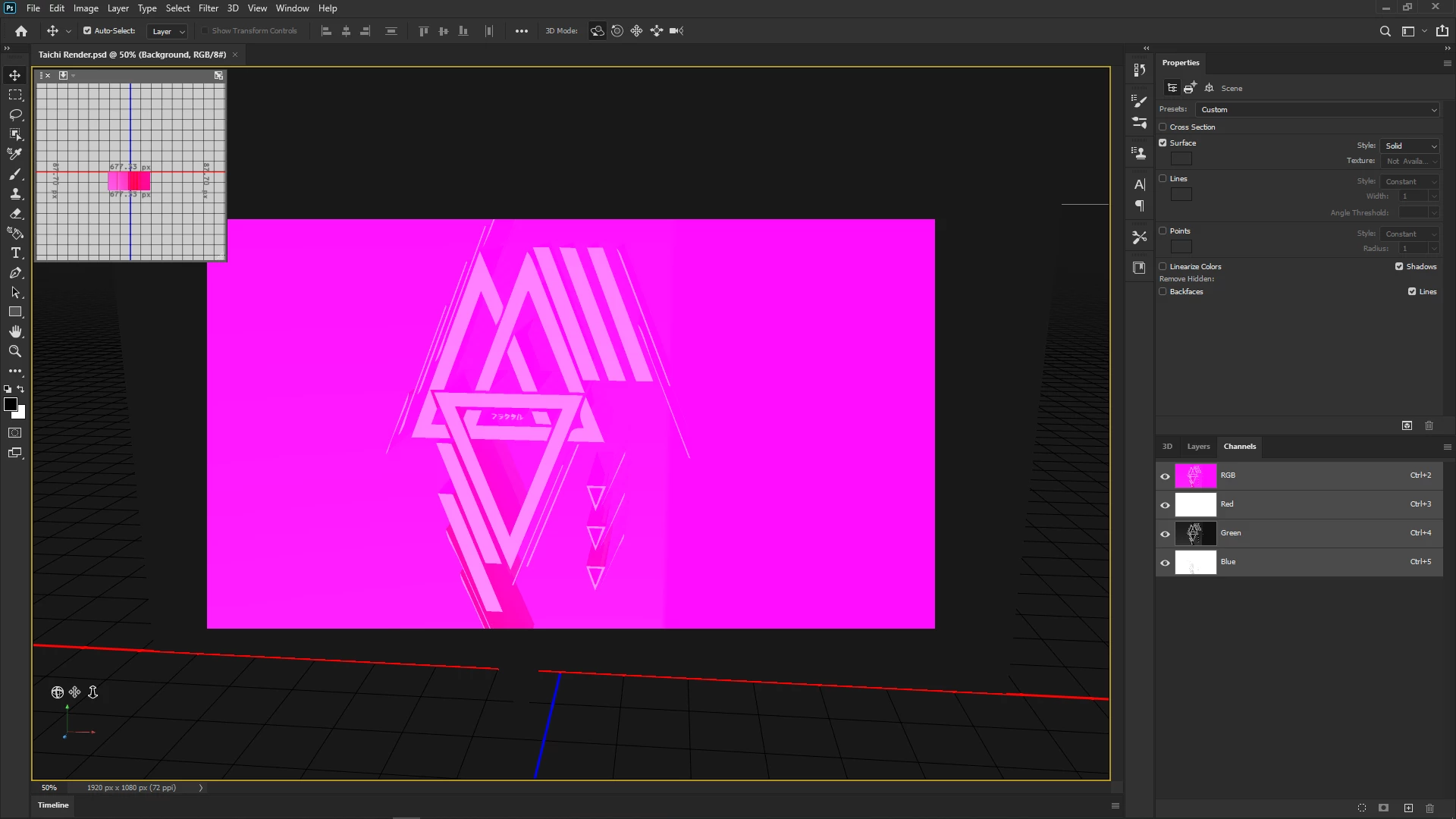
My Color channels seem to have messed up

  • March 1, 2020
  • 1 reply
  • 303 views

Hello yall, I was planning on rendering earlier today when I encountered that i had a pink layer covering everything. I don't exactly know whats causing it, but I suspect its the channels and it only happens when i merge my postcard and 3D extrusion layer. If anyone knows what is happening please assist, I've never messed with my colors, i even reset photoshop to see if it would fix it and it did not.
This topic has been closed for replies.

1 reply

Mylenium
Legend
March 1, 2020

Long and short: That's a typical sign of inadequate hardware acceleration, so check the relevant settings and update your graphics driver.


Mylenium

Fractal4kAuthor
Participant
March 1, 2020

I upgraded my graphics driver to latest version, 
Im on Radeon Software 20.2.2 , released 2/26/2020.

And these are my performance settings, ive never had this issue happen until yesterday. Photoshop is also updated aswell to latest version.