Participant
June 13, 2020
Question

My colours look darker than normal in Photoshop

  • June 13, 2020
  • 1 reply
  • 339 views

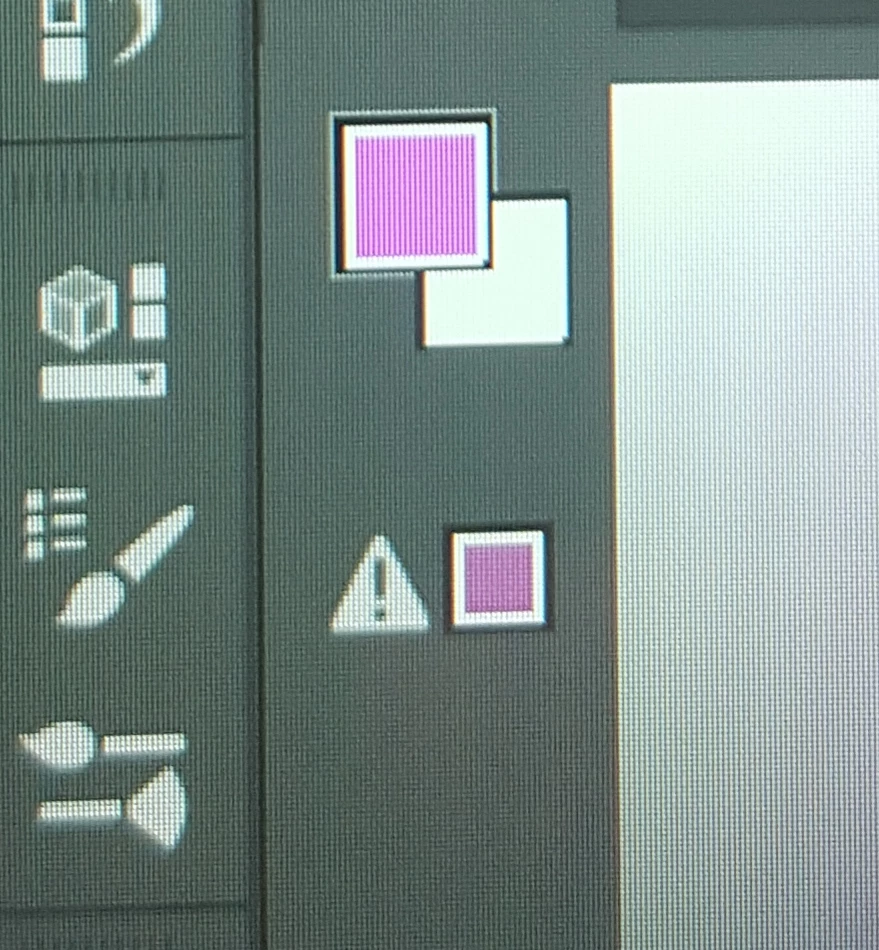
When I use a colour (other than black or white, which are fine) it appears darker than the one I choose and this little warning appears below it. When I click on the warning, it brings me to a darker colour. 
 

This topic has been closed for replies.

1 reply

D Fosse
Community Expert
Community Expert
June 13, 2020

That just means the color is out of gamut in your working CMYK. Unless you're actually working in CMYK, for printing on an offset press, disregard it.