Answered

This topic has been closed for replies.
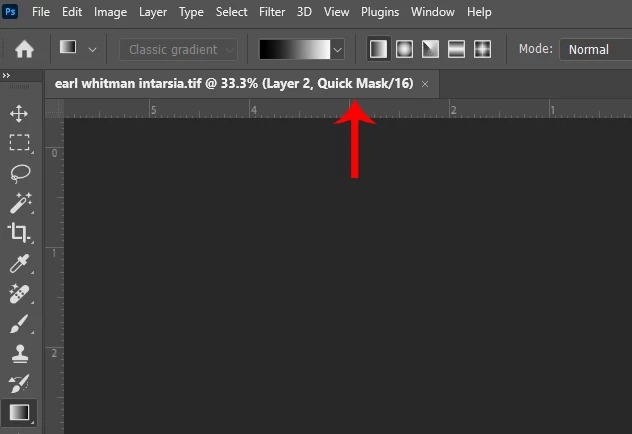
You appear to be in Quick Mask Mode so the Gradient Tool auto switches to Classic gradient.
To Exit Quick Mask Mode press Q on your keyboard, click on the Quick Mask Mode icon in the Tools Panel or
go to Select and uncheck Edit in Quick Mask Mode.
Sign up
Already have an account? Login
To post, reply, or follow discussions, please sign in with your Adobe ID.
Sign inSign in to Adobe Community
To post, reply, or follow discussions, please sign in with your Adobe ID.
Sign inEnter your E-mail address. We'll send you an e-mail with instructions to reset your password.
 AdChoices