
Question
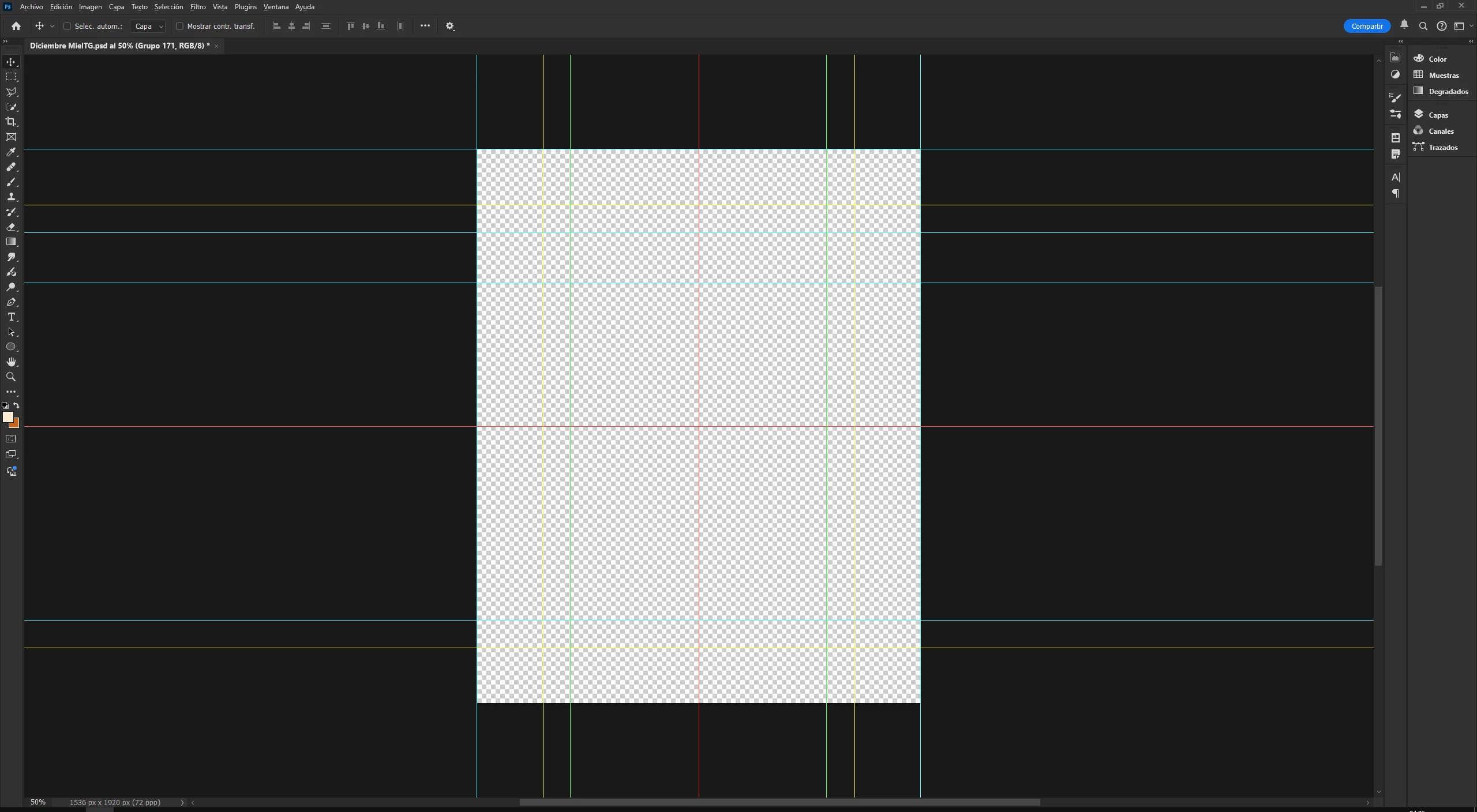
My panels are hidden instead of being open as they were before.
Every time I open Photoshop, my panels are hidden instead of being open as they were before. How can I make Photoshop remember my panel layout and keep them open when I restart the program?
The panels used to open automatically in the exact layout I had set up every time I started Photoshop.
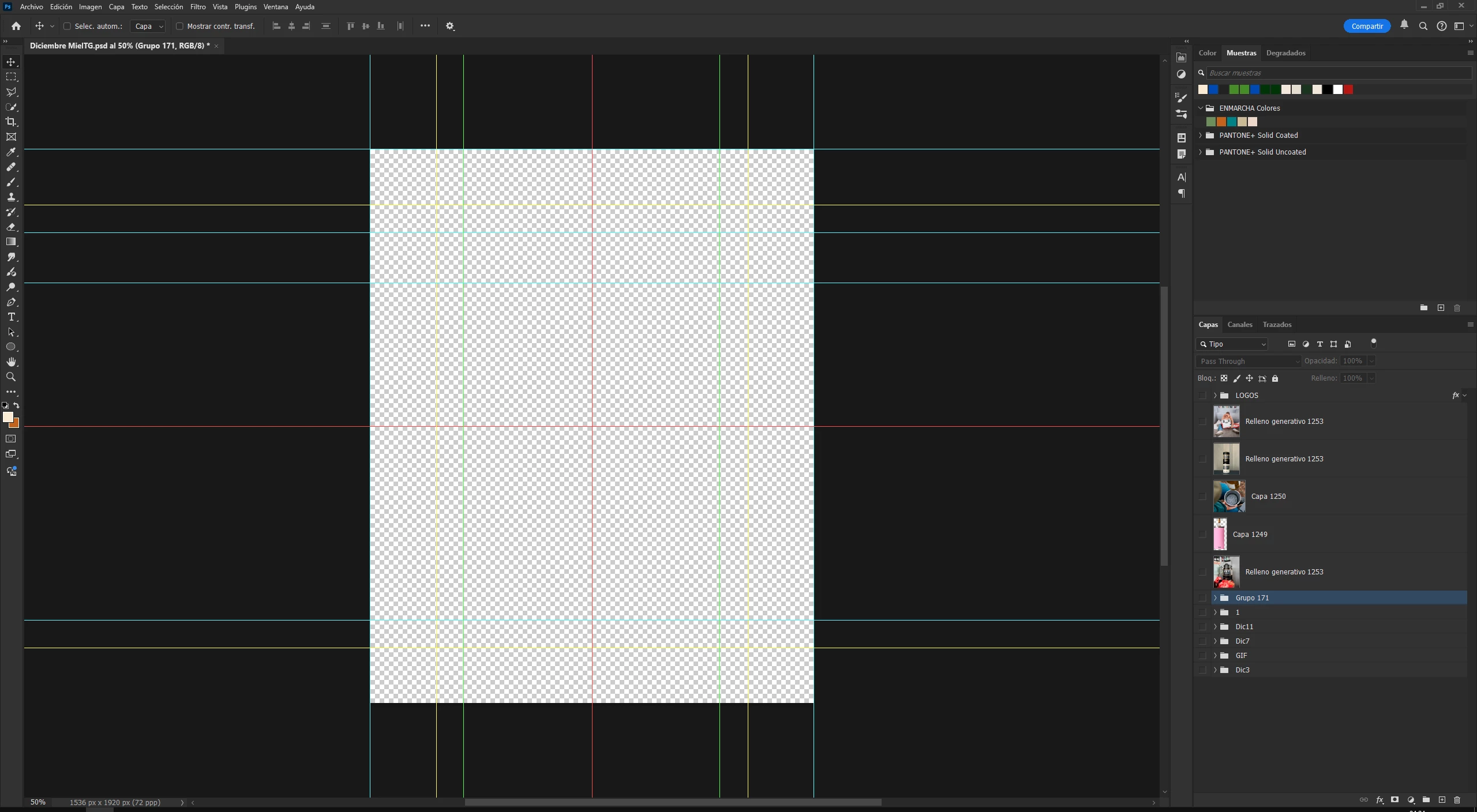
Now, every time I open Photoshop, the panels are hidden, and I have to reopen or rearrange them manually.
 AdChoices